ECC800 Data Center Controller
User Manual (for ECC800-Pro)
Copyright © Huawei Technologies Co., Ltd.
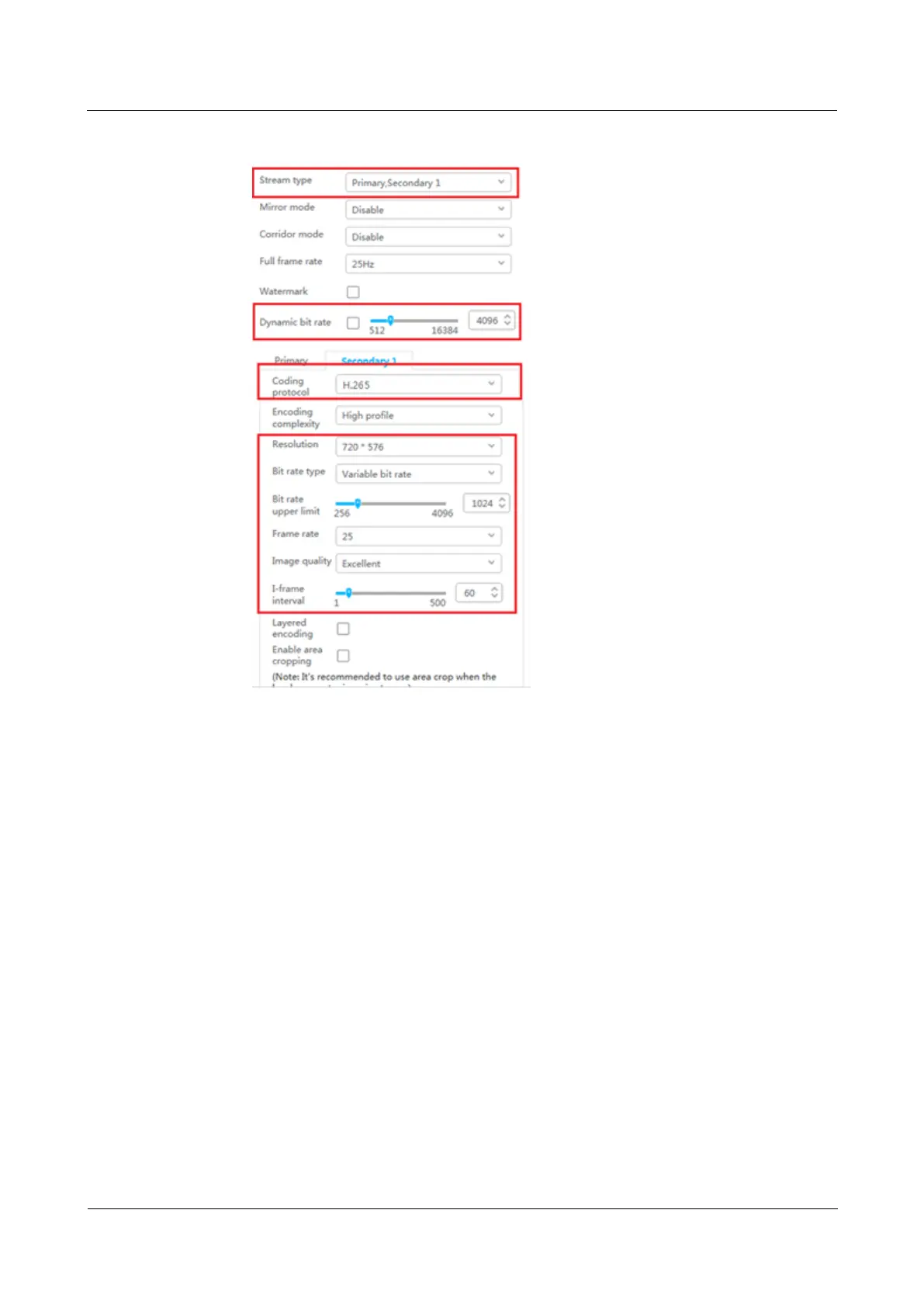
Figure 6-23 Setting secondary stream 1 parameters
----End
Follow-up Procedure
Commission the other cameras by referring to this section.
6.5.4.2 Commissioning IPC6325 Camera (SD Card Configured)
Context
If the VCN is not configured and an SD card is chosen, perform the following procedure.
Procedure
Step 1 Log in to the Huawei IPC WebUI.
1. Configure the PC IP address and the camera IP address in the same network segment.
Enter the camera IP address (192.168.0.120 by default) in the address bar of the Internet
Explorer and press Enter.
2. Enter the preset user name admin and the preset password HuaWei123, and click Log
In.



 To Next Page