ECC800 Data Center Controller
User Manual (for ECC800-Pro)
Copyright © Huawei Technologies Co., Ltd.
Step 2 For details about how to commission cameras and set parameters for them, see the
documentation delivered with the equipment or obtain the documentation by referring to the
"Preparing Documentation" section.
1. Preview the site situation in real time and check the camera coverage through videos.
Adjust the lens if necessary.
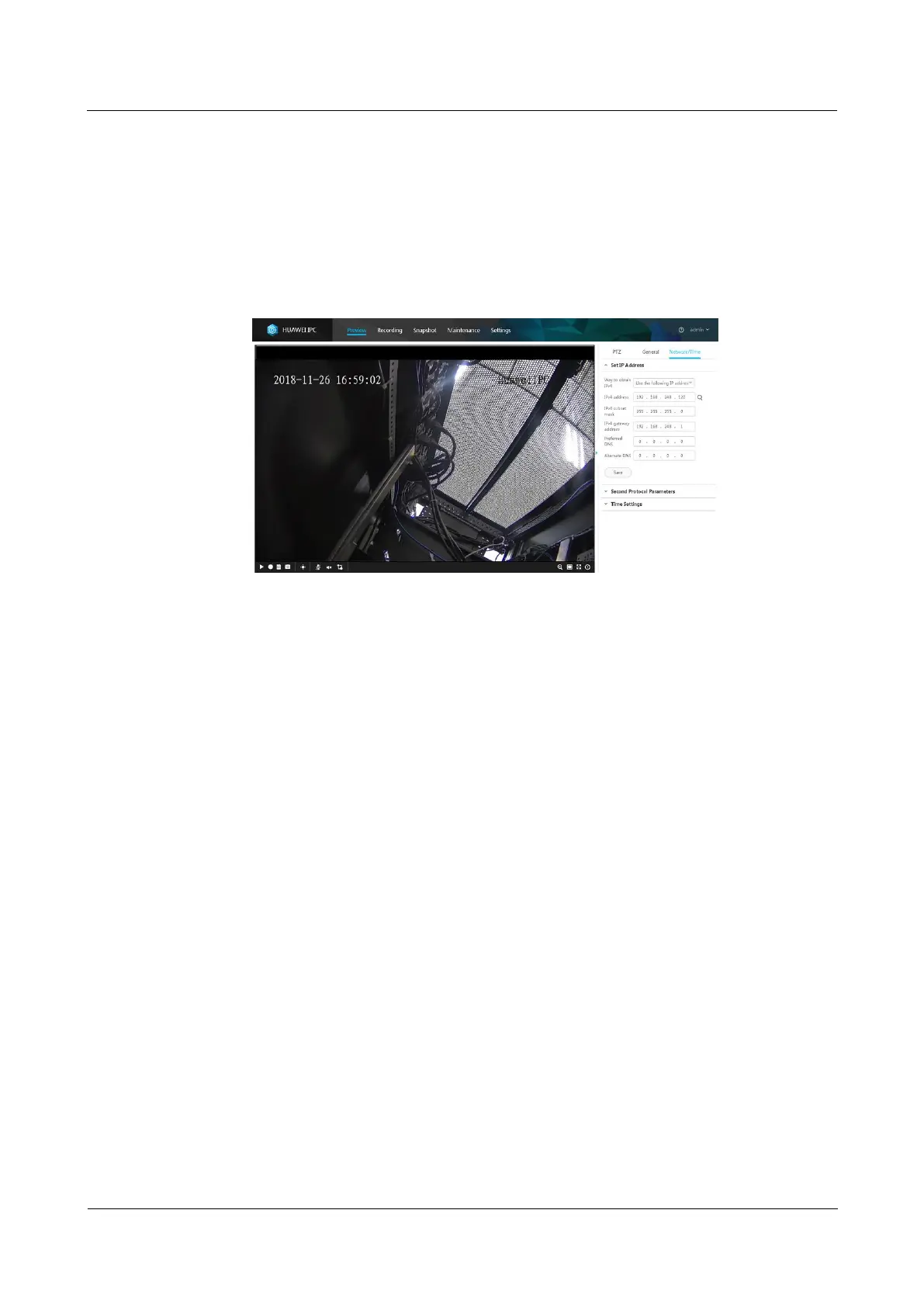
2. Set IPv4 address, IPv4 subnet mask, and IPv4 gateway address to the planned values.
Figure 6-24 Basic camera configuration
3. Format the SD card.
a. Choose Settings > System Configuration > Storage Management.
b. The Storage Management page is displayed. Format the SD card.
4. Set the camera stream type and primary stream parameters. Path: Settings >
Video/Audio/Image > Video Settings.



 To Next Page