ECC800 Data Center Controller
User Manual (for ECC800-Pro)
Copyright © Huawei Technologies Co., Ltd.
8.1.4 How to Manage WebUI Users?
Context
WebUI users are classified as Administrator and Operator. They have different operation
rights.
Administrator: The user name is admin and password is Changeme by default. The
administrator has all rights, including the rights for user management, browsing and
modifying all parameters in the system, software upgrade, and data import and export.
Operator: The user name is operator and password is Changeme by default. Operator
has no rights for user management, system setting, version upgrade, running parameters,
smart module plan view editing, and internal fault information exporting.
Procedure
Step 1 Change the login password.
1. Log in to the ECC800-Pro WebUI as an administrator.
2. Choose Maintenance > User Management. The user management page is displayed.
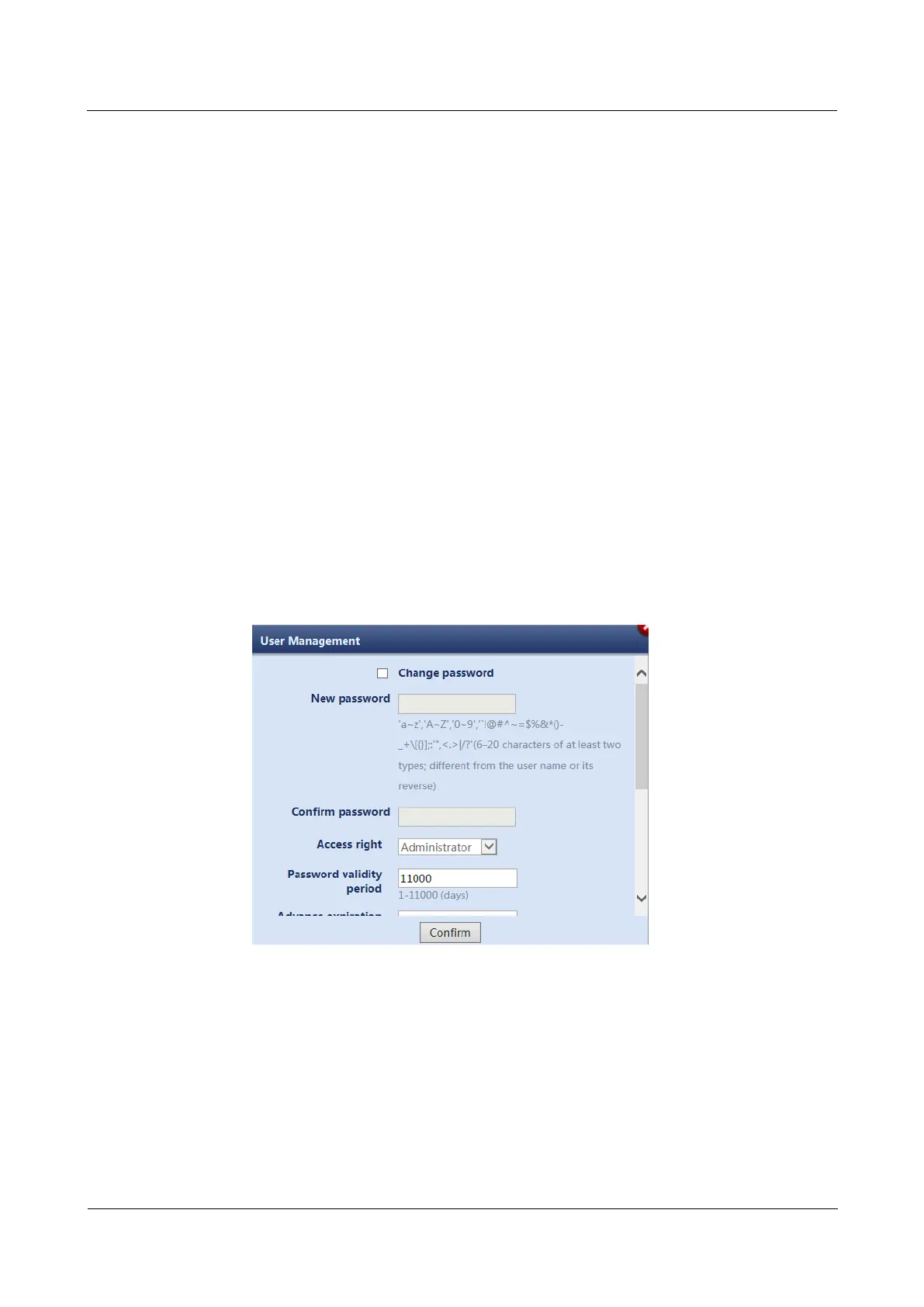
3. Choose the user to be modified and click Modify. Reset the login password on the
displayed page.
Figure 8-2 Changing the login password
4. Modify Advance expiration notification (days) and Timeout Interval for the
password.
5. Select password retrieval modes.



 To Next Page