ECC800 Data Center Controller
User Manual (for ECC800-Pro)
Copyright © Huawei Technologies Co., Ltd.
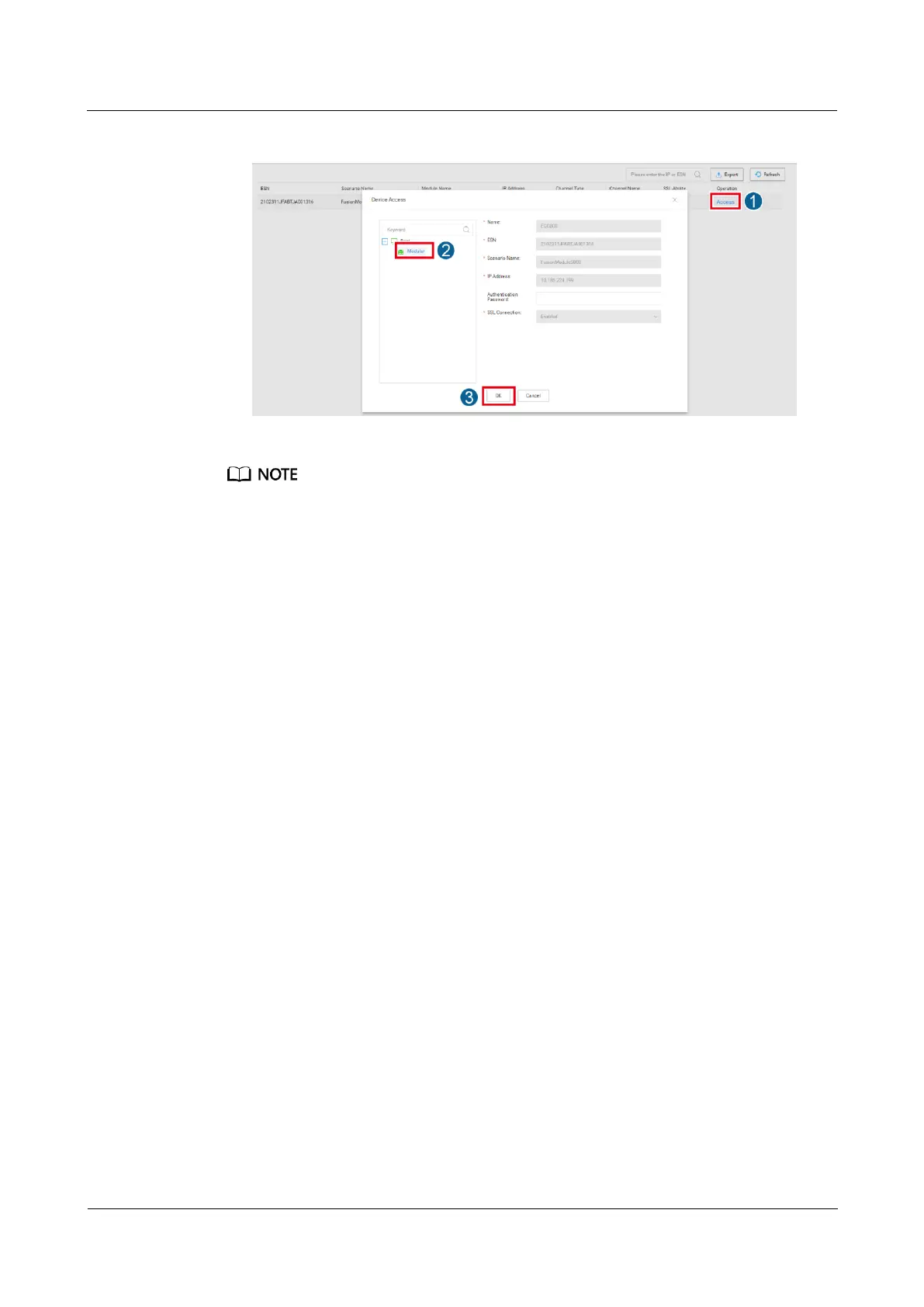
Figure 6-62 Adding an ECC800-Pro device to the modular
Click OK, and you can view the task information, including Type, Device Name, Region, Progress,
Status, Start Time, End Time, and Information in the displayed Progress window.
6.14.1.4 Creating an ECC800-Pro on the CloudOpera NetEco
If the FusionModule800 smart module can be connected to the CloudOpera NetEco
management system, perform the following steps to set parameters.
Procedure
Step 1 Connect the ECC800-Pro to the CloudOpera NetEco by referring to the section "Accessing a
Site" in the CloudOpera NetEco Online Help.
----End
Follow-up Procedure
On the CloudOpera NetEco management system page, click Site Management to view the
outlet access status.
6.14.1.5 Setting the Transparent Transmission Function
Context
Using the transparent transmission function, the NMS can directly manage southbound
components that are not monitored by the ECC800-Pro.
In this example, the COM2 port of the ECC800-Pro is used for transparent transmission.
Procedure
Step 1 Log in to the ECC800-Pro WebUI as an administrator.
Step 2 Choose System Settings > NMS Application > Transparent Transmission Channel.
Step 3 Set COM2(Port:3212) to Enable and click Submit.



 To Next Page