ECC800 Data Center Controller
User Manual (for ECC800-Pro)
Copyright © Huawei Technologies Co., Ltd.
the PMAC615 and ECC800-Pro are running properly, and whether the input
parameters are consistent with the PMAC615 parameters.
----End
8.1.6.11 How to Set and Add a PMAC625 AC Meter?
Prerequisites
One end of the straight-through cable has been connected to the RS485 port on the PMAC625
AC meter, and the other end has been connected to the COM port on the ECC800-Pro.
Context
The model of the three-phase AC power meter for the PDC is PMAC625.
When connecting devices, you are advised to add devices one by one. If all devices have
been added and powered on, only the BLINK function of the ETH converter can be used
to identify the mapping between the PMAC625 and ETH converter.
Procedure
Step 1 Set the PMAC625 communications address.
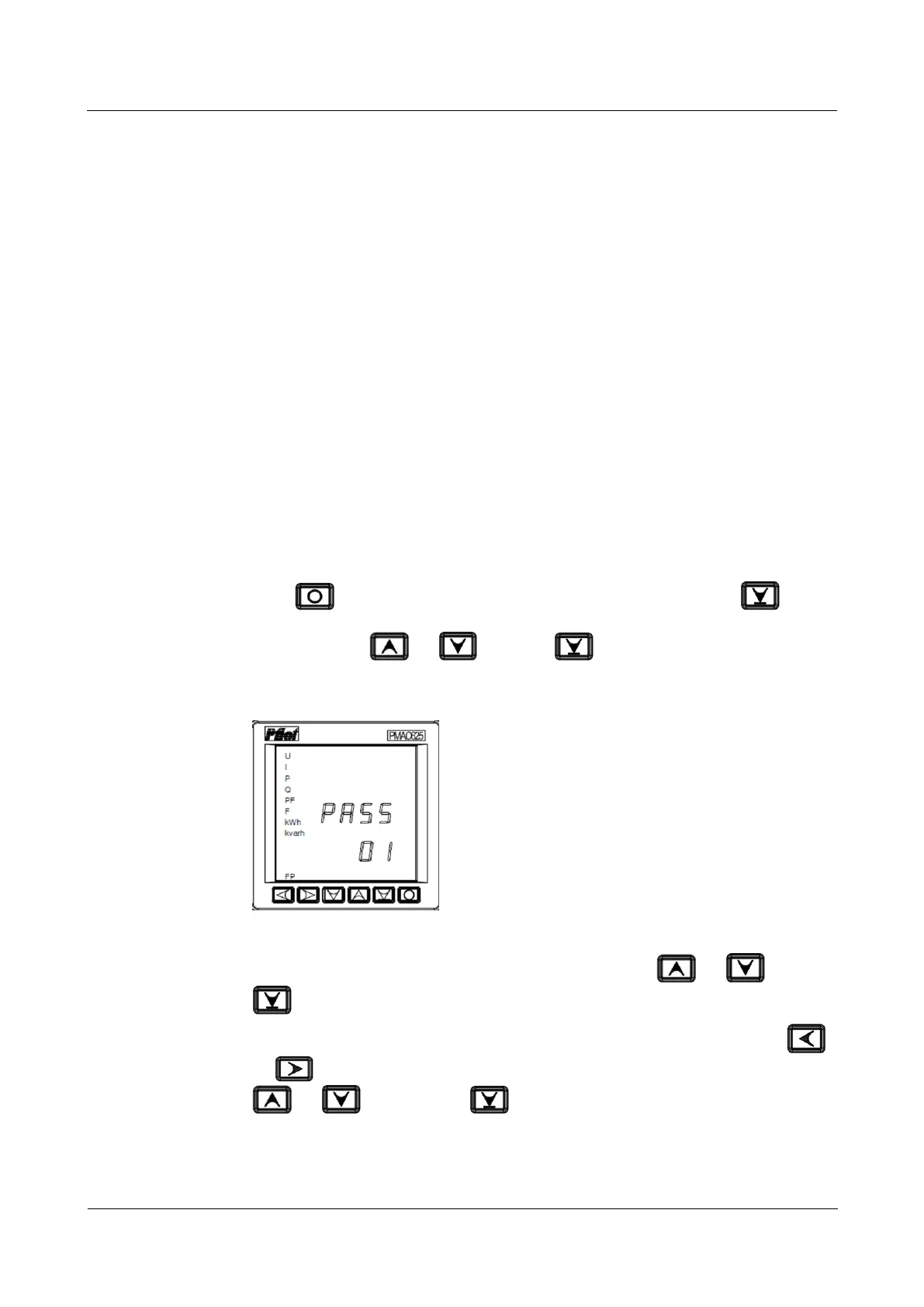
1. Press on the displayed screen after the PMAC625 is started. Press after
entering the programming mode. Modify the password (1 by default) in blinking ones
digit by pressing or , and press to confirm the setting.
Figure 8-17 Programming screen of the PMAC625
2. Enter the communications address setting screen by pressing or , and press
to confirm the setting.
3. Select the place of the communications address value to be modified by pressing
or , modify the communications address value (ranging from 1 to 247) by pressing
or , and then press to save the setting.



 To Next Page