ECC800 Data Center Controller
User Manual (for ECC800-Pro)
Copyright © Huawei Technologies Co., Ltd.
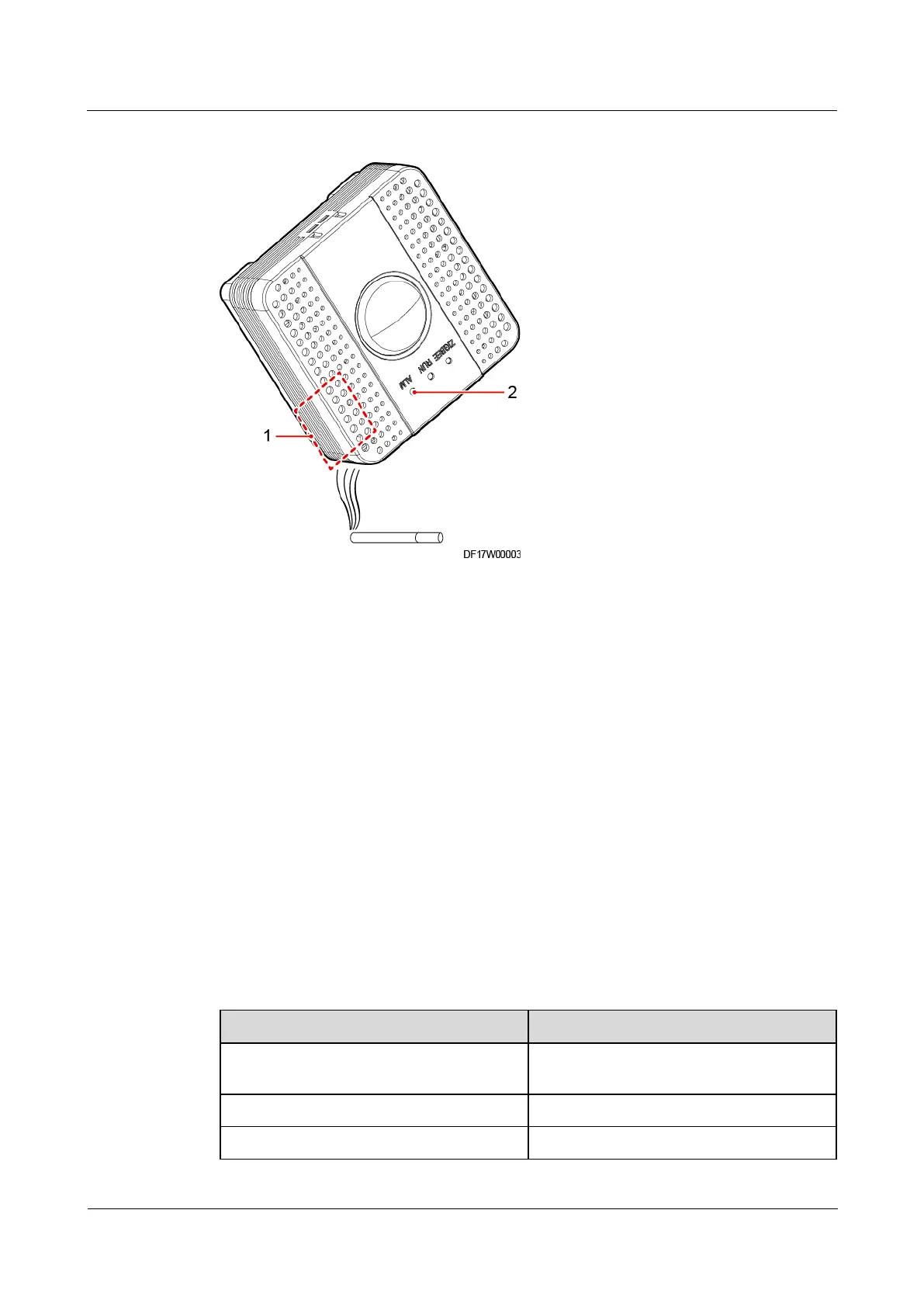
Figure 8-19 Detecting smoke
----End
8.1.6.21 How to Set and Add the Smoke Sensor (Connected to the AI/DI
Port on the ECC800-Pro)?
If a smoke sensor is installed, perform the following steps to configure it.
Prerequisites
Connecting Cables to the Smoke Sensor (NC):
The smoke sensor has been connected to the AI/DI port on the ECC800-Pro collector
using a network cable.
Short-circuit core wires 1 and 8 on the other end of the network cable, and connect the
network cable to the cable delivered with the smoke sensor. The following table
describes the cable connection.
Table 8-18 Smoke sensor cable connection
Wire of the Network Cable
Core wire 1 (orange-white), core wire 8
(brown)
Core wire 3 (green-white)
Normally closed end (yellow)



 To Next Page