ECC800 Data Center Controller
User Manual (for ECC800-Pro)
Copyright © Huawei Technologies Co., Ltd.
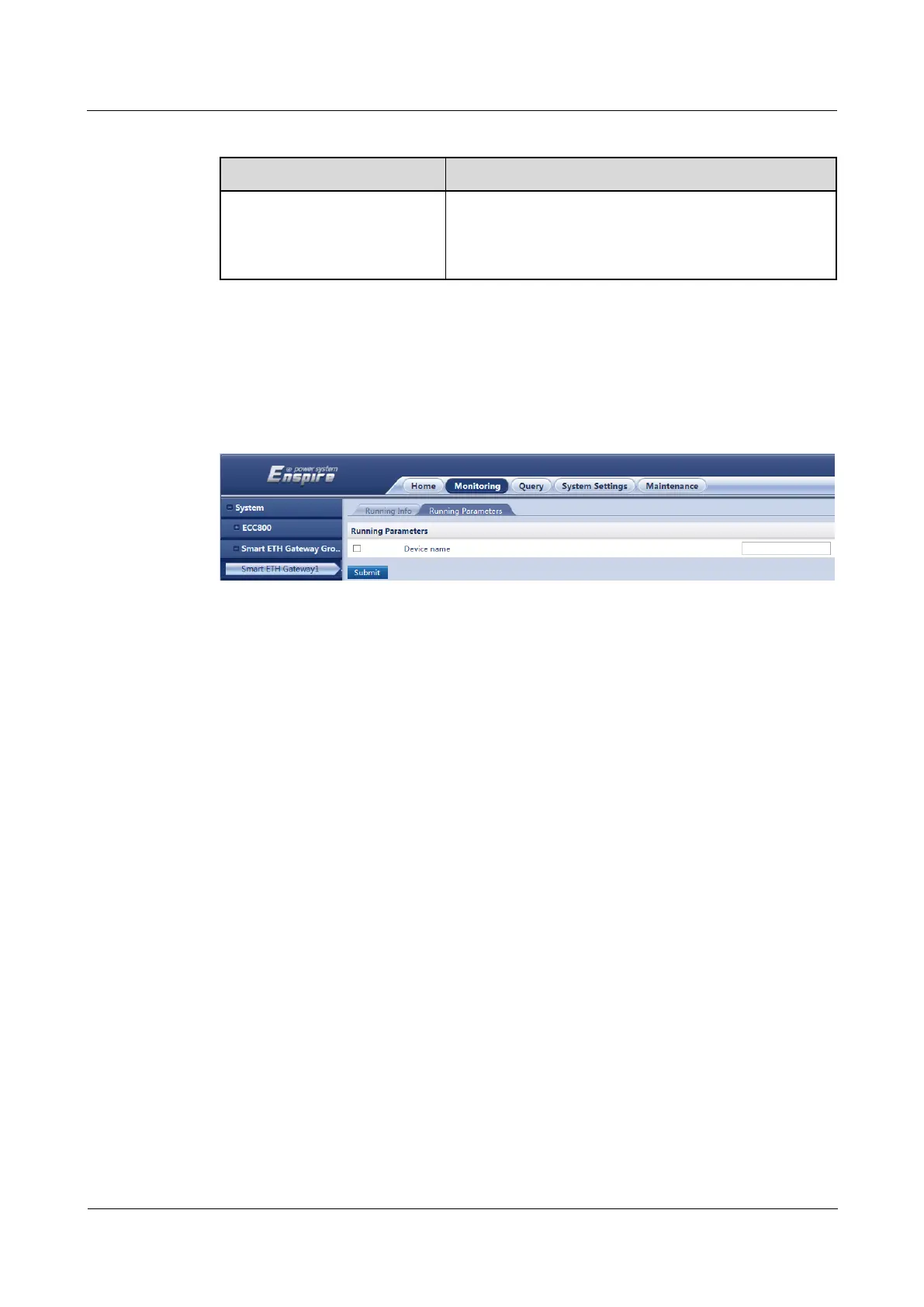
Table 8-51 Modifying a device name
Monitoring > System > Smart
ETH Gateway Group >
Smart ETH Gateway 1 >
Running Parameters
Select Device name, enter the new name in the text box
as planned, and click Submit.
----End
Example
Figure 8-41 Modifying a device name
8.2 APP Operations
8.2.1 How to Connect to a WiFi Network
Procedure
Step 1 Connecting to a WiFi network.
Insert a WiFi module into the USB port on the ECC800-Pro.



 To Next Page