ECC800 Data Center Controller
User Manual (for ECC800-Pro)
Copyright © Huawei Technologies Co., Ltd.
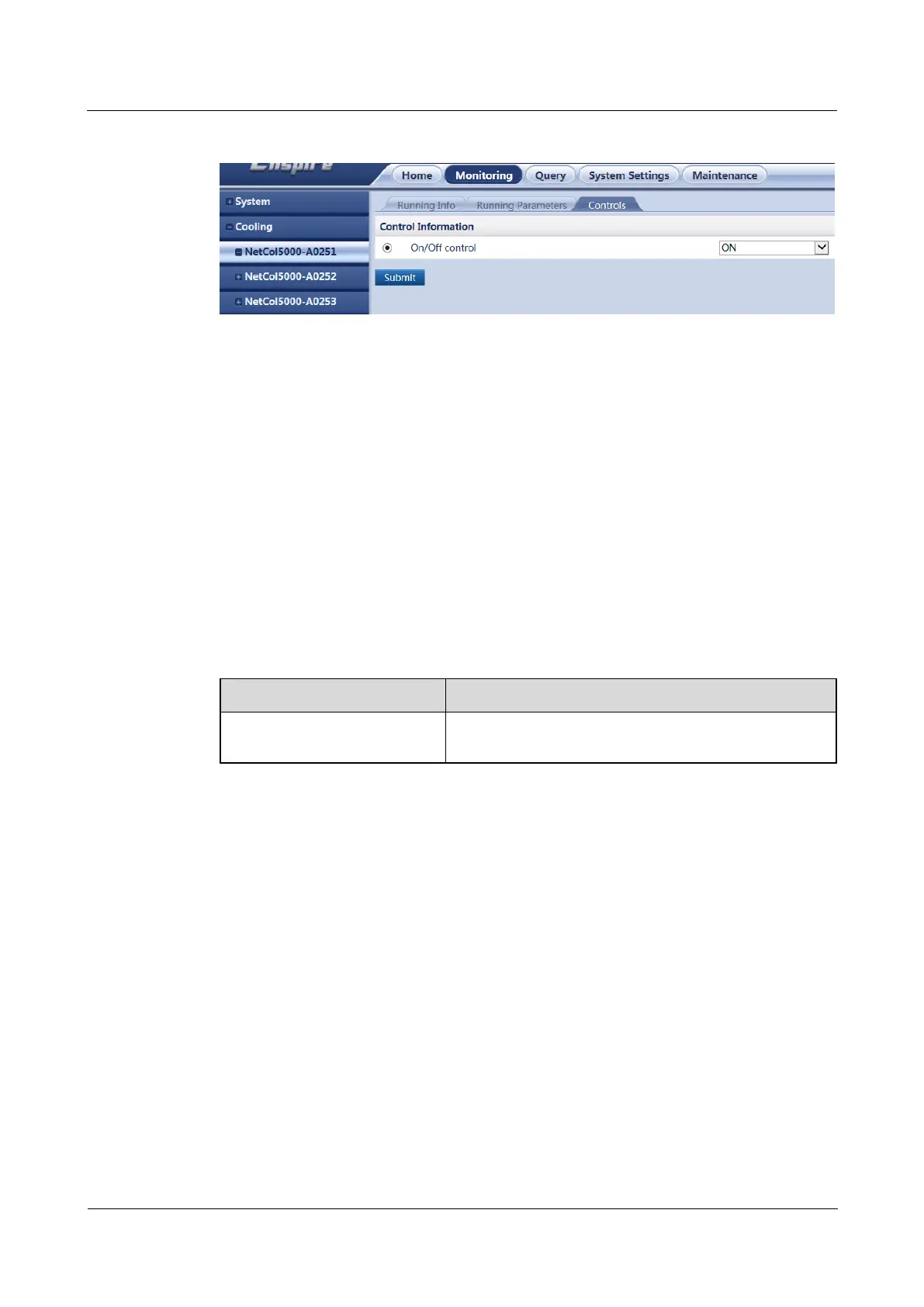
Figure 8-39 Turning on or off smart cooling products
8.1.36 How Should I Open the Cabinet Electronic Lock over the
ECC800-Pro WebUI?
Context
When O&M personnel need to open a cabinet for maintenance, you can open the cabinet
electronic lock over the ECC800-Pro WebUI.
Procedure
Step 1 Log in to the ECC800-Pro WebUI as an administrator.
Step 2 Open the cabinet electronic lock.
Table 8-50 Opening a cabinet electronic lock
Monitoring > Cabinet > IT
Cabinet n > E-LOCK n
Select Remote and click Submit.
----End
Example
The following figure shows how to open electronic lock 1 for IT cabinet 1.



 To Next Page