ECC800 Data Center Controller
User Manual (for ECC800-Pro)
Copyright © Huawei Technologies Co., Ltd.
6.5.3 Commissioning a Camera (Smart ETH Gateway Networking
Scenario)
6.5.3.1 Commissioning IPC6325 Cameras
Prerequisites
If multiple cameras are accessed, retain the connection of one camera and disconnect
connections from other cameras. After commissioning the connected camera,
commission other cameras in the same way.
The camera has connected to the smart ETH gateway and the smart ETH gateway
communicates properly with the ECC800-Pro.
The camera software version is later than V500R019C30.
Context
Before commissioning the IPC6325 camera, set the IP address for the IPC6325 camera
based on customer requirements.
Configure the camera/VCN internal IP address and the IP address of the LAN port on the
ECC800-Pro in the same network segment.
Configure the camera/VCN internal IP address and the IP address of the WAN_1 port on
the ECC800-Pro in the same network.
Set the internal and external IP addresses as planned by the customer. The following IP
addresses are just examples.
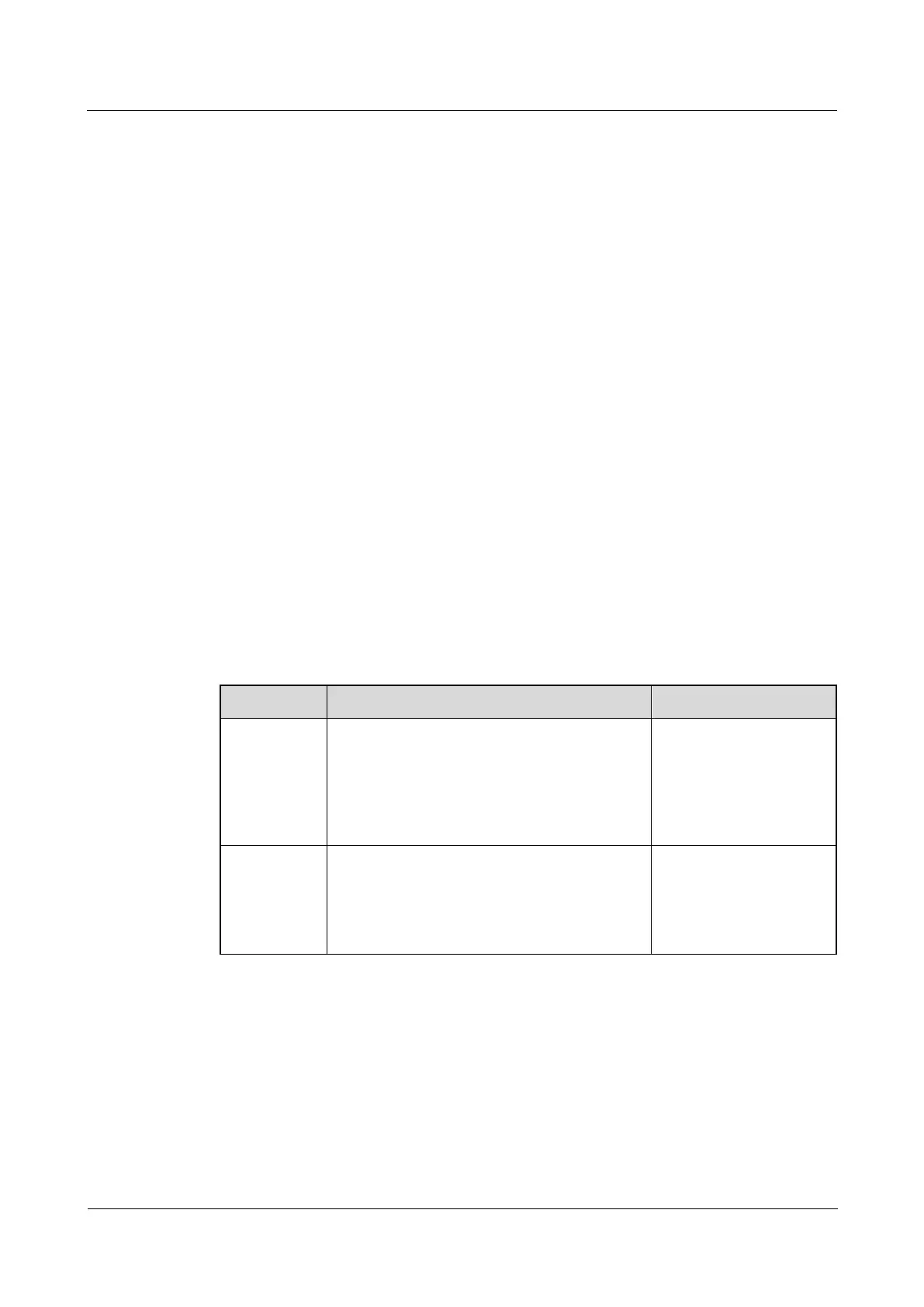
Table 6-22 IP addresses planning
Example: 192.168.248.50; range:
192.168.248.50–192.168.248.199
Camera external IP
address
NOTE
The 192.168.246.X
network segment cannot be
set.
Example: 192.168.248.51; range:
192.168.248.50–192.168.248.199
VCN external IP address
NOTE
The 192.168.246.X
network segment cannot be
set.
Procedure
Step 1 Log in to the camera web page and enable ONVIF.
1. Remove the network cables connecting the smart ETH gateway to the LAN1 and LAN2
ports on the ECC800-Pro.
2. Use a network cable to connect the PC to POE port on the smart ETH gateway. Then, set
the local IP address of the PC to 192.168.0.11.



 To Next Page