ECC800 Data Center Controller
User Manual (for ECC800-Pro)
Copyright © Huawei Technologies Co., Ltd.
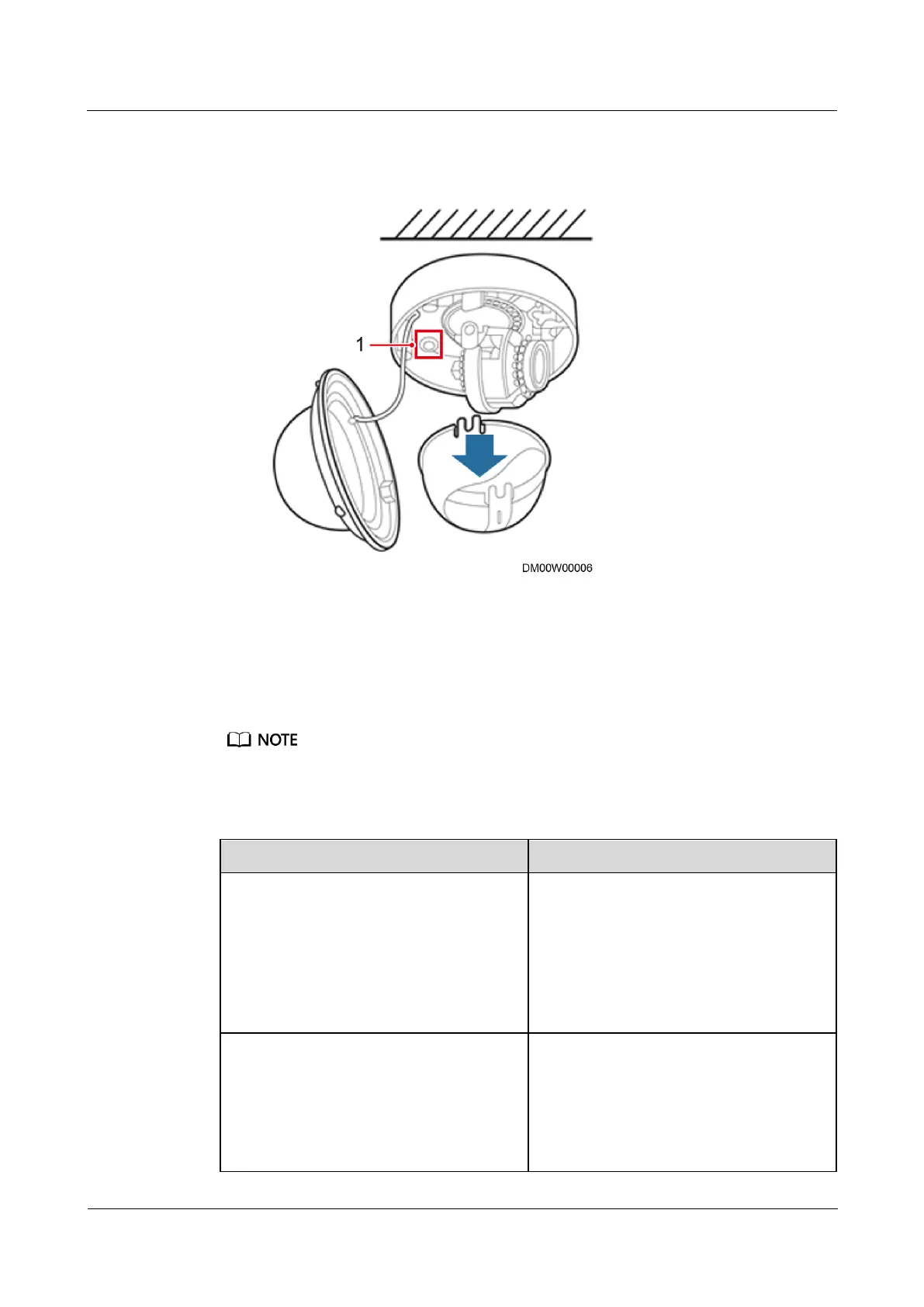
3. Remove the camera cover and press the reset button for 6s to 10s to restart the camera.
Figure 6-10 Reset button
4. Enter https://192.168.0.120 in the address box of a browser, press Enter, enter the
default user name admin and preset password HuaWei123, and click Login. The
camera web page is displayed.
You have set your Internet Explorer browser at your first login. For details about how to set your
Internet Explorer browser, see Table 6-23.
Table 6-23 Web browser settings
1. Choose Tools > Internet Options.
The Internet Options dialog box is
displayed.
2. Click the Connections tab.
3. Click LAN Setting.
4. Deselect Use a proxy for your LAN.
5. Click OK.
Set the ActiveX controls and plug-ins.
1. Choose Tools > Internet Options.
The Internet Options dialog box is
displayed.
2. Click the Security tab.
3. Click Internet.
4. Click Custom level.



 To Next Page