ECC800 Data Center Controller
User Manual (for ECC800-Pro)
Copyright © Huawei Technologies Co., Ltd.
6.13.4 Maintaining the Facial Data
Prerequisites
The facial data has been recorded.
Procedure
Step 1 Use the pad to connect to the WiFi network of the ECC800-Pro in the room.
Step 2 Log in to the FusionModule app on the pad as an administrator.
Step 3 On the app home screen, tap . On the displayed Settings screen, select Face Account
Management.
Table 6-45 Facial recognition management functions
Modify the access actuator associated with
the user.
Step 4 Click OK.
----End
6.14 Remote Management
6.14.1 NetEco Management
6.14.1.1 Connecting a Communications Cable
Procedure
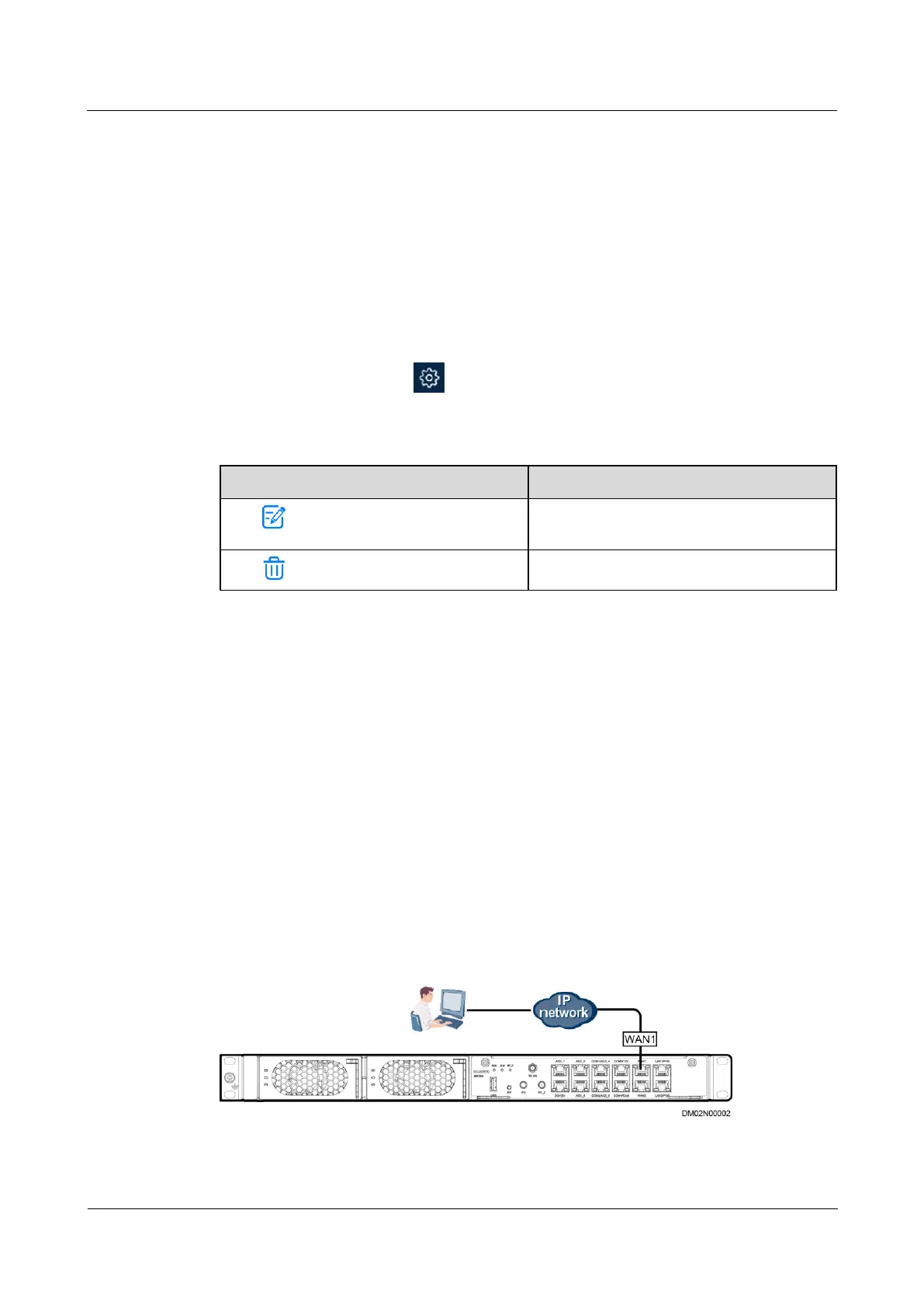
Step 1 Connect a communications cable to the WAN1 port on the ECC800-Pro.
Figure 6-61 Connecting a communications cable



 To Next Page