ECC800 Data Center Controller
User Manual (for ECC800-Pro)
Copyright © Huawei Technologies Co., Ltd.
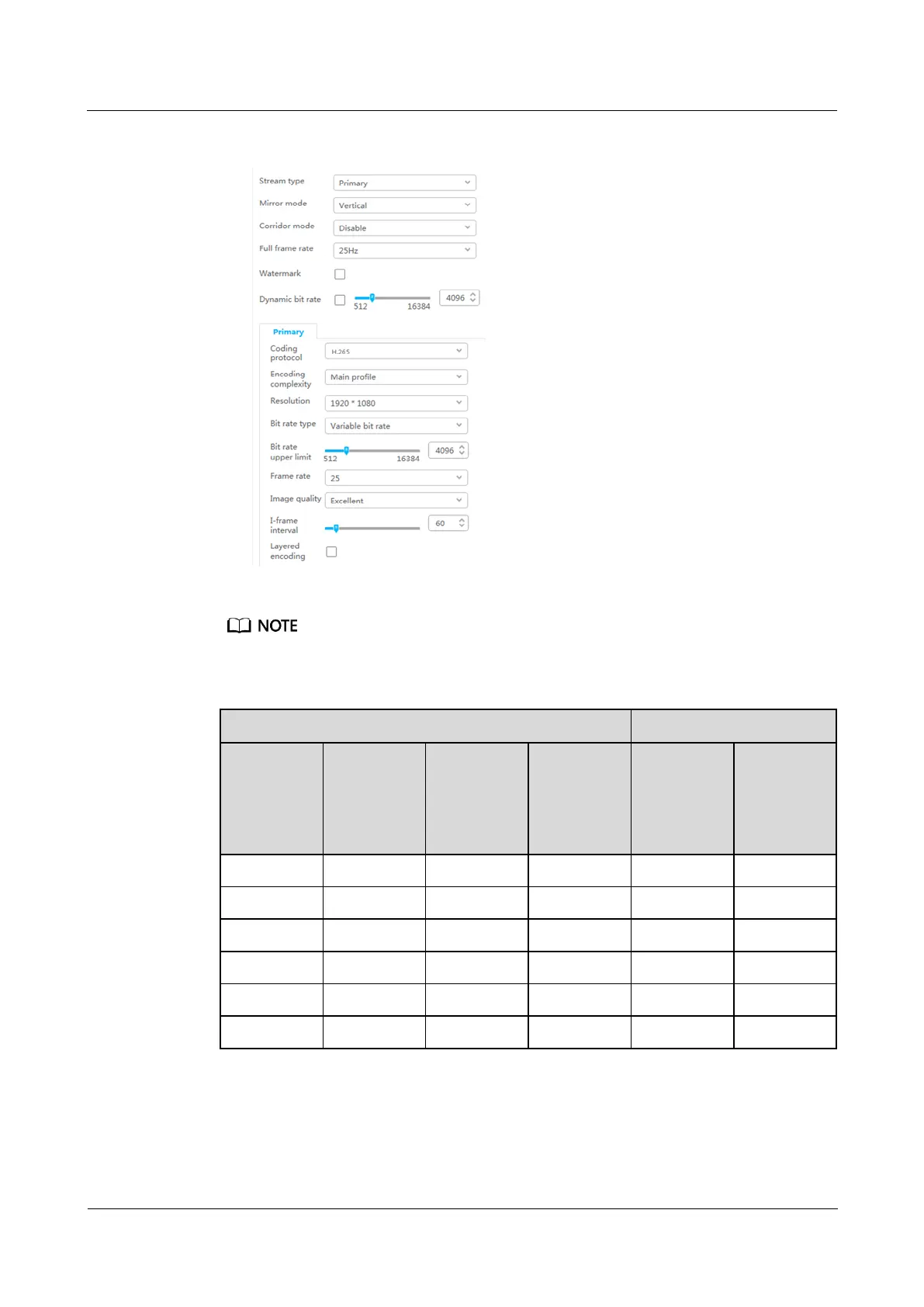
Figure 6-25 Setting audio and video parameters
If longer-time video storage is required, set camera parameters according to the following table.
Table 6-26 Camera configuration parameters
Minimum
required
bit rate
Supported
video
storage
duration
(h)
5. Select Enable, click Add, add motion detection areas, set motion detection parameters,
and click Save.



 To Next Page