ECC800 Data Center Controller
User Manual (for ECC800-Pro)
Copyright © Huawei Technologies Co., Ltd.
Context
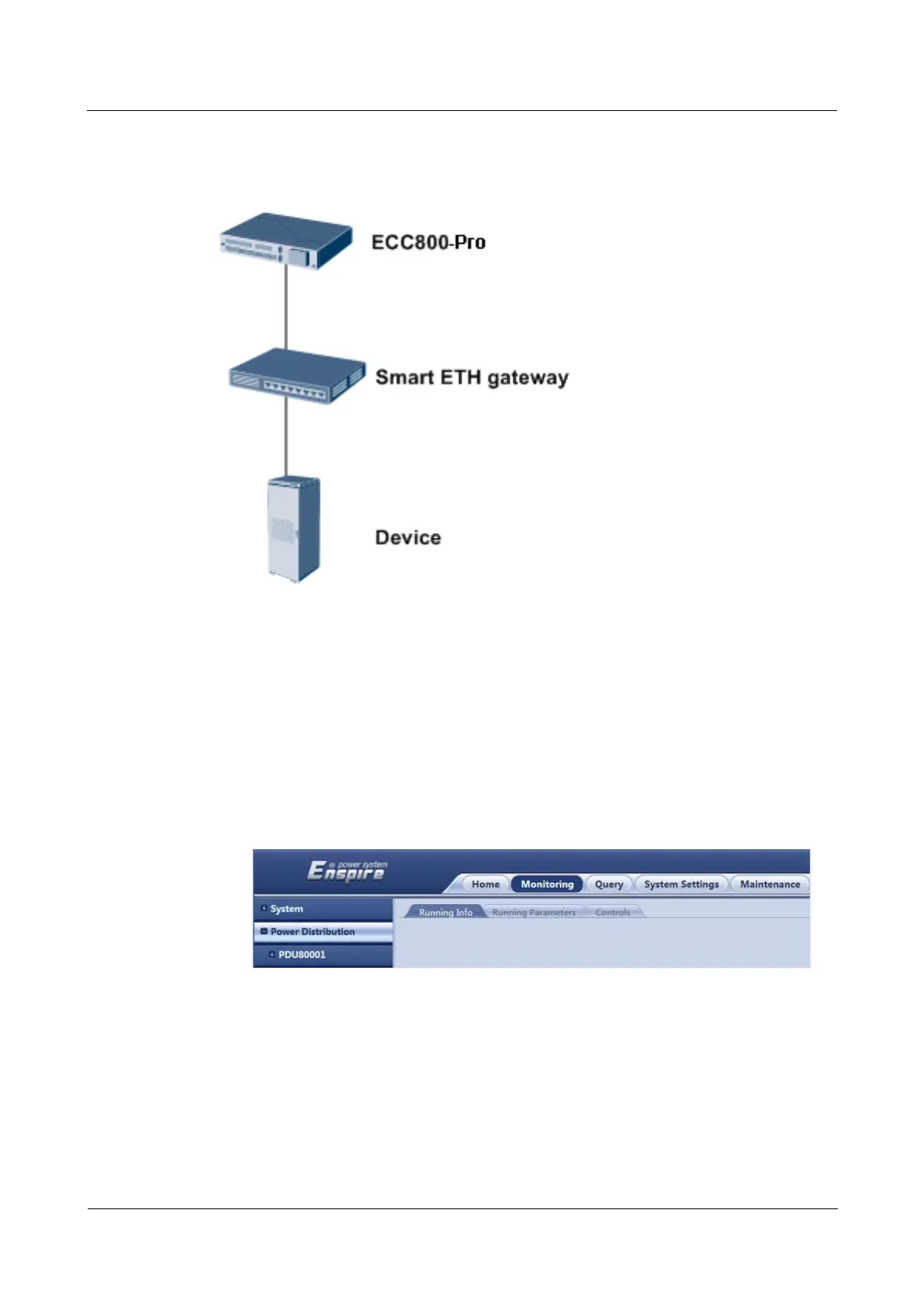
Figure 8-28 Network diagram
Procedure
Step 1 Ensure that the device communication mode has been set to DHCP.
Step 2 Log in to the ECC800-Pro WebUI as an administrator, and check whether the device exists on
the Monitoring page.
If the device exists, and communication status is normal, the device has accessed the
ECC800-Pro successfully.
Figure 8-29 Device accessed the ECC800-Pro
If the device does not exist, check that the cable is properly connected between the
device and the ECC800-Pro, the ECC800-Pro is operating properly, and communications
parameters are set correctly.
----End



 To Next Page