ECC800 Data Center Controller
User Manual (for ECC800-Pro)
Copyright © Huawei Technologies Co., Ltd.
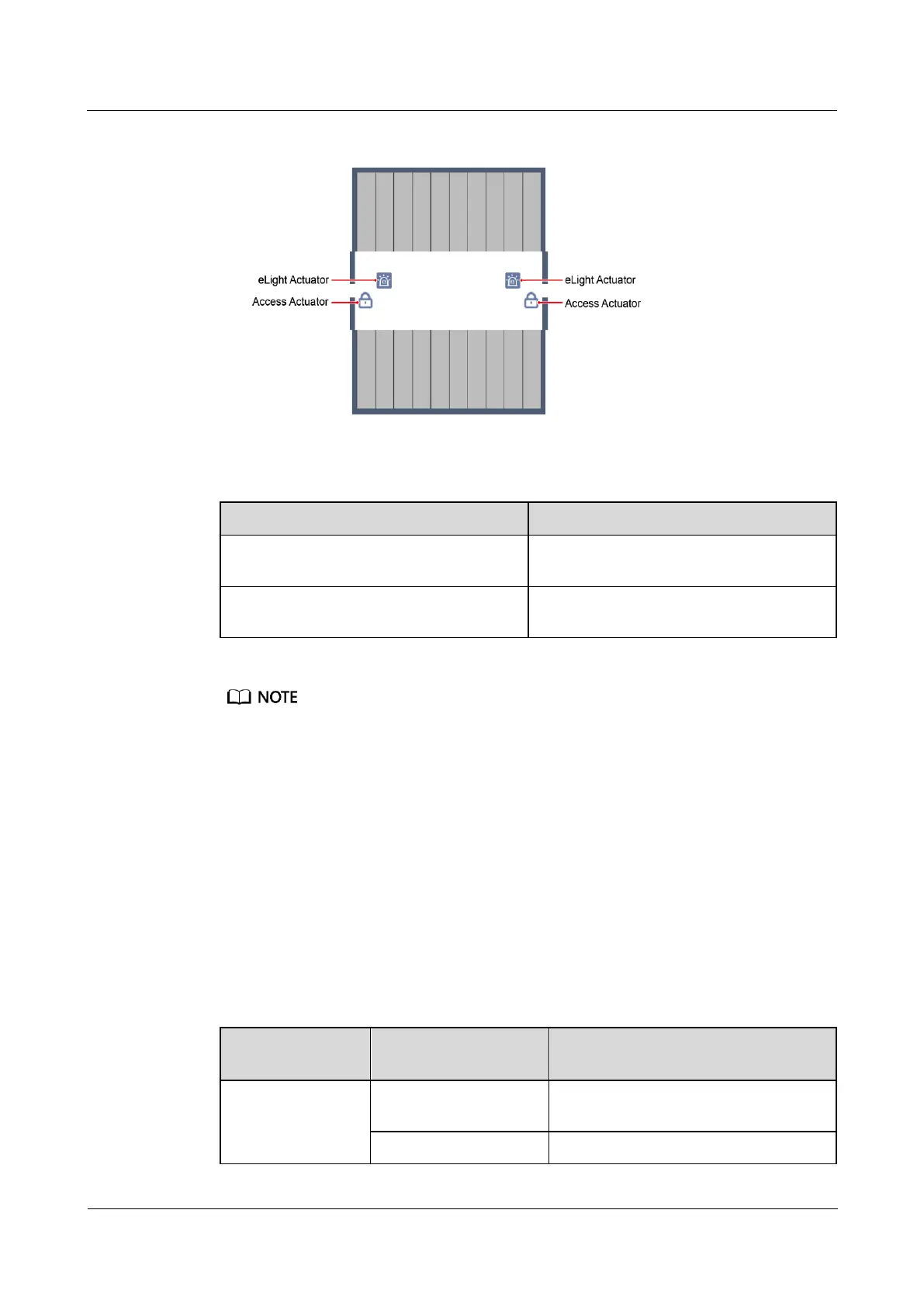
Figure 5-9 eLight actuator position
Table 5-7 Access authorization
Access authorization fails and the aisle door
cannot be opened.
Red light, blinking for 3 seconds
Access authorization succeeds and the door
can be opened.
Green light, blinking for 3 seconds
The eLight actuator is automatically associated with the nearest access actuator in the smart module
view.
If there are one access actuator and two eLight actuators in an aisle, the access actuator is
automatically associated with the two eLight actuators.
----End
Follow-up Procedure
To modify the parameters of a single eLight, do as follows:
1. Choose Monitoring > Aisle > eLight Actuator Group > eLight Actuator. The
Running Parameters page is displayed.
2. Select the Associated alarm severity as required and click Submit.
Table 5-8 Function check
Associated alarm
severity
If there is a critical alarm, the eLight
strip light turns on with a red light.
If there are multiple alarms, the eLight



 To Next Page