ECC800 Data Center Controller
User Manual (for ECC800-Pro)
Copyright © Huawei Technologies Co., Ltd.
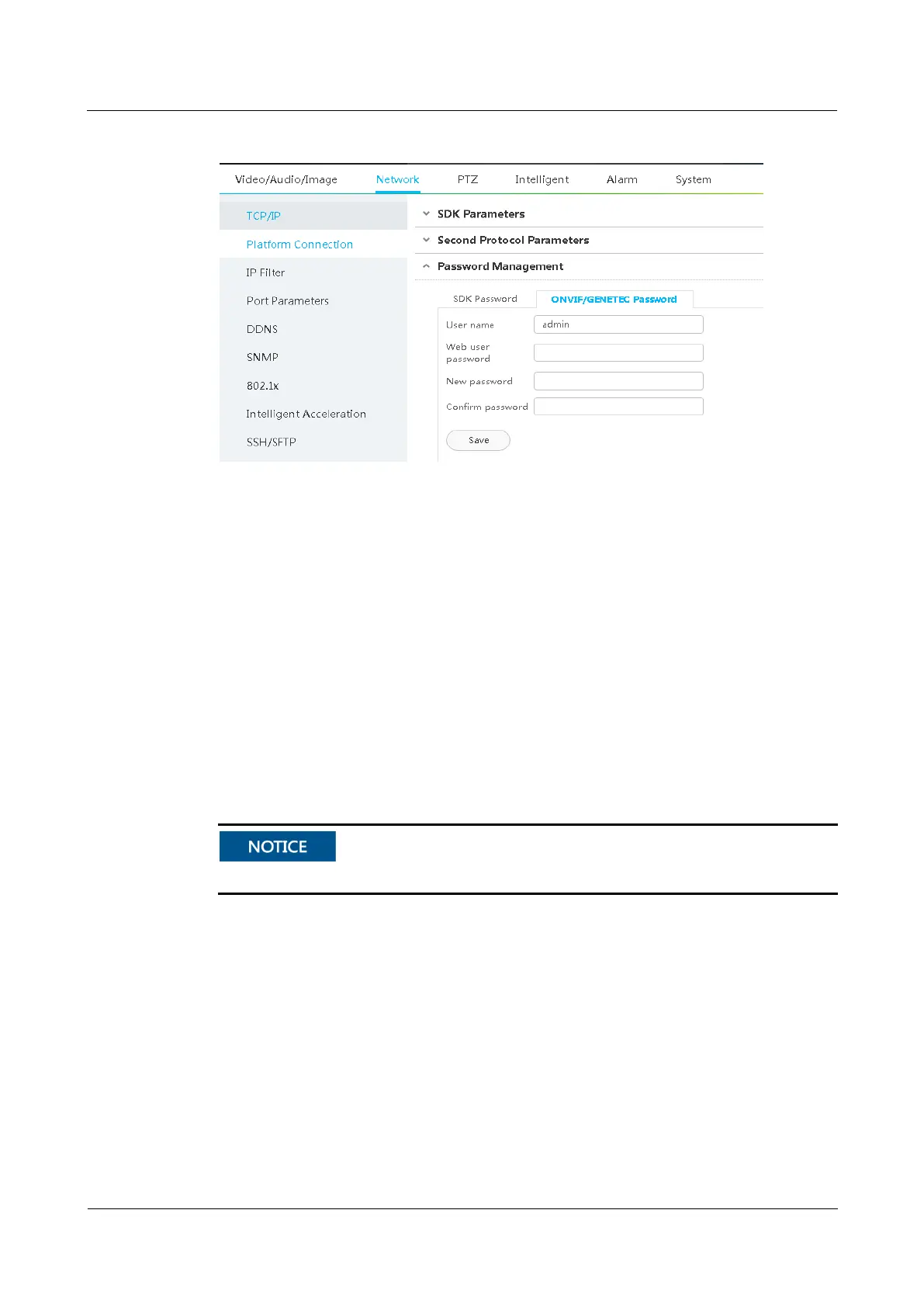
Figure 6-15 IP camera ONVIF interface access password
Step 4 Click Confirm after video information is entered.
Step 5 In the Video information list, click a link address under Link to go to the camera WebUI as
instructed.
Step 6 For details about how to commission IP cameras and set parameters for them, see the
documentation delivered with the equipment or obtain the documentation by referring to the
"Preparing Documentation" section.
1. Preview the site situation in real time and check the camera coverage through videos.
Adjust the lens if necessary.
2. (Optional) If the VCN is not configured, configure an SD card. For details, see 6.5.3.2
Commissioning IPC6325 Camera (SD Card Configured).
3. Choose Settings > Video/Audio/Image > Video Settings, and set camera stream type,
primary stream, and secondary stream 1 parameters.
Set coding protocol to H.265.



 To Next Page