ECC800 Data Center Controller
User Manual (for ECC800-Pro)
Copyright © Huawei Technologies Co., Ltd.
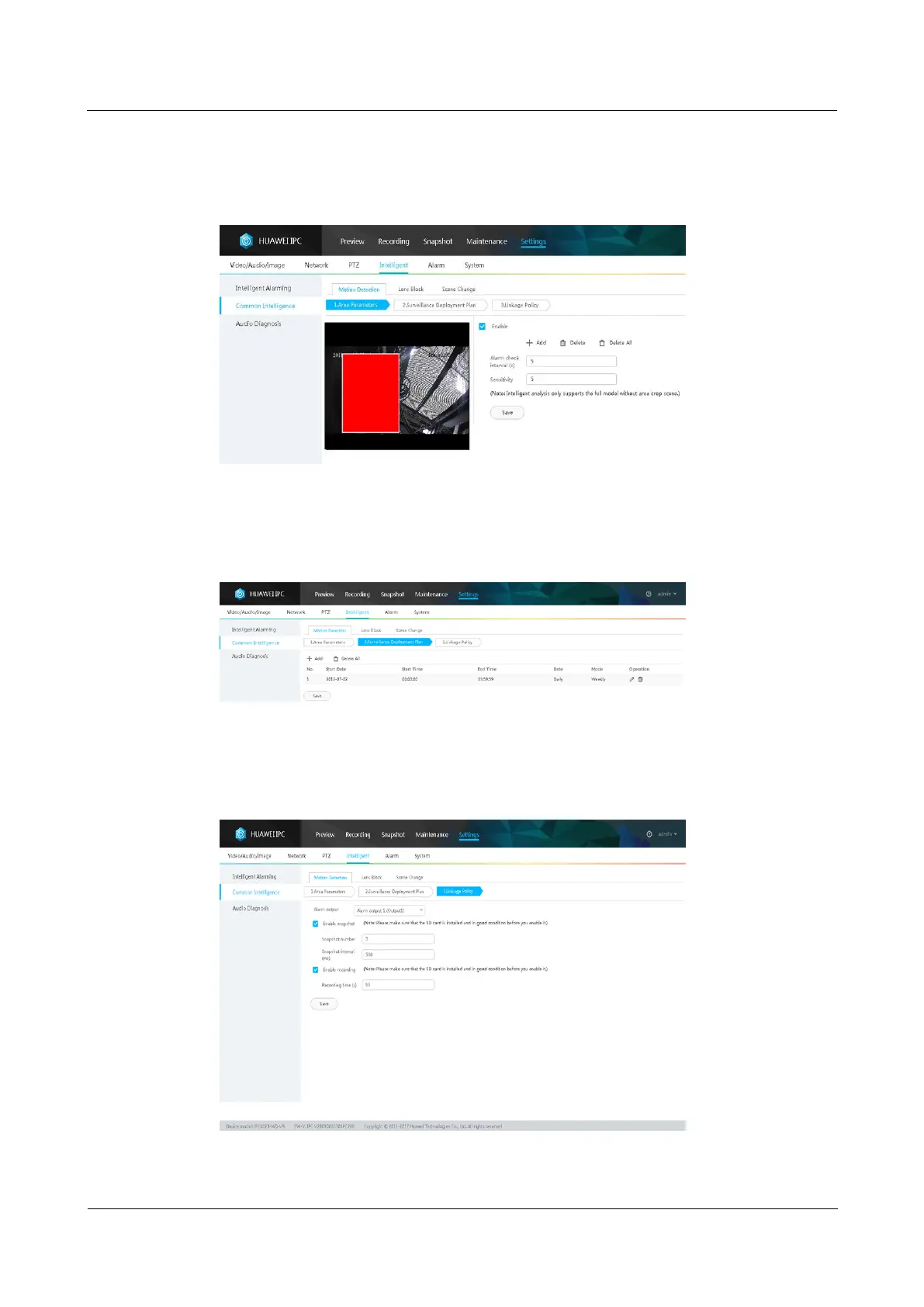
Step 4 Select Enable, click Add, add motion detection areas, set motion detection parameters, and
click Save.
Figure 6-19 Setting motion detection parameters
Step 5 Set the deployment policy.
Figure 6-20 Setting the deployment policy
Step 6 Set the alarm linkage policy.
Figure 6-21 Setting the alarm linkage policy



 To Next Page