ECC800 Data Center Controller
User Manual (for ECC800-Pro)
Copyright © Huawei Technologies Co., Ltd.
There is no output due to a
PSU fault.
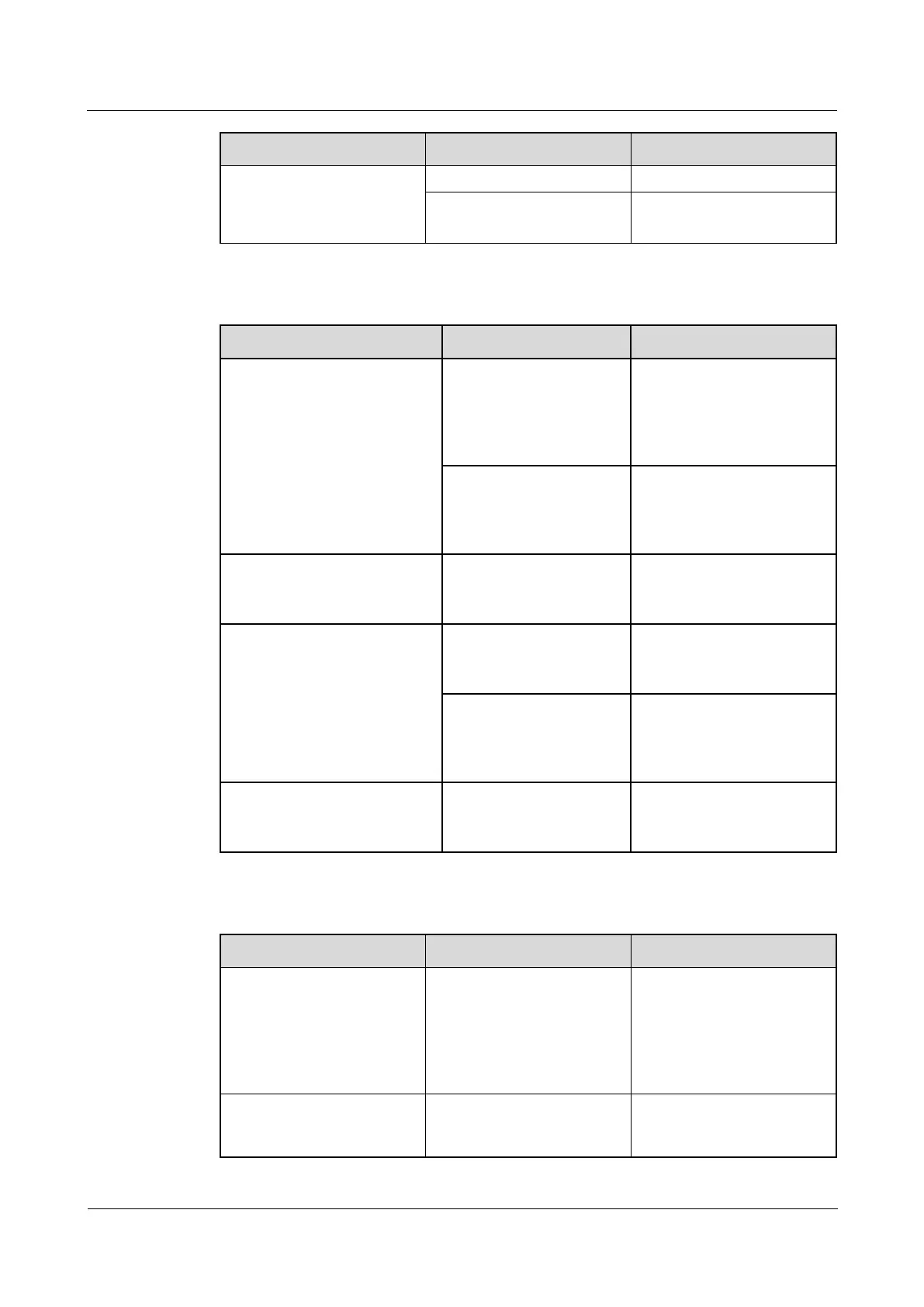
Table 7-4 Common faults and troubleshooting for the main control module
The RUN indicator (green) is
off.
If the green indicators on
PSUs are steady on, the
power input to the system is
normal. Otherwise, rectify
power grid faults.
The main control module
is faulty or not securely
installed.
Reinstall the main control
module. If the fault persists,
replace the main control
module.
The RUN indicator (green) is
blinking at 5 Hz.
The main control module
does not register with the
NetEco.
Register the main control
module with the NetEco.
RJ45 power output indicators
turn off (involved ports:
AIDI_1 - AIDI_5,
COM1-COM4, and DO).
The corresponding power
ports have no output.
Energize corresponding
power ports over the WebUI
or NMS.
The corresponding power
ports are short-circuited.
Check whether the
connected load is
short-circuited. If yes,
eliminate the short circuit.
The ALM indicator (red) is
steady on.
View active alarms on the
WebUI and clear them one
by one.
Table 7-5 Common faults and troubleshooting for UIM20A expansion module
The RUN indicator is off.
The contact between the
independent deployment
AI_DI unit and the
ECC800-Pro is abnormal, or
the independent deployment
AI_DI unit is faulty.
Check whether the cable
connection between the
ECC800-Pro and the
UIM20A expansion module
is normal and whether the
board is faulty.
The RUN indicator is
blinking at short intervals
(2.5 Hz, on for 0.2s and then
Communication between the
independent deployment
AI_DI unit and the main
Check whether the cable
connection between the
ECC800-Pro and the



 To Next Page