ECC800 Data Center Controller
User Manual (for ECC800-Pro)
Copyright © Huawei Technologies Co., Ltd.
You can click the camera icon in the view to display the camera web page.
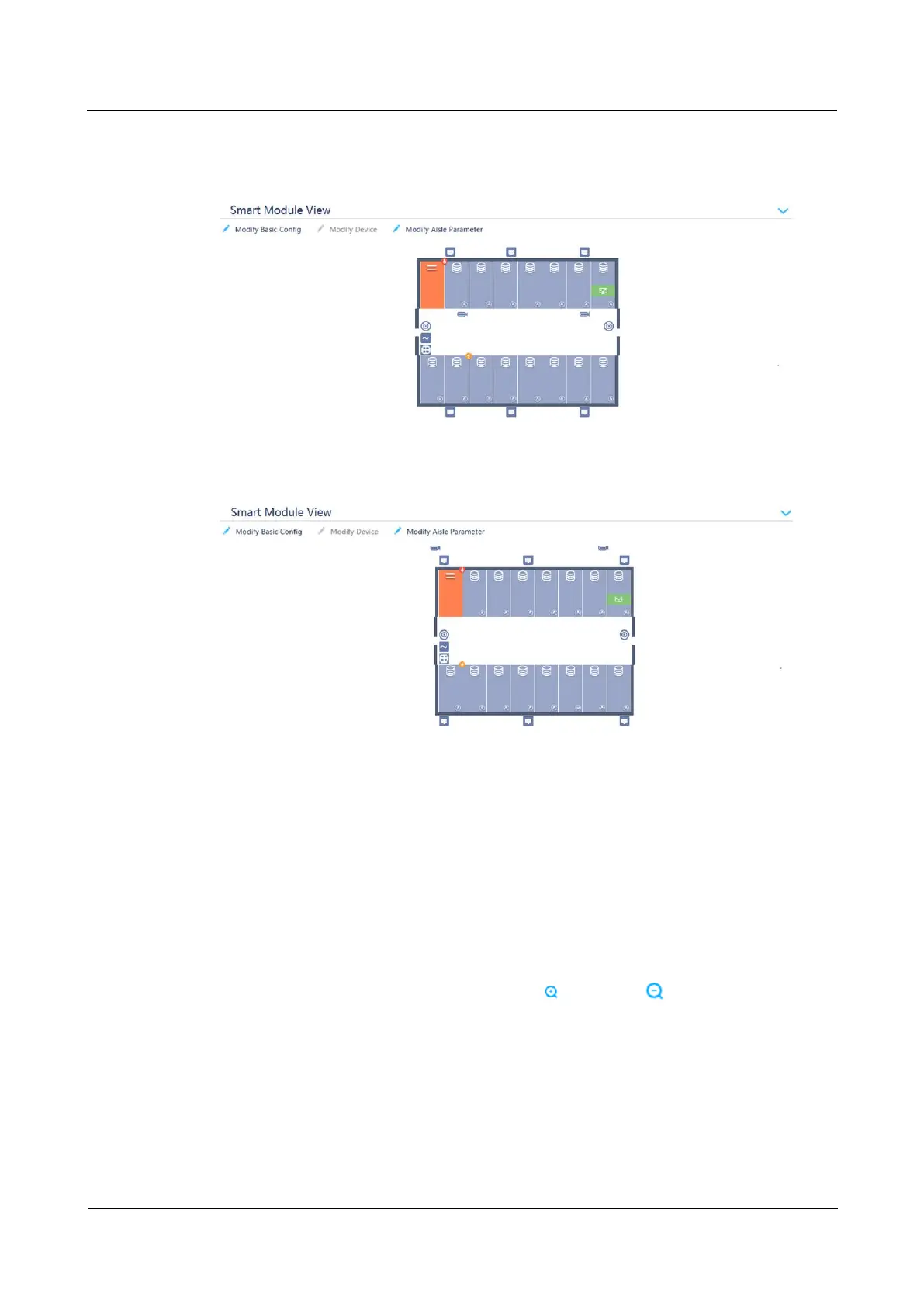
Figure 8-7 Example plan view without room monitoring
Figure 8-8 Example plan view with room monitoring
----End
Follow-up Procedure
To modify the smart module plan view, perform the following steps:
1. Choose Home > Plan View.
2. Click Modify Device in Smart Module View. The Devices is displayed.
3. Drag registered devices (for example, the camera) to the appropriate positions in the
layout diagram and click Exit Edit Mode. The smart module plan view is updated.
4. When editing the smart module view, click Zoom In or Restore to adjust the size
of the view.



 To Next Page