ECC800 Data Center Controller
User Manual (for ECC800-Pro)
Copyright © Huawei Technologies Co., Ltd.
If the signal quality is poor due to signal reflection caused by long communications cables (longer than
50 m), set toggle switch 4 to ON for the furthest independent deployment AI_DI unit. After the DIP
switch settings are modified, power off and restart the independent deployment AI_DI unit for the new
settings to take effect.
Step 2 Add an independent deployment AI_DI unit.
1. Log in to the ECC800-Pro WebUI as an administrator.
2. Add an independent deployment AI_DI unit.
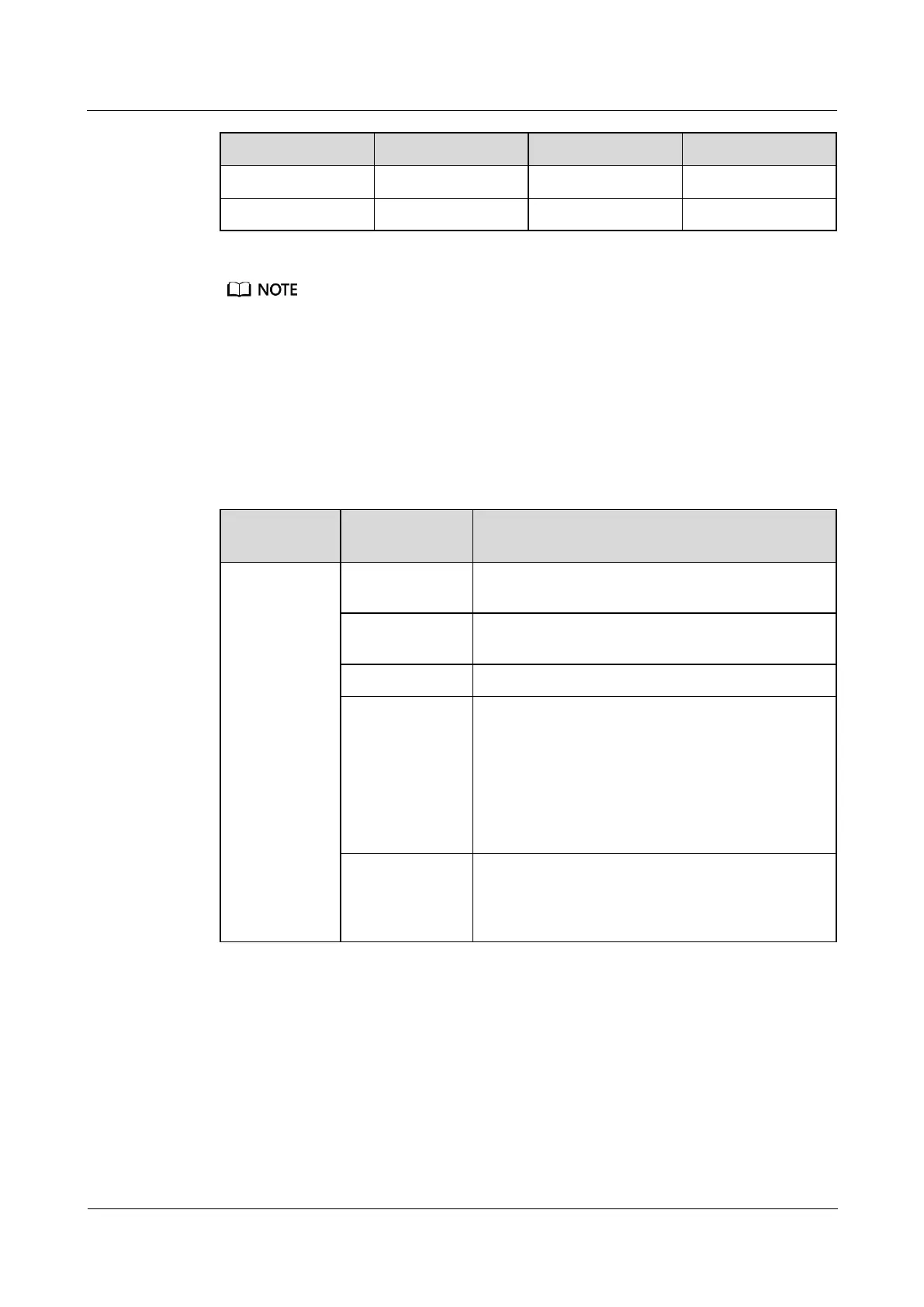
Table 8-16 Adding an independent deployment AI_DI unit
Choose System
Settings >
Device
Management
and click Add
Device. The
parameters for
adding devices
are displayed.
Select Independent Deployment AI_DI Unit from
the drop-down list box.
Select Independent Deployment AI_DI Unit from
the drop-down list box.
Select ECC800 from the drop-down list box.
Select COM3 from the drop-down list box.
NOTE
The setting example indicates that the independent
deployment AI_DI unit is connected to the COM3 port on
the ECC800-Pro. If the independent deployment AI_DI
unit is connected to another port, set the COM port to the
ECC800-Pro port connected to the independent
deployment AI_DI unit.
In this example, Device Address is set to 1. During
actual configuration, set the device address for the
independent deployment AI_DI unit based on the
actual situation.
3. Click Test Connect to check whether the independent deployment AI_DI unit connects
to the ECC800-Pro properly.
a. If the independent deployment AI_DI unit connects to the ECC800-Pro properly,
click Confirm. The connected devices are displayed in the Number of connected
devices list.
b. If the independent deployment AI_DI unit does not connect to the ECC800-Pro
properly, check whether the cable between the independent deployment AI_DI unit
and the ECC800-Pro is connected properly, whether the independent deployment
AI_DI unit and ECC800-Pro are running properly, and whether the input



 To Next Page