ECC800 Data Center Controller
User Manual (for ECC800-Pro)
Copyright © Huawei Technologies Co., Ltd.
Power output indicator
Steady on: The 12 V DC output is normal.
Off: No 12 V DC output is provided.
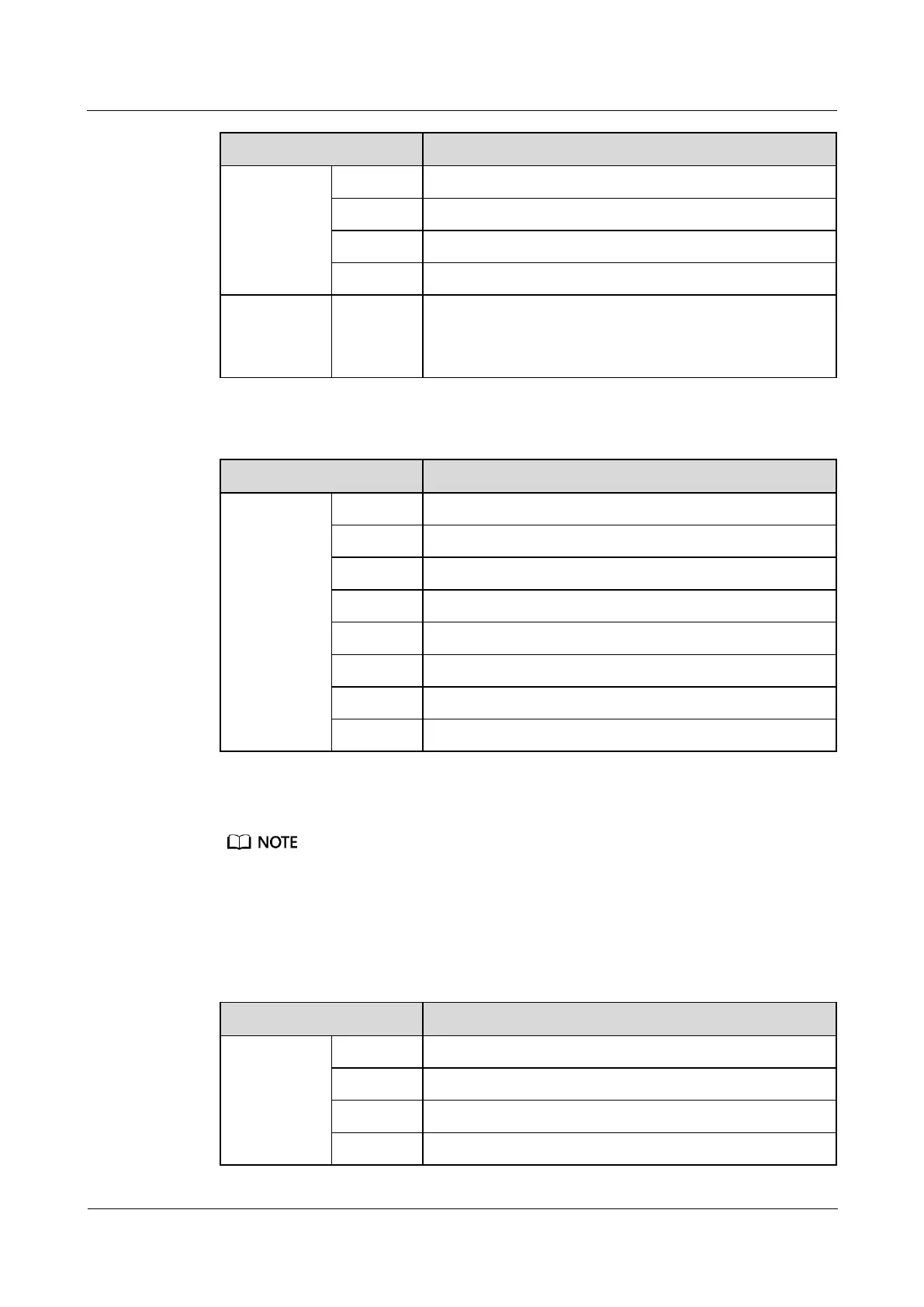
Table 3-10 COM4/CAN port pin definitions
The following provides the AIDI_1, AIDI_2 and AIDI_3 ports pin definitions.
Pins 1, 2, 4, and 5 identify sensor types.
Pin 3 and Pin 8 are power output ports.
Pin 6 and Pin 7 collect sensor data. Pin 7 can detect current type sensors (4–20 mA). Pin 6 and Pin 7
can detect the output status of passive dry contact type sensors. Pin 3 and Pin 7 can detect
temperature sensors.
Table 3-11 AIDI_1, AIDI_2 and AIDI_3 ports pin definitions



 To Next Page