ECC800 Data Center Controller
User Manual (for ECC800-Pro)
Copyright © Huawei Technologies Co., Ltd.
If an indicator blinks at super short intervals, it is blinking at 10 Hz, that is, on for 0.05s and then off
for 0.05s.
If an indicator blinks at short intervals, it is blinking at 4 Hz, that is, on for 0.125s and then off for
0.125s.
Networking Switch
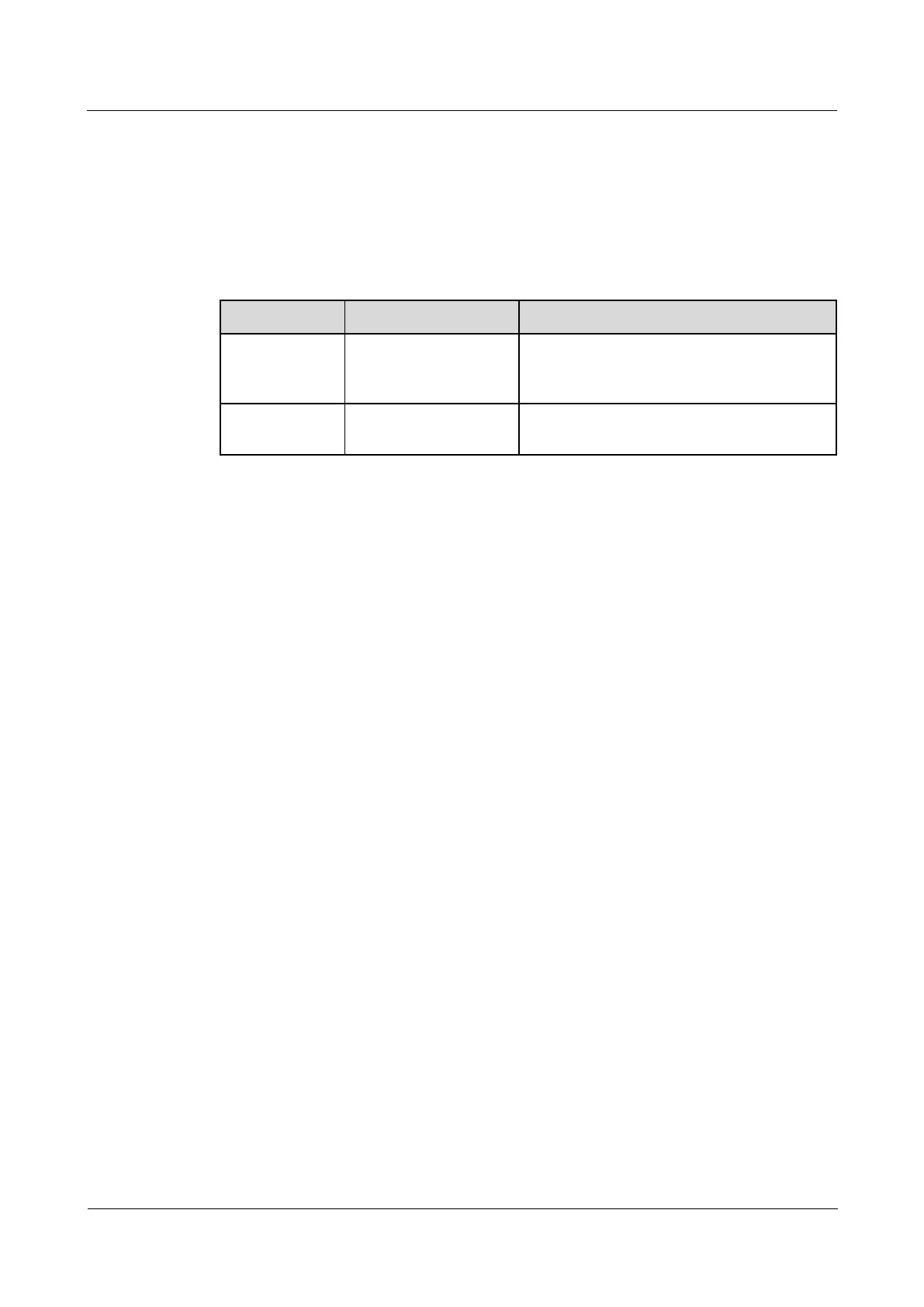
Table 3-84 Networking switch description
Press the button for less
than 5 seconds.
Searches for and joins a network if there is no
network. Initializes the network parameters if
there is a network.
Hold down the button
for more than 5s.
Clears the current network and resets the
wireless module; disconnects the network.



 To Next Page