v 2.3 — September 2015 Altanium Delta3
102 Filtering Events
9.5.1 Filtering Events
Events can be filtered based on any type of event. To filter events, do the following:
1. On the Event History screen, touch the Filter button.
2. Select the desired filter type(s).
3. Touch the Exit button.
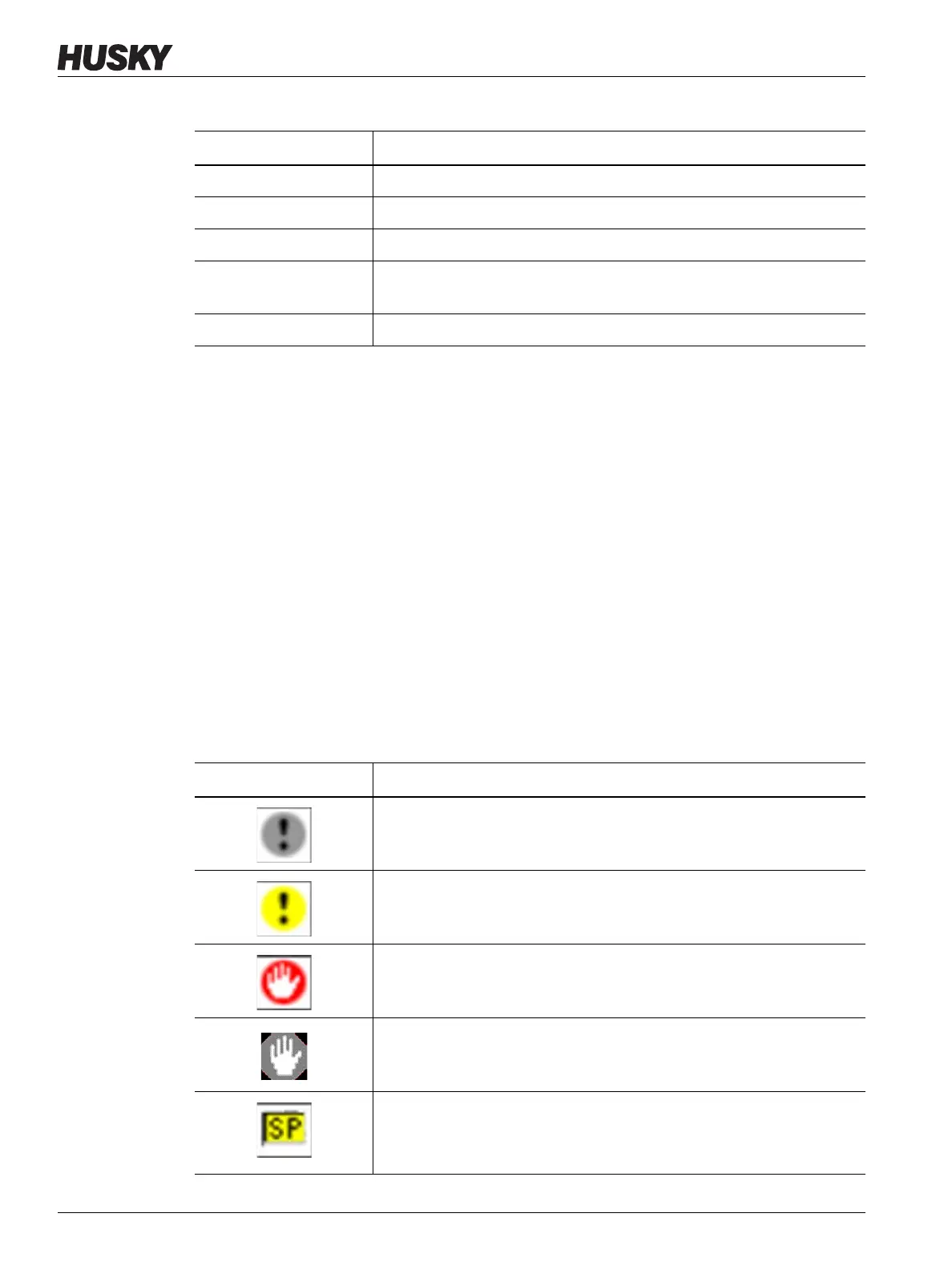
9.6 Alarm and Event Icons
The following icons appear on the Alarm screen and the Event History screen.
Date/Time Date and time that the event was triggered.
Source Cause of the event.
Description Description of the event.
Mold Indicates the mold that is associated with the mold setup that was
loaded when the event occurred.
Mold Setup Indicates the mold setup that was loaded when the event occurred.
Table 9-3 Event History Screen Item Descriptions (Continued)
Item Description
Table 9-4 Icons
Icon Description
Warning is inactive.
Warning is active.
An alarm or zone alarm is active.
An alarm or zone alarm is inactive.
A user has made a change.
NOTE:This icon appears on the Event History screen, not on the
Alarm screen.



 To Next Page