Alarm Buttons 19
User Guide v 2.3 — September 2015 Altanium Operator Interface
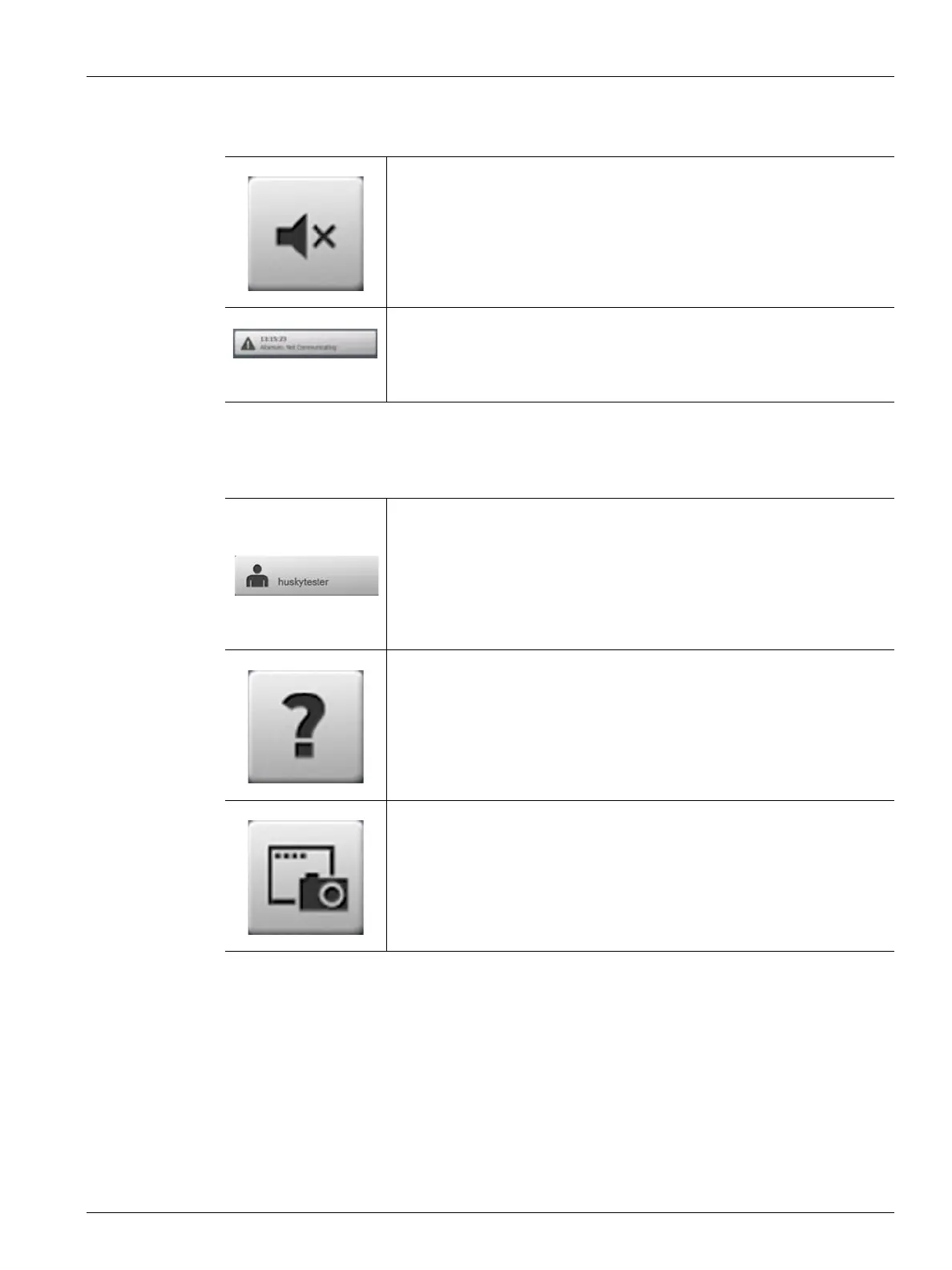
4.1.3.4 Alarm Buttons
4.1.3.5 System and User Management Buttons
Touch the Silence Horn button to silence the audible alarm.
Touch the Alarm Status button to access the Alarm screen. The time and a
description of the highest priority active alarm will be displayed. If an alarm
is active, the Triangle Icon (Warning) will turn yellow and the background
of the button will flash red.
Displays the name of the current user logged in. Touch the User Log
off/Log on button to display the User Login dialog box. This button
toggles between Login and Logout
Touch the Help button to launch the PDF viewer and display the User
Guide on the screen.
Touch the Print button to open the Print dialog box containing the
available printing choices.



 To Next Page