v 2.3 — September 2015 Altanium Delta3
66 Quick Set Screen
Information can be sorted according to the dynamic columns (for example, current (Amps),
voltage (VAC), etc.). This can be helpful when trying to figure out which zone is drawing the
most current at any moment. The ability to select column headings in order to sort
information is used throughout Altanium.
7.5 Quick Set Screen
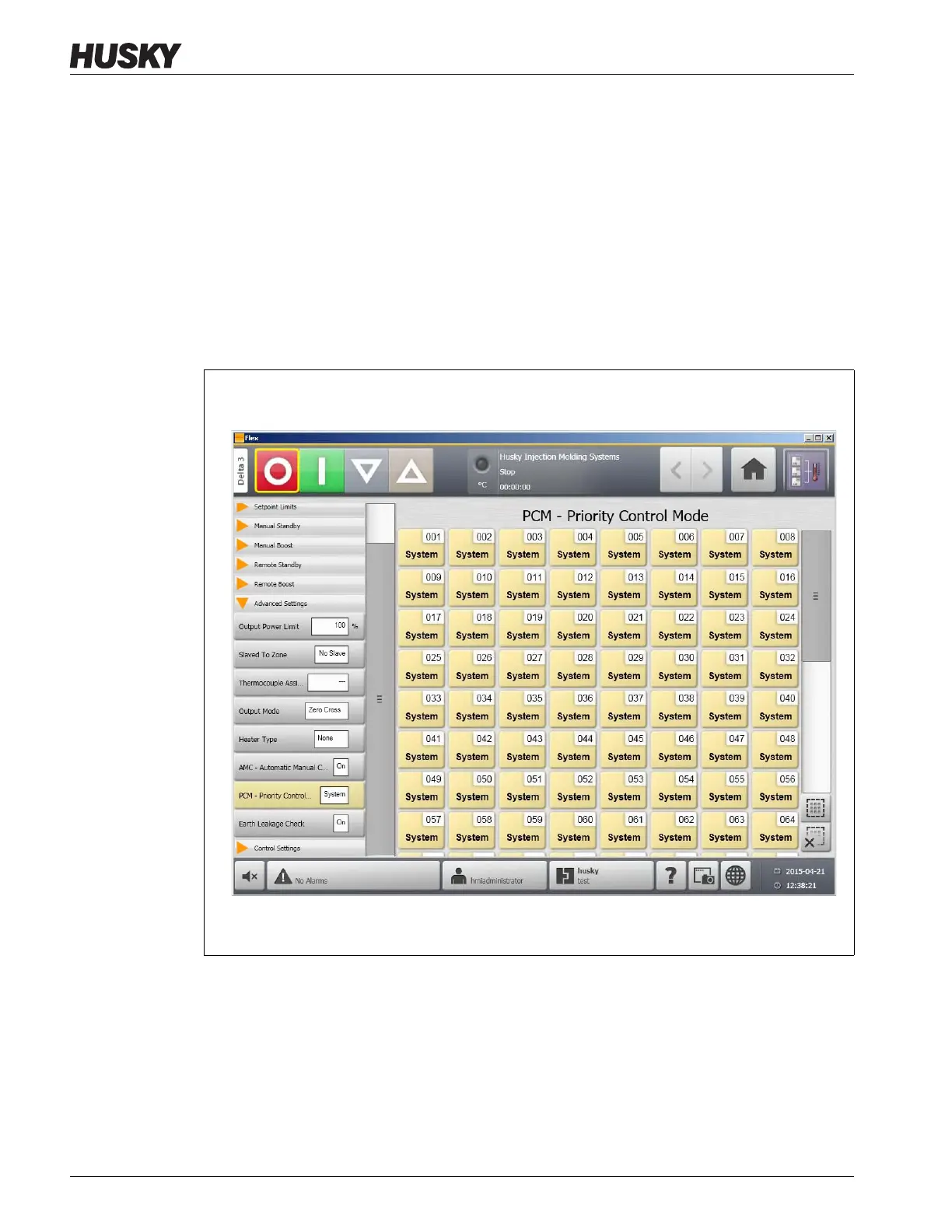
Use the Quick Set screen to change any of the available zone settings. On the Home screen,
touch the Quick Set button.
Figure 7-7 Quick Set Screen



 To Next Page