v 2.3 — September 2015 Altanium Delta3
158 Setting the Date and Time Range
2. Touch the desired timeframe.
12.2.3 Setting the Date and Time Range
Select the desired date range for the curves. The default old date is the New Date value
minus the Timeframe value. The default end date is the current date and time.
12.2.3.1 Changing the Date and Time Range Old
If the calculated Date Range End value is later than the current system time, the Old Date
value will be adjusted automatically to maintain the Timeframe value.
12.2.3.2 Changing the Date and Time Range New
Changing the date and time range end will automatically update the date and time range
old, based on the current timeframe duration.
NOTE:The date and time cannot be changed to a value later than the current system time.
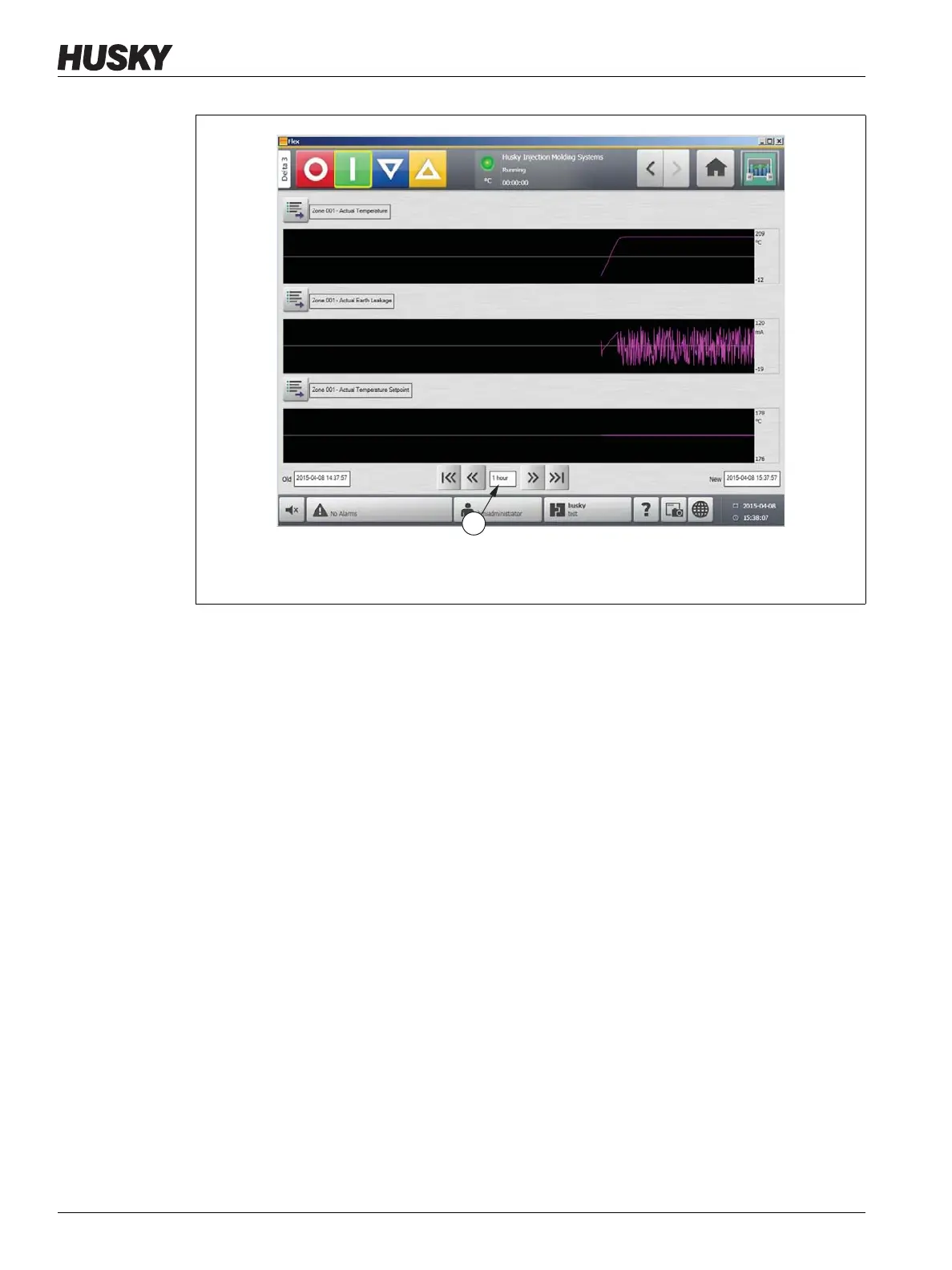
Figure 12-5 Process History Screen
1. Timeframe Field
1



 To Next Page