Text View Screen Overview 63
User Guide v 2.3 — September 2015 Making Adjustments
7.4 Text View Screen Overview
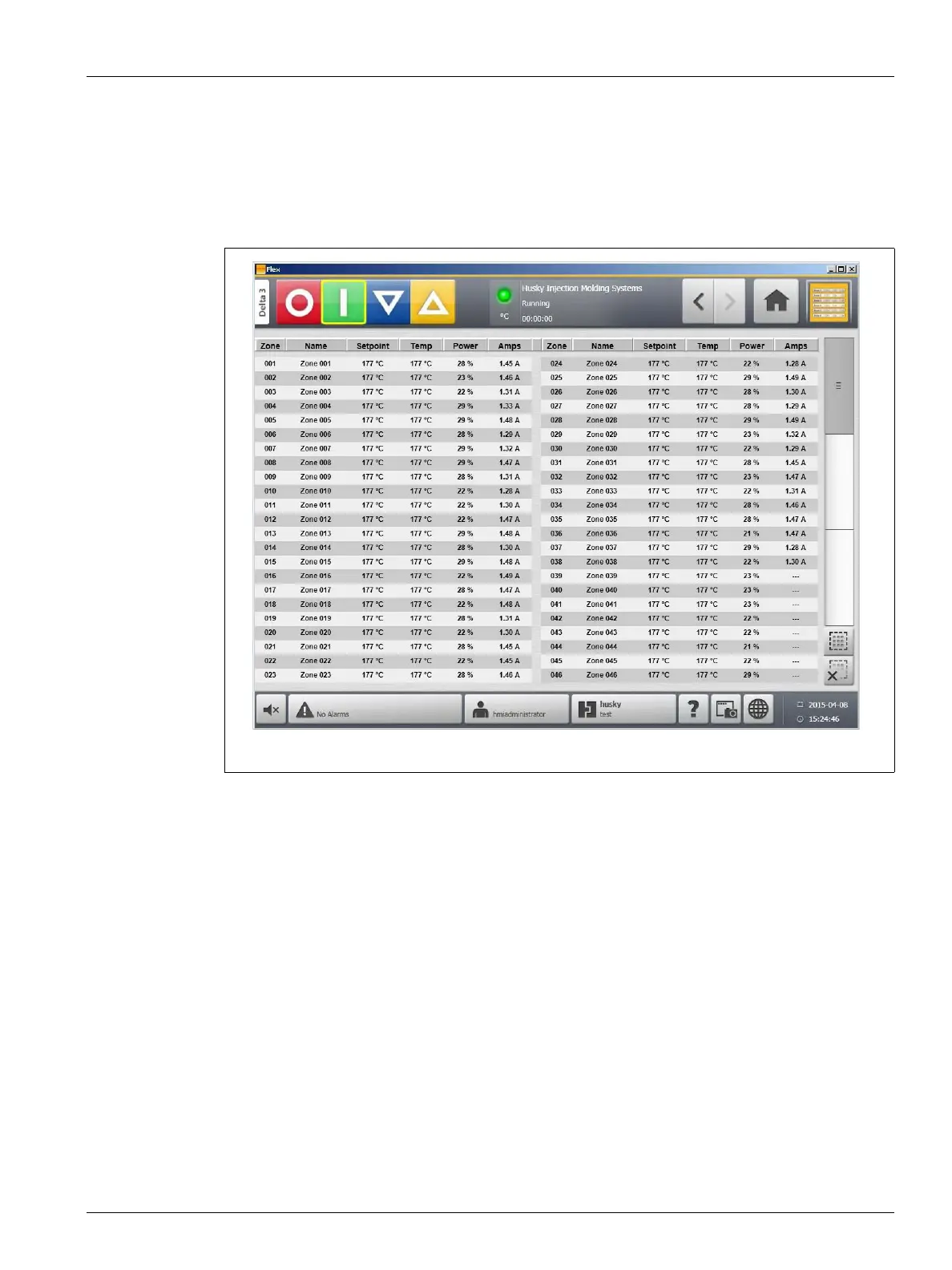
The Text View screen displays zone information in a textual format. It is used to access
detailed data for each zone and provides the most comprehensive view of the process. This
screen can be accessed by touching the Text View button on the Home screen.
Figure 7-5 Text View Screen - Split Screen Mode



 To Next Page