Graphical View Screen Overview 59
User Guide v 2.3 — September 2015 Making Adjustments
A shortcut to the newly created group appears on the Home screen and is displayed
with the selected zones highlighted.
7.3 Graphical View Screen Overview
The Graphical View displays zones in a graphical format. It is designed to provide an easy
way to view the overall status of the mold without having to sort through detailed data. This
screen can be accessed by touching the Graphical View button on the Home screen.
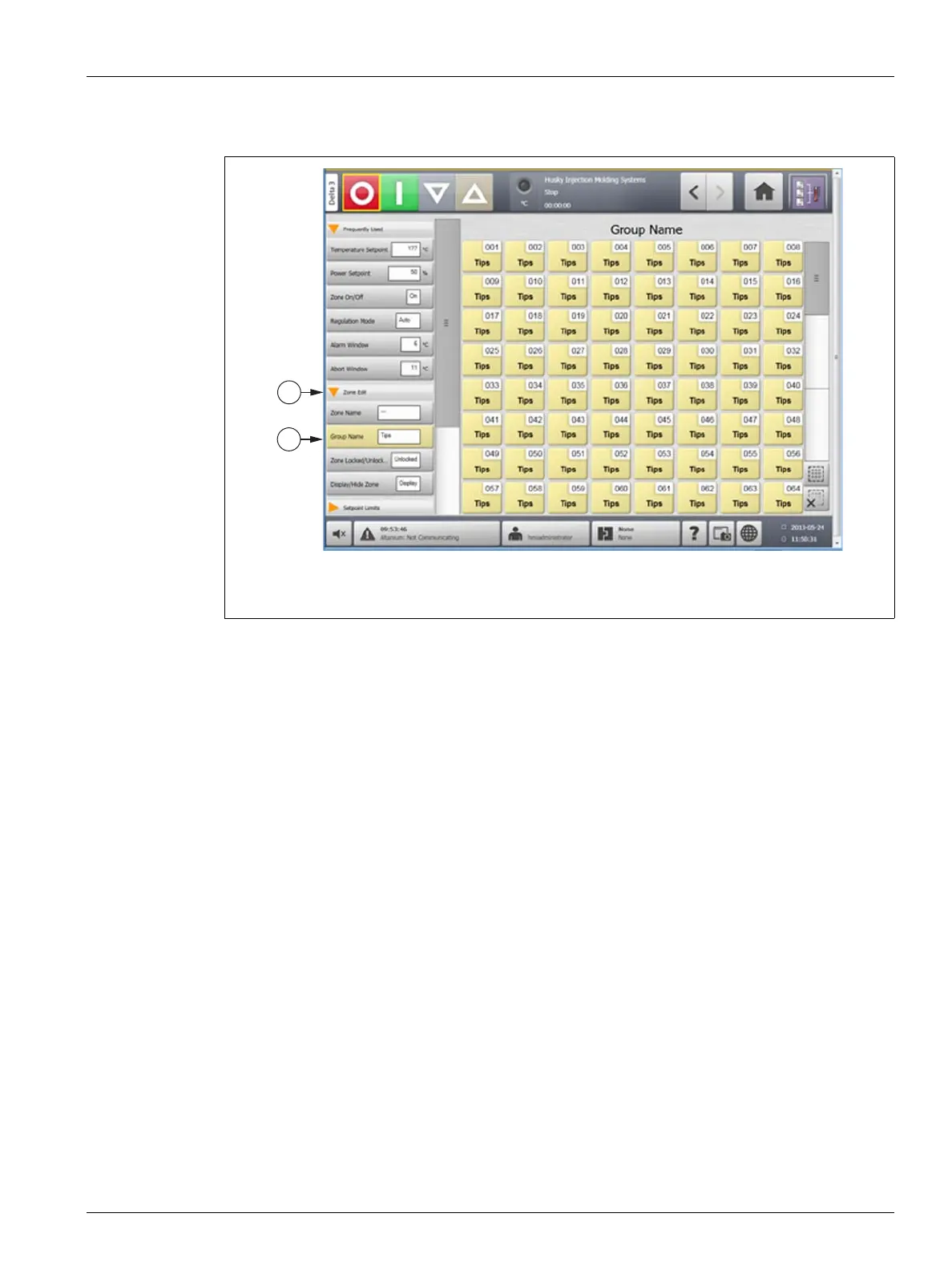
Figure 7-2 Quick Set Screen
1. Zone Edit 2. Group Name



 To Next Page