Staged Startup and Shutdown 135
User Guide v 2.3 — September 2015 System Setup Screen
10.2 Staged Startup and Shutdown
This feature allows the system to heat or cool zones in a predetermined order by using
stages. Zones can be assigned to any of the 4 stages and can be configured with a separate
set point for each stage. A timer can also be configured for each stage which will allow all the
zones to “soak” for a user definable amount of time. The hot runner system must be heated
and cooled in a specific order to prevent problems such as misalignment and leaking.
10.2.1 Enabling or Disabling Staged Startup
Users can enable or disable the staged startup feature on the Staging screen. The staged
startup process is used to control how the temperatures in the system heat up.
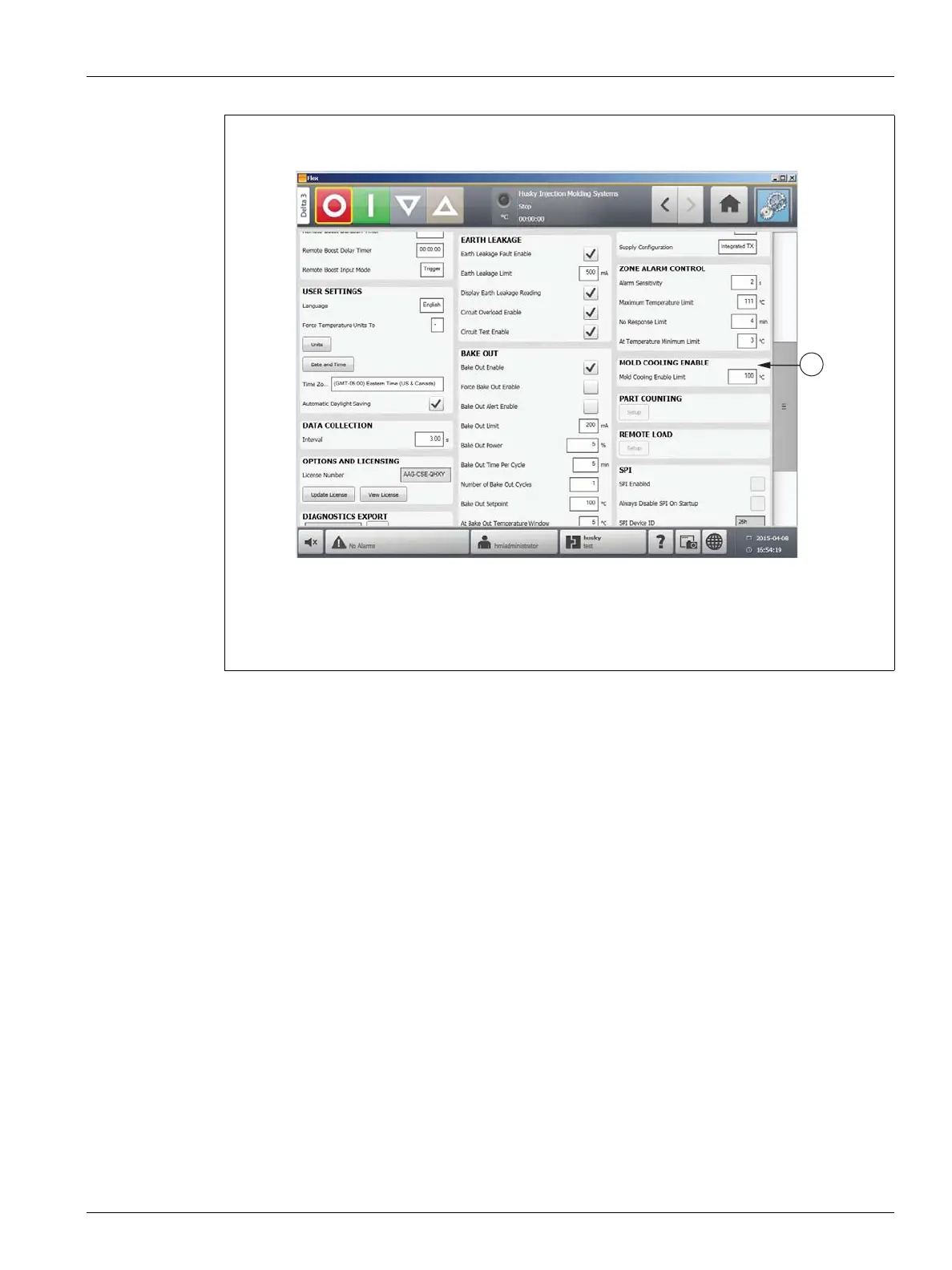
Figure 10-17 System Setup Screen - Mold Cooling Enable
1. Mold Cooling Enable



 To Next Page