UltraSync-E Home Screen 195
User Guide v 2.3 — September 2015 UltraSync-E, If Equipped
16.3 UltraSync-E Home Screen
Use the UltraSync-E Home screen to monitor and control the UltraSync-E system. On the
Home screen, touch the Home button to open the Home screen.
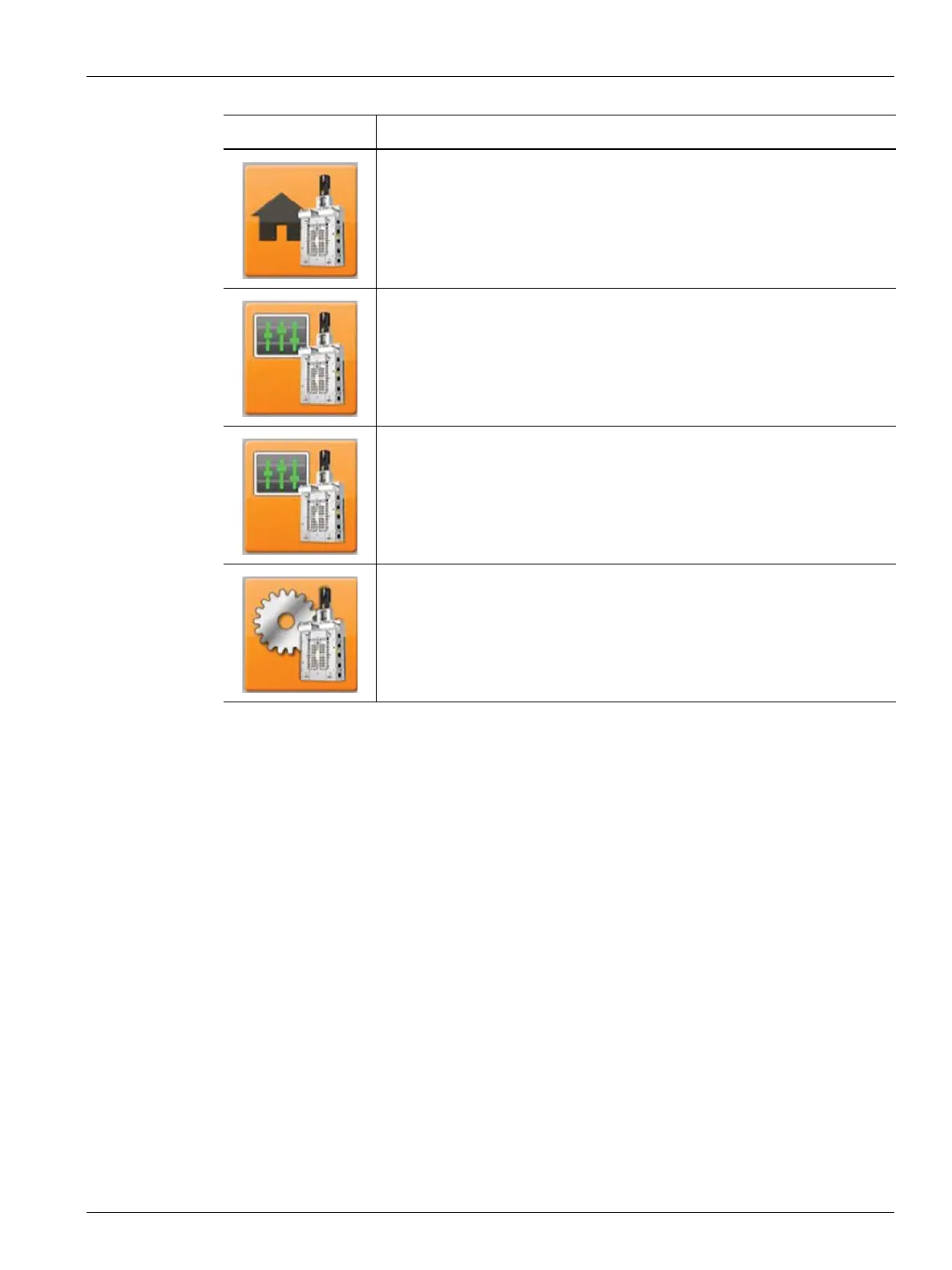
Button Description
Use the UltraSync-E Home button to open the UltraSync-E Home screen.
Use the UltraSync-E Profile button to open the UltraSync-E Profile screen.
Use the UltraSync-E Closing Profile button to open the UltraSync-E
Closing Profile screen.
Use the UltraSync-E Setup button to open the UltraSync-E Setup screen.



 To Next Page