v 2.3 — September 2015 Altanium Delta3
208 Opening
16.5.2 Opening
Use the Opening profile graph to monitor and configure the valve stem open motion profile.
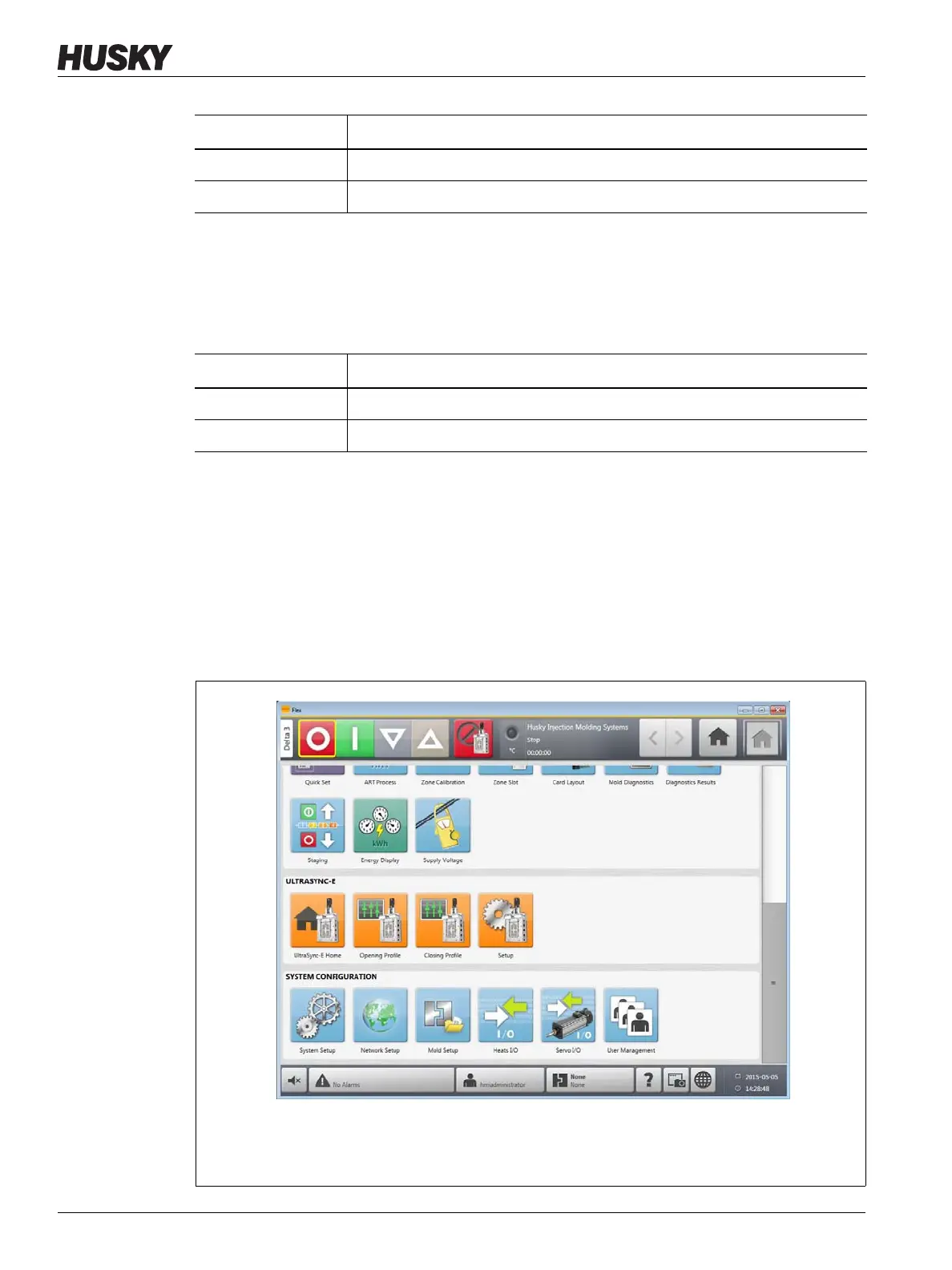
16.6 Servo I/O Screen
Use the Servo I/O screen to view the status and setup the digital inputs, digital outputs,
configurable signals and safety signals that run between the UltraSync-E controller and IMM.
On the Home screen, touch the Servo I/O button.
Item Description
Duration The elapsed time of the last valve stem close motion.
Peak Force The peak force recorded during the last valve stem close motion.
Item Description
Duration The elapsed time of the last valve stem open motion.
Peak Force The peak force recorded during the last valve stem open motion.
Figure 16-9 Servo I/O Screen
1. Servo I/O Icon Button



 To Next Page