v 2.3 — September 2015 Altanium Delta3
22 Views Buttons
4.1.6 Views Buttons
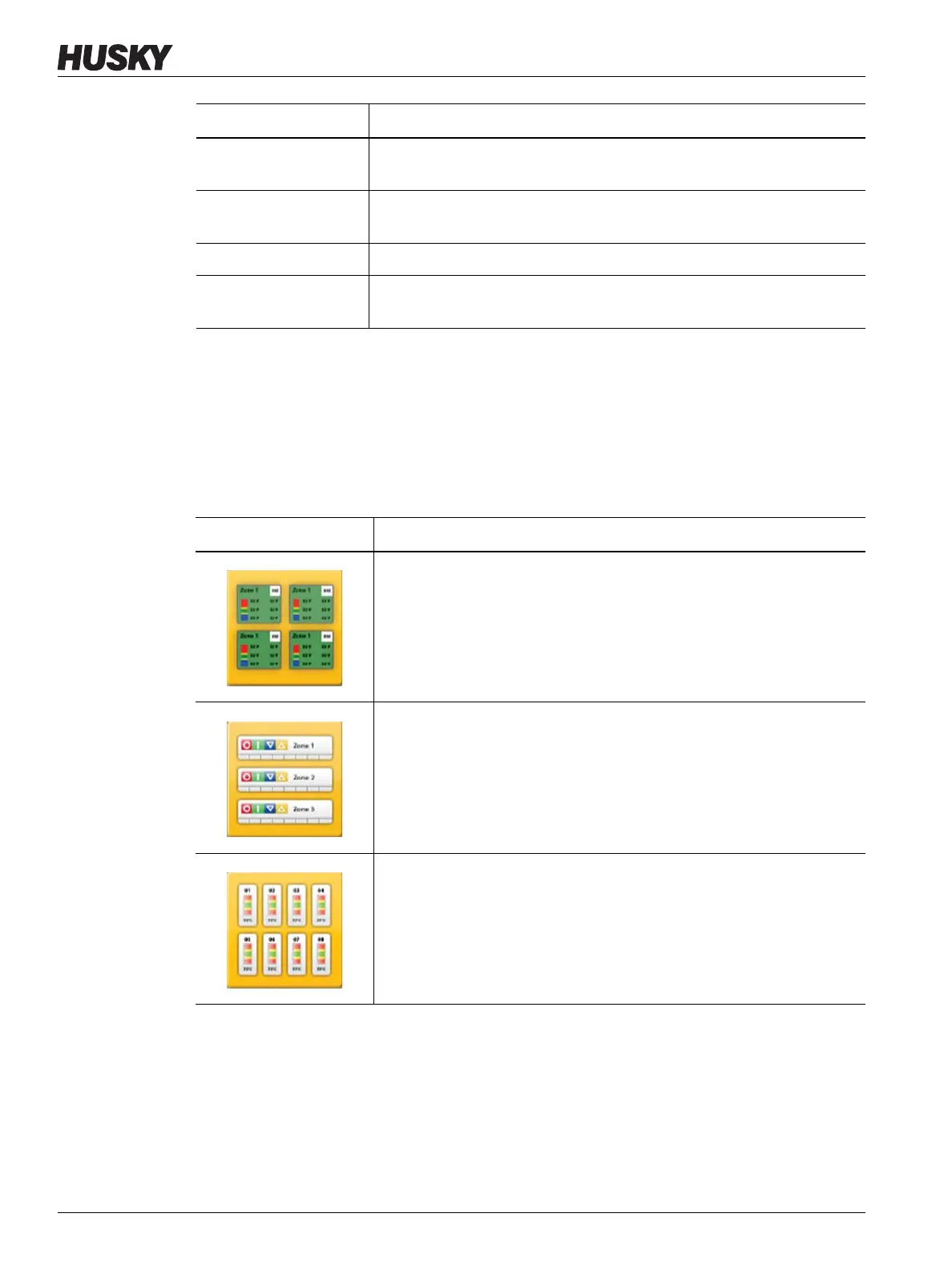
The Altanium views display zone data in various formats. Touch the desired view button to
open the associated view screen.
Stage 4 Running
Indefinitely
The system will remain in stage 4 until the user presses the Start button
to heat the zones to the normal setpoint.
Bake Out Check The system is searching for any bake out conditions on any zone. These
bake out conditions would be less severe than a earth leakage.
Earth Leakage Check The system is searching for any earth leakage conditions on any zone.
Circuit Test The system is verifying that there are no heater circuit faults (open circuit,
short circuit, leakage or wrong heater) on any zones.
System Mode Description
Table 4-2 Views Buttons
View Button Description
Touch the Neo2 View button to display the Neo2 View screen.
Touch the Multi Group View button to display the Multi Group View
screen, which contains zones organized into groups and allows
individual control of each group.
Touch the Graphical View button to display the Graphical View screen,
which contains a graphical representation of zone data.



 To Next Page