v 2.3 — September 2015 Altanium Delta3
30 Changing the Header Color
4.2.1 Changing the Header Color
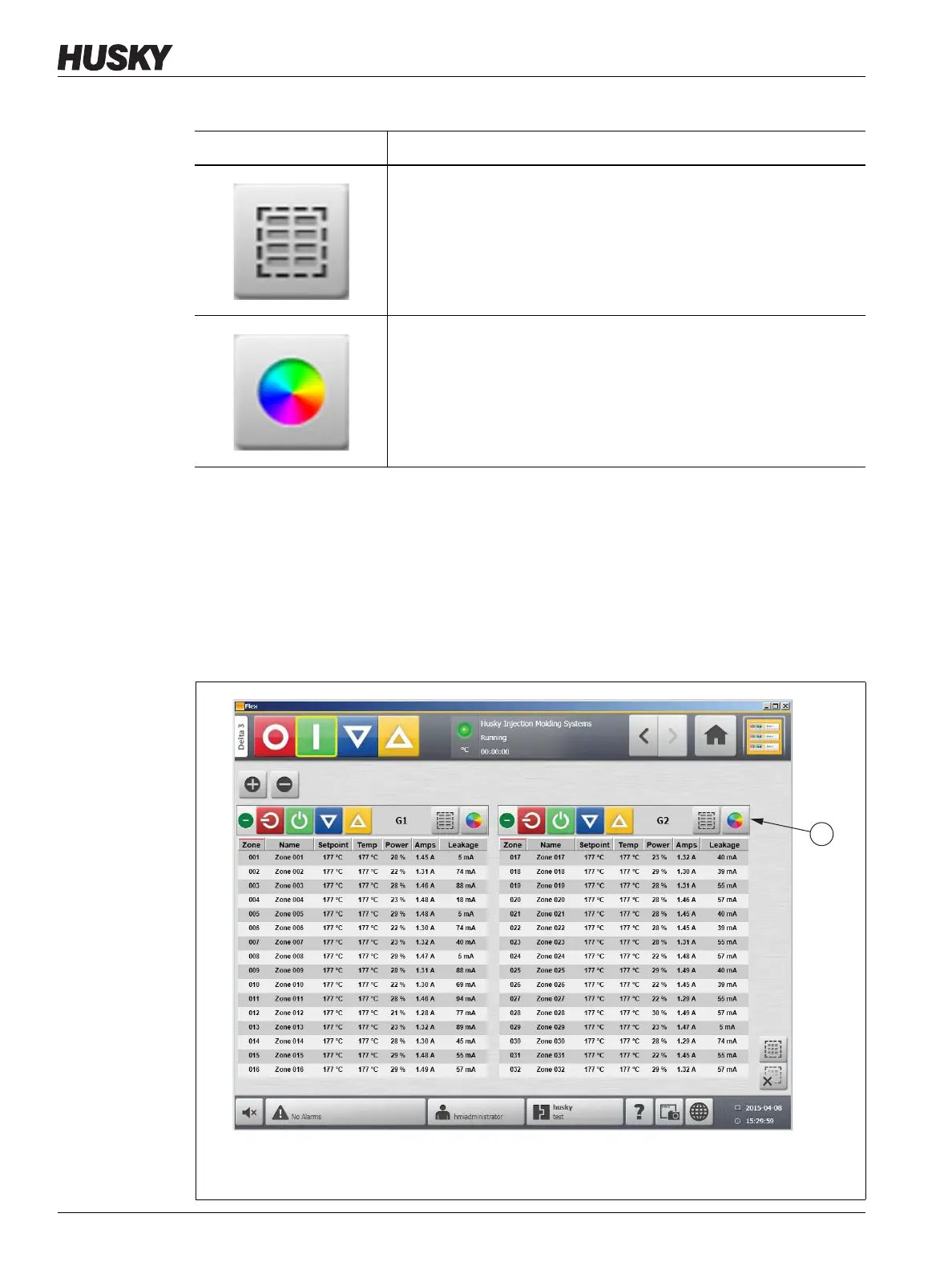
Users can assign a header color to a group displayed on the Multi Group View screen. For
more information about creating a group, refer to Section 7.2.
To change the header color, do the following:
1. On the Multi Group View screen, touch the Color Change button.
Opens the Quick Set screen. Opening the Quick Set screen
automatically selects all zones in the group.
Opens the Color dialog box.
Table 4-5 Buttons (Continued)
Button Description
Figure 4-3 Multi Group View Screen
1. Color Change Button



 To Next Page