v 2.3 — September 2015 Altanium Delta3
124 Options and Licensing
10.1.12 Options and Licensing
Users receive a factory-set license key which contains licensing information. Four user-
selectable options are included with each controller via the Digital I/O screen. For
information on configuring options, refer to Section 13.1.
Users can purchase additional options such as 8 I/Os, All I/Os, Remote Load, Part Count, and
SPI by contacting Husky for an electronic license file.
To view existing licensing information, do the following:
1. On the System Setup screen, under Options and Licensing, select View License.
2. A View License popup will appear.
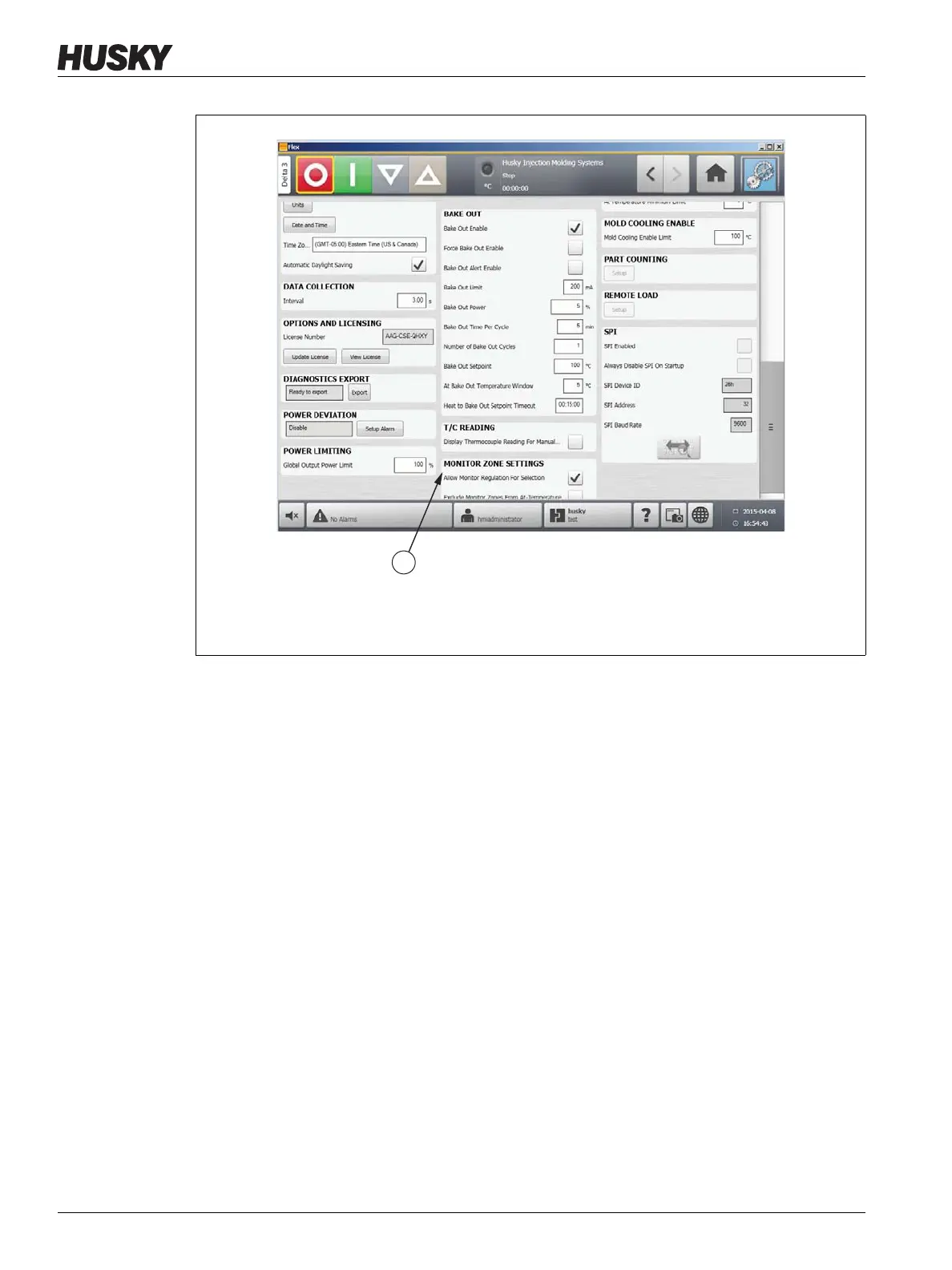
Figure 10-7 Monitor Zone Settings
1. Monitor Zone Settings
1



 To Next Page