User Preferences 49
User Guide v 2.3 — September 2015 Security and Administration
5.1.2 User Preferences
If a user is logged into the system and makes changes to the unit of measurement or
language selection, these values will be saved to that user’s profile after logout and will be
recalled the next time the same user logs in again.
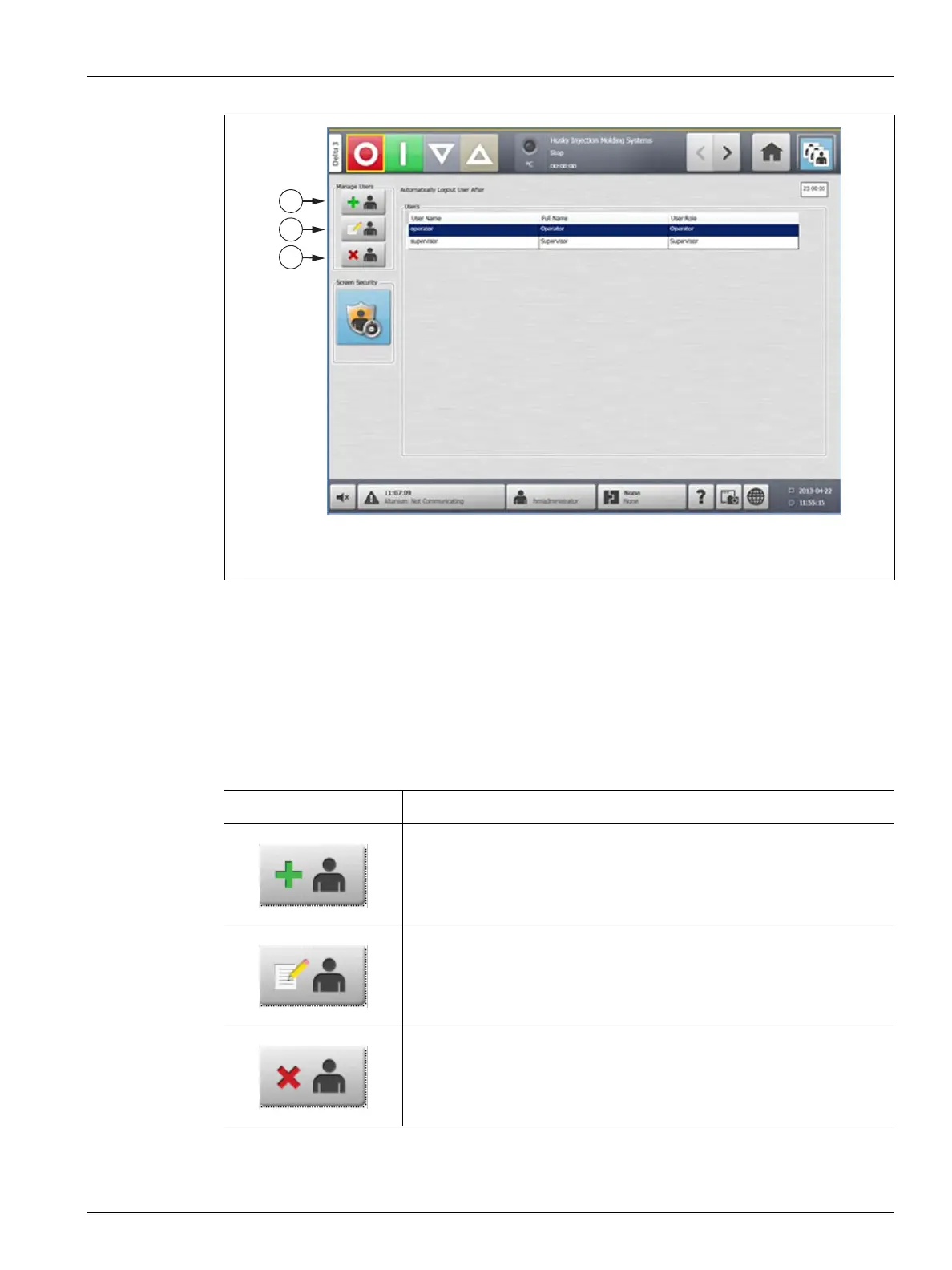
Figure 5-3 Manage Users
1. Add User 2. Change User Settings 3. Delete User
Table 5-3 Manage Users Buttons
Button Description
Touch the Add User button to add a user to the system.
Touch the Change User Settings button to modify the user name,
password or user role for a given user.
Touch the Delete User button to remove a user from the system.



 To Next Page