Monitor Zone Settings 123
User Guide v 2.3 — September 2015 System Setup Screen
10.1.11 Monitor Zone Settings
Allow Monitor Regulation For Selection - This parameter allows the user to change the
regulation mode to 'Monitor' for any zones in the Quick Set screen. If a zone is already in
'Monitor' regulation when this parameter is de-selected, the system will automatically
change the regulation mode to 'Automatic'.
Exclude Monitor Zones From At-Temperature - This parameter allows the user to exclude
any zones set to 'Monitor' regulation from the at-temperature determination by the system.
By default monitor zones are included in the at-temperature determination.
1. On the System Setup screen, under Monitor Zone Settings, select the desired field(s).
2. Touch the Accept button.
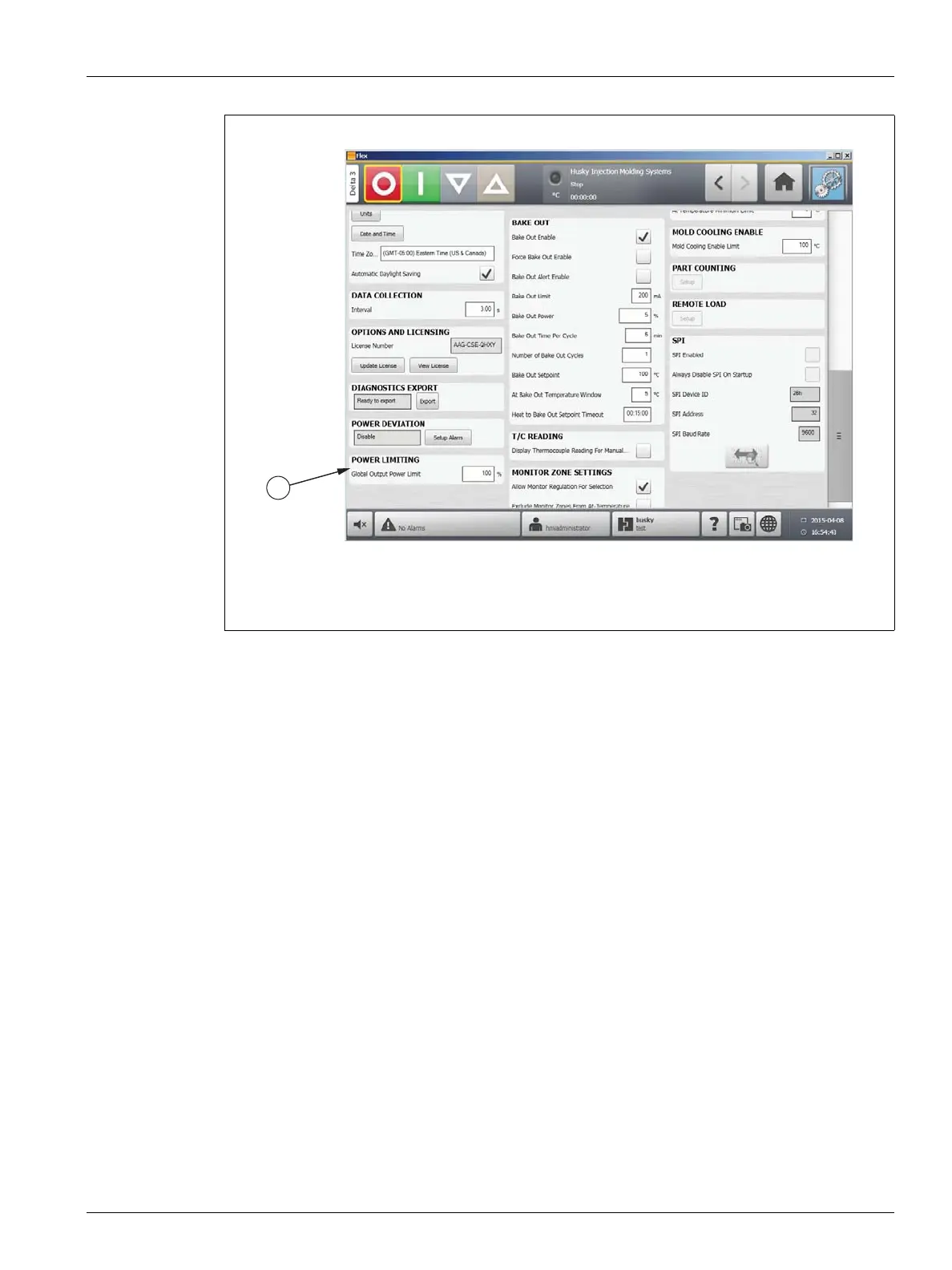
Figure 10-6 Power Limiting
1. Power Limiting
1



 To Next Page