Multi Group View Screen 27
User Guide v 2.3 — September 2015 Altanium Operator Interface
4.2 Multi Group View Screen
Use the Multi Group View screen to view all user configured zone groups. Each group has
its own controls for synchronously turning all zones in the group on or off, and putting them
into standby or boost mode.
NOTE:For information about creating groups, refer to Section 7.2.
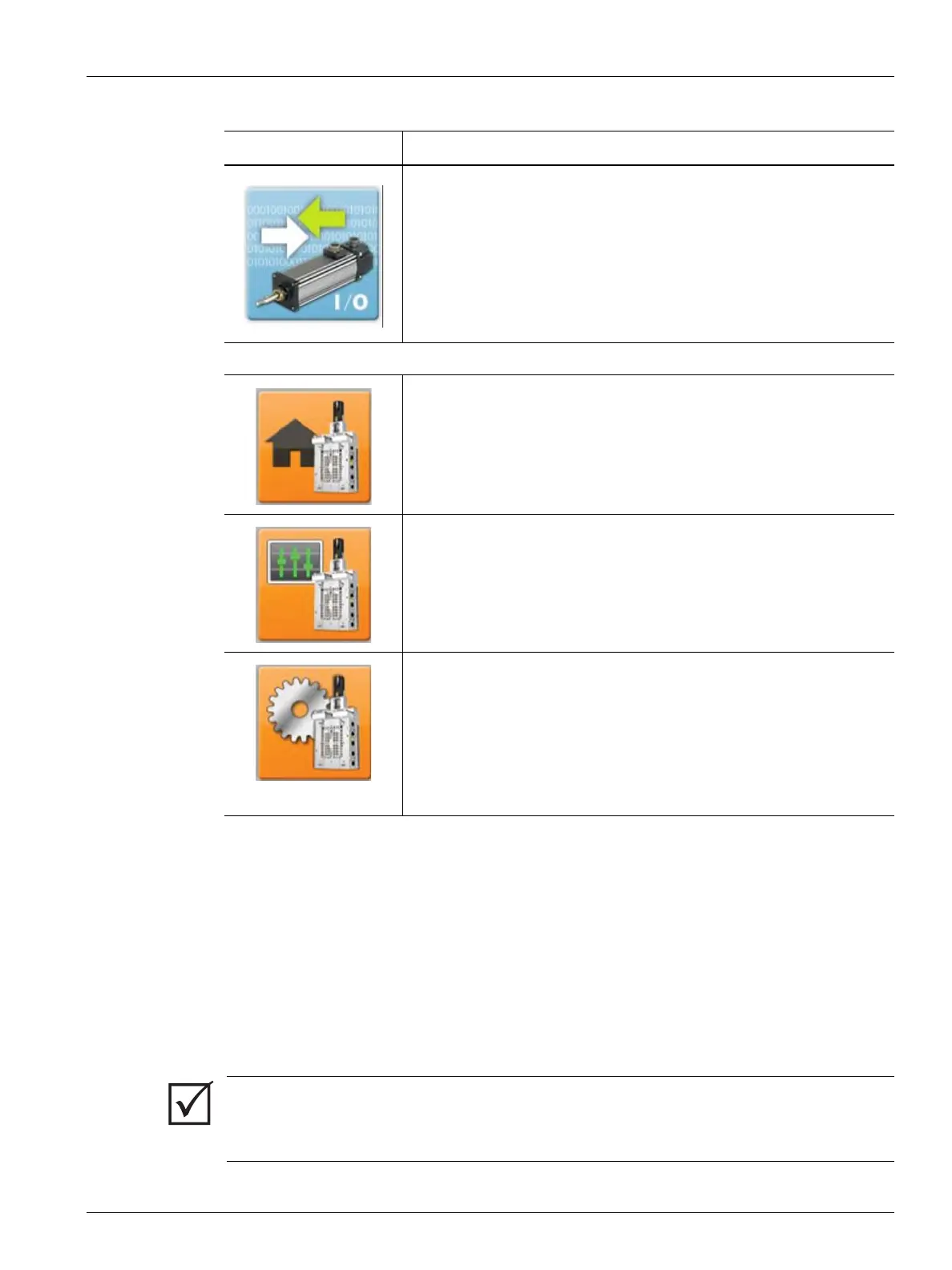
Servo I/O
This functionality is optional and the button appears on the Home
screen if the system is equipped with UltraSync-E control.
UltraSync-E Screens (If Equipped)
Main
Profile
Setup
Table 4-4 Screen Buttons (Continued)
Screen Description
IMPORTANT!
The Stop, Start, Standby, and Boost buttons at the top left corner of the screen apply to all
zones and will override the group settings.



 To Next Page