v 2.3 — September 2015 Altanium Delta3
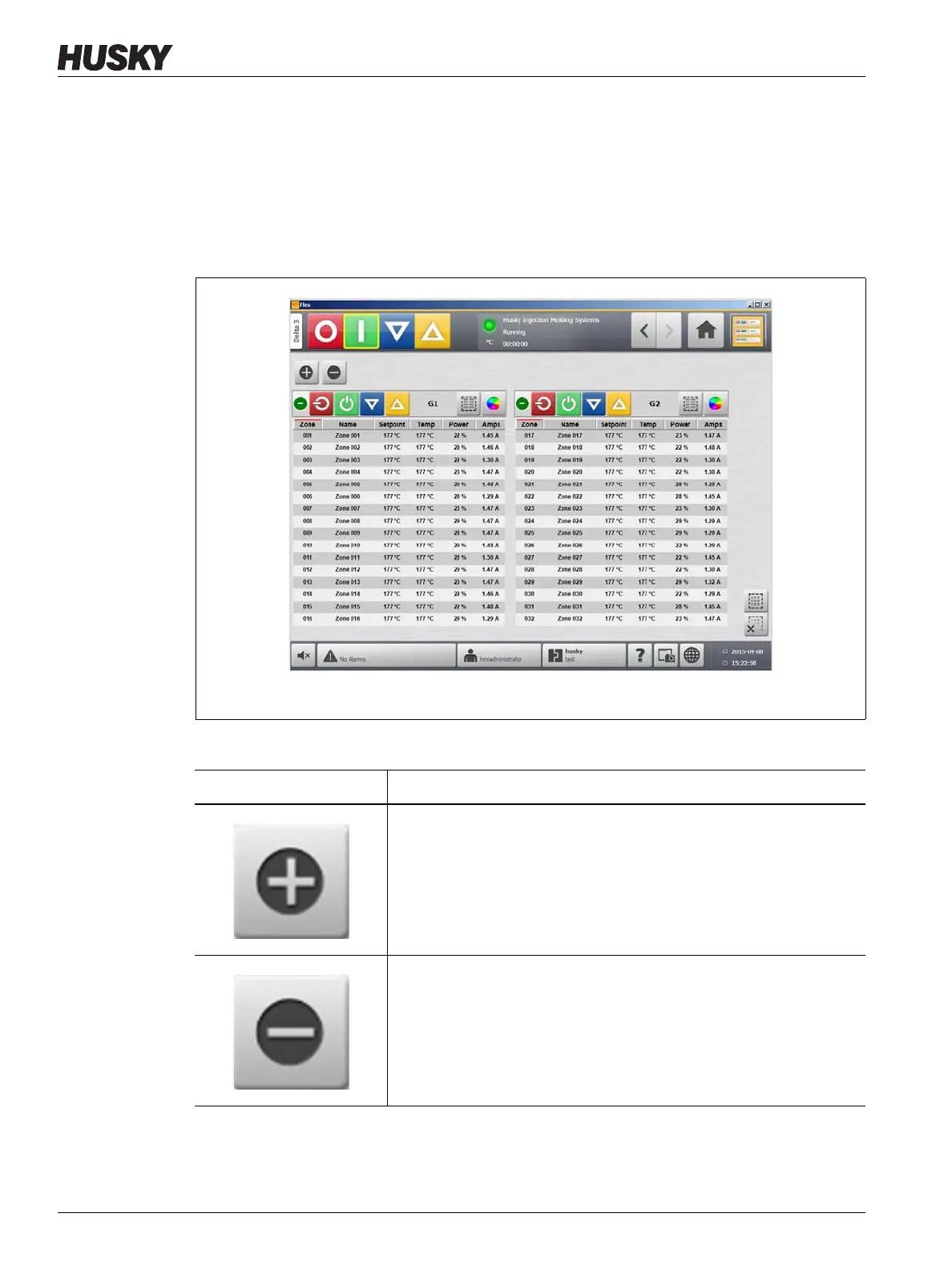
28 Multi Group View Screen
Touch the column heading to sort the information in that column. A red line at the top of the
column header indicates the information is in ascending order. A red line at the bottom of
the column header indicates the information is in descending order.
NOTE:Touching the top right screen icon toggles the between a two column view and a
one column view.
Select a single zone or a block of zones to automatically open the Quick Set screen with that
zone or block of zones selected.
Figure 4-2 Multi Group View Screen
Table 4-5 Buttons
Button Description
Expands all group information lists.
Collapses all group information lists.



 To Next Page