Temperature Control Shortcuts Buttons 23
User Guide v 2.3 — September 2015 Altanium Operator Interface
4.1.7 Temperature Control Shortcuts Buttons
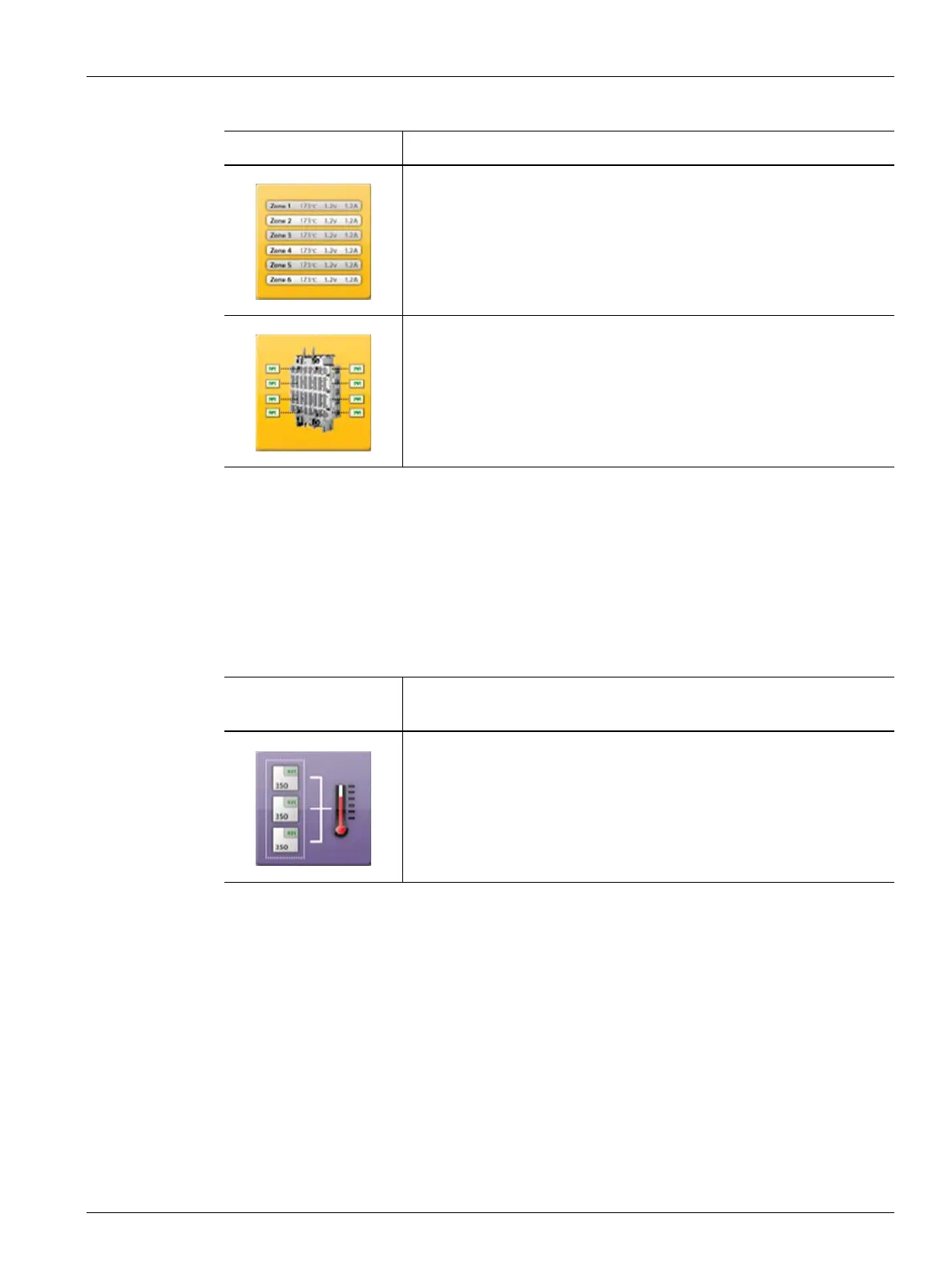
The Altanium temperature control shortcuts buttons provide a link to the Quick Set screen
for those zones that are assigned to the associated group represented by the button. A
maximum of ten shortcut buttons can be displayed at once on the Home screen.
4.1.7.1 Creating a Shortcut Button
To create a shortcut button, do the following:
On the Quick Set screen, select a group of zones. Touch the Group Name parameter and
assign a group name to the selected zones. For each group created, a shortcut button
appears on the Home screen. For more information about creating a group, refer to
Section 7.2.
Touch the Text View button to display the Text View screen, which
contains a textual representation of zone data.
Touch the Mold Picture View button to display the Mold Picture View
screen, which provides a visualization of the mold or hot runner system
layout using an imported image file.
Table 4-2 Views Buttons (Continued)
View Button Description
Table 4-3 Shortcut Button
Temperature Control
Shortcut Button
Description
Touch the shortcut button to open the Quick Set screen and
automatically select the zones assigned to the group associated to the
shortcut.



 To Next Page