v 2.3 — September 2015 Altanium Delta3
128 Resetting the Part Counter
10.1.14.1.1 Resetting the Part Counter
When activated, Digital Input 8 (Reset Parts Counter) will automatically reset the Parts in
Sack parameter and Parts display on the system header to zero when the current part count
is greater than or equal to the sack full limit. For more information on configuring digital
inputs/outputs refer to Section 13.1.
To manually reset the Part Counter, do the following:
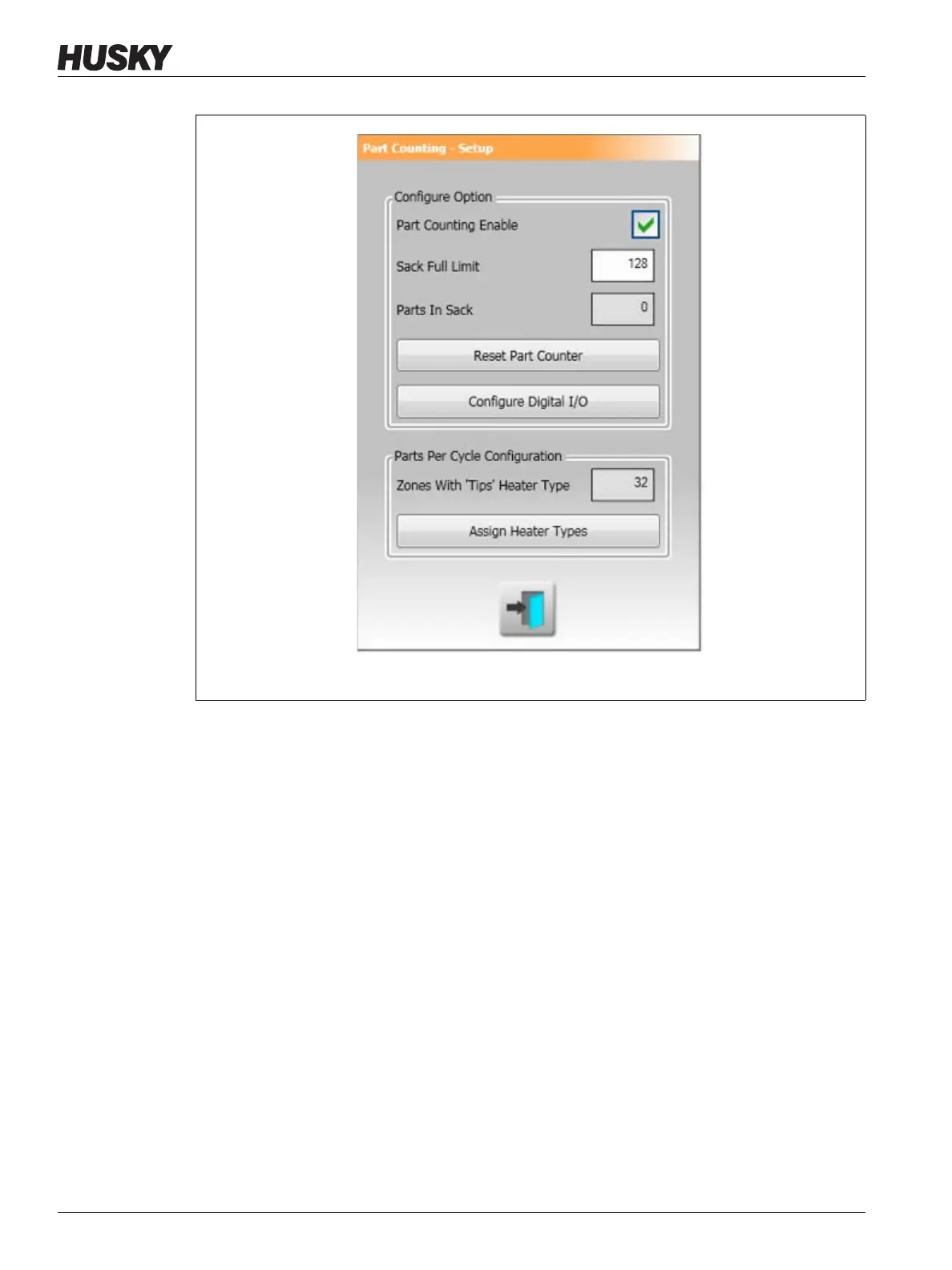
1. On the Part Counting - Setup dialog box, touch Reset Part Counter. The Parts in Sack
parameter and Parts display on the system header will be reset to zero.
10.1.14.1.2 Sack Full Output Optimization
The system will automatically adjust the Sack Full Limit if an abort condition error occurs
while the system is in the 'Running' state and the PCM parameter is set to 'Zone' on the Quick
Set screen.
Figure 10-11 Part Counting - Setup Dialog Box



 To Next Page