Setting Up Part Counting 127
User Guide v 2.3 — September 2015 System Setup Screen
NOTE: The Heater Type parameter must be set to Tips for all zones that pertain to a
cavity in the mold. If no zones have a Heater Type parameter assigned, an error
message will appear.
3. Select Part Counting Enable.
4. Enter the desired Sack Full Limit to specify how many parts are required for the system
to consider the sack full. This number can be adjusted from 1 to 1,000,000.
5. Select Configure Digital I/O if not previously done. This will bring up the Digital I/O
screen. For more information on configuring digital inputs/outputs refer to Section 13.1.
The Parts in Sack parameter will display the current number of parts in the sack. The current
number of parts will also be displayed in the system header.
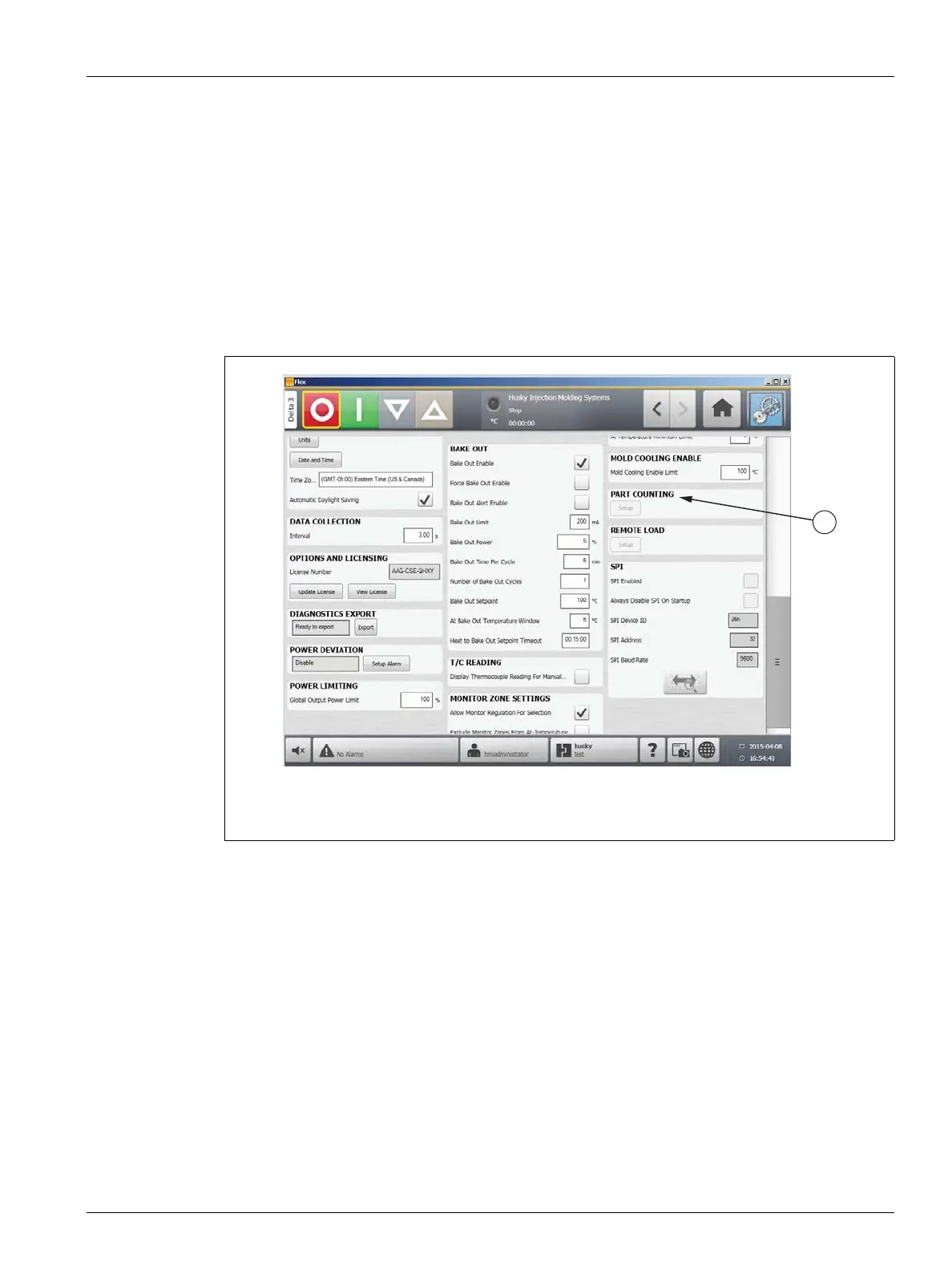
Figure 10-10 System Setup Screen - Part Counting
1. Part Counting



 To Next Page