v 2.3 — September 2015 Altanium Delta3
130 Remote Load
10.1.15 Remote Load
Mold setups can be loaded directly from the injection molding machine. Using the Remote
Load option, the injection molding machine can signal the controller on one of up to 1023
input combinations to indicate which mold setup to load. The system uses combinations of:
• Six binary inputs, allowing the user to assign a mold setup to each one of 63 possible
combinations.
• Eight binary inputs, allowing the user to assign a mold setup to each one of 255 possible
combinations.
• Ten binary inputs, allowing the user to assign a mold setup to each one of 1023 possible
combinations.
10.1.15.1 Setting Up Remote Load
To set up Remote Load, do the following:
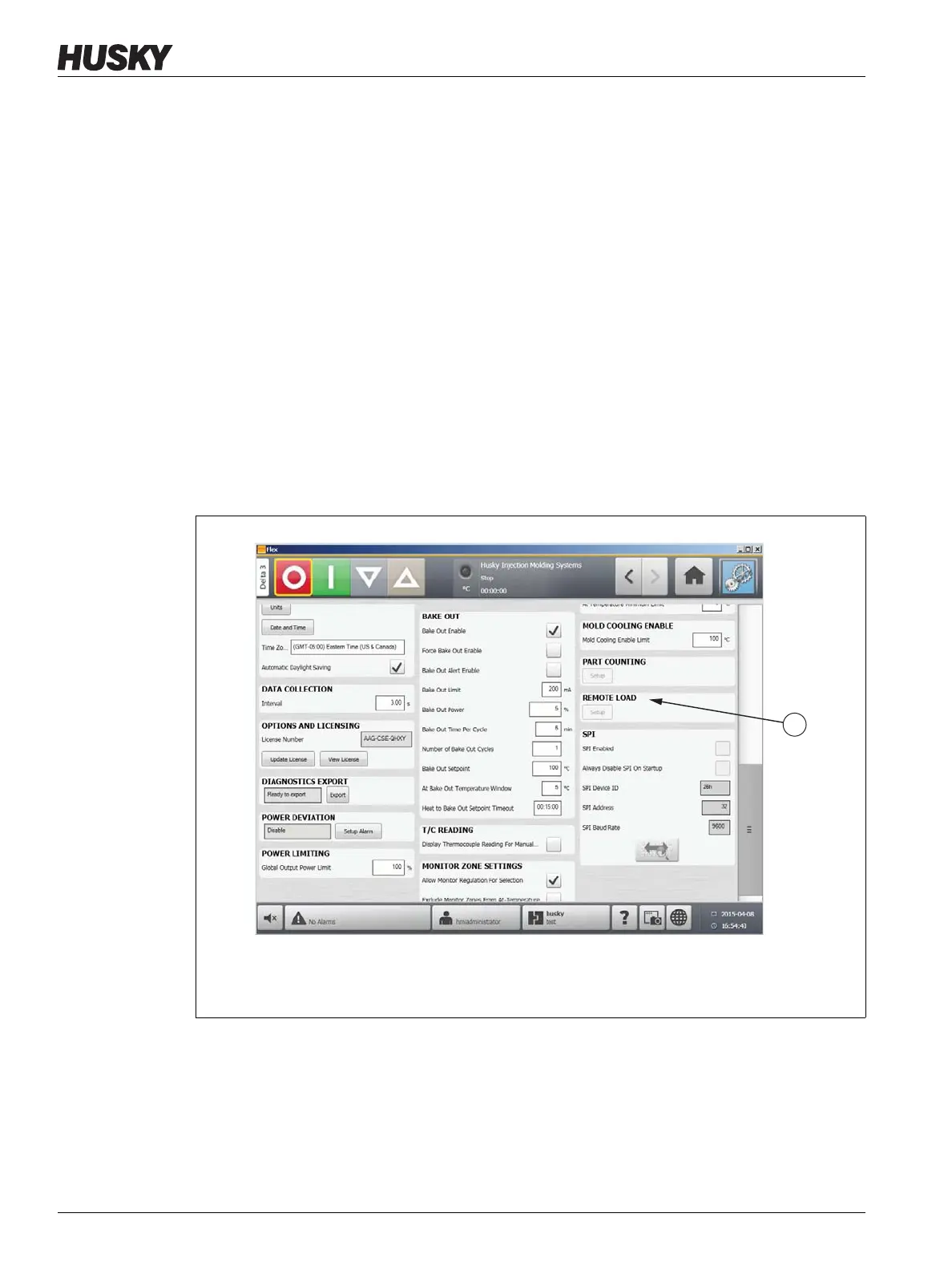
1. On the System Setup screen, under Remote Load, select Setup. A Remote Load Setup
dialog box will appear.
Figure 10-13 System Setup Screen - Remote Load
1. Remote Load
1



 To Next Page