Maintenance 203
User Guide v 2.3 — September 2015 UltraSync-E, If Equipped
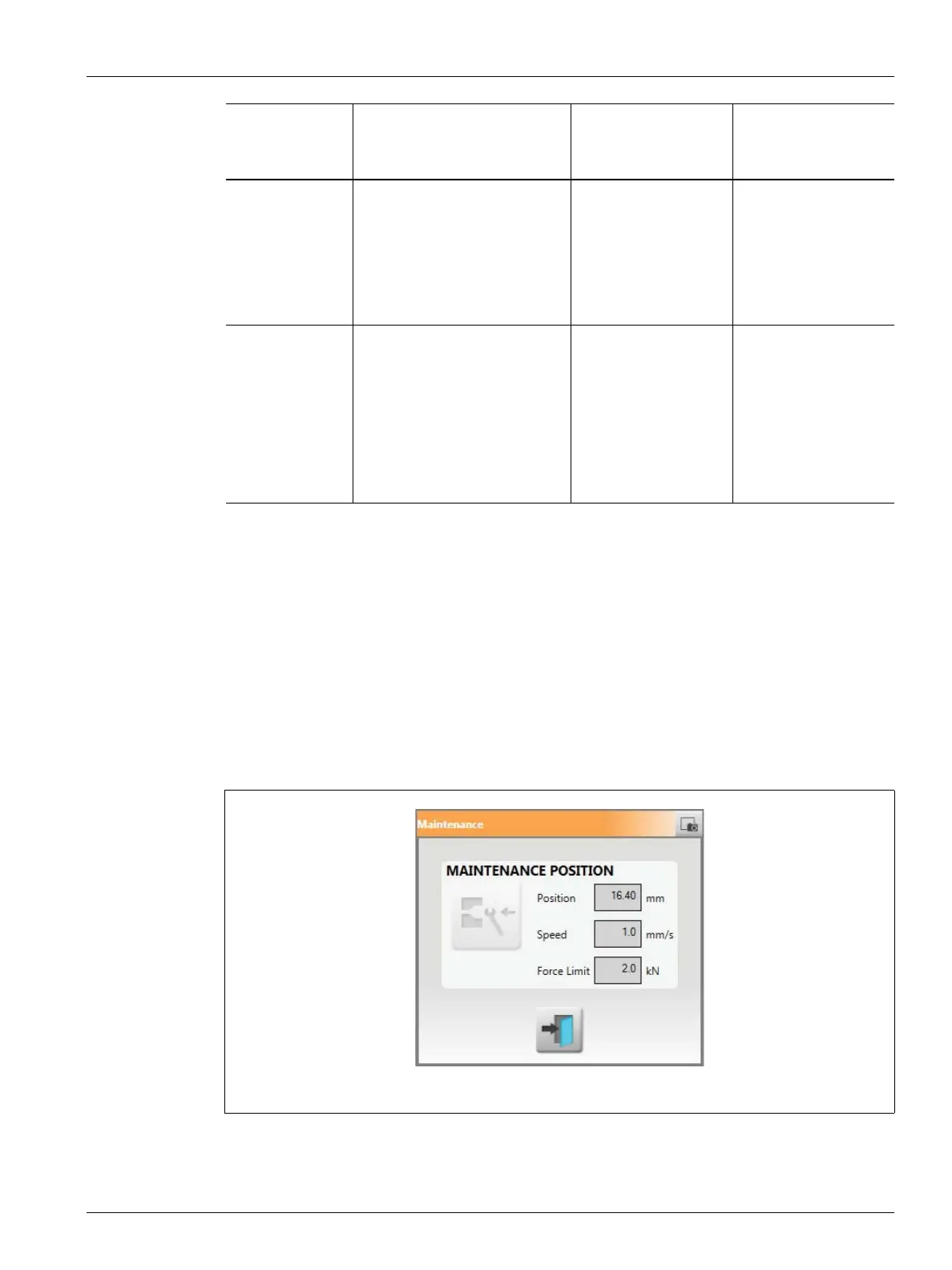
16.4.3.2 Maintenance
Use the Maintenance dialog box to configure the maintenance position for Generation 1
tools.
The Maintenance position is user-adjustable, to a maximum of 20 mm. The default setting is
16.4 mm.
The Velocity setpoint to reach maintenance position is user-selectable, to a maximum of 5
mm/s. The default setting is 1mm/s.
The maintenance position command button and settings will be accessible only when
logged in with the appropriate security level.
One Trigger Valve stems open after the
Open Command signal is
active and the stem open
delay timer is complete. Valve
stems stay open until the stem
close delay timer is complete.
• Clamp closed
• Mold close
• Machine nozzle
shutoff
• Configurable
output
—
Two Triggers Valve stems open after the
Open Command signal is
active and the stem open
delay timer is complete. Valve
stems stay open until the
Close Command signal is
active and the stem close
delay timer is complete.
• Clamp closed
• Mold close
• Machine nozzle
shutoff
• Configurable
output
• Hold
• Valve Gate Close
Input Signal
Configuration
Description
Open Valve Stems
Command
Examples
Close Valve Stems
Command
Examples
Figure 16-5 Maintenance Dialog Box



 To Next Page