Altanium X/H-Series Card Cage 181
User Guide v 2.3 — September 2015 Maintenance
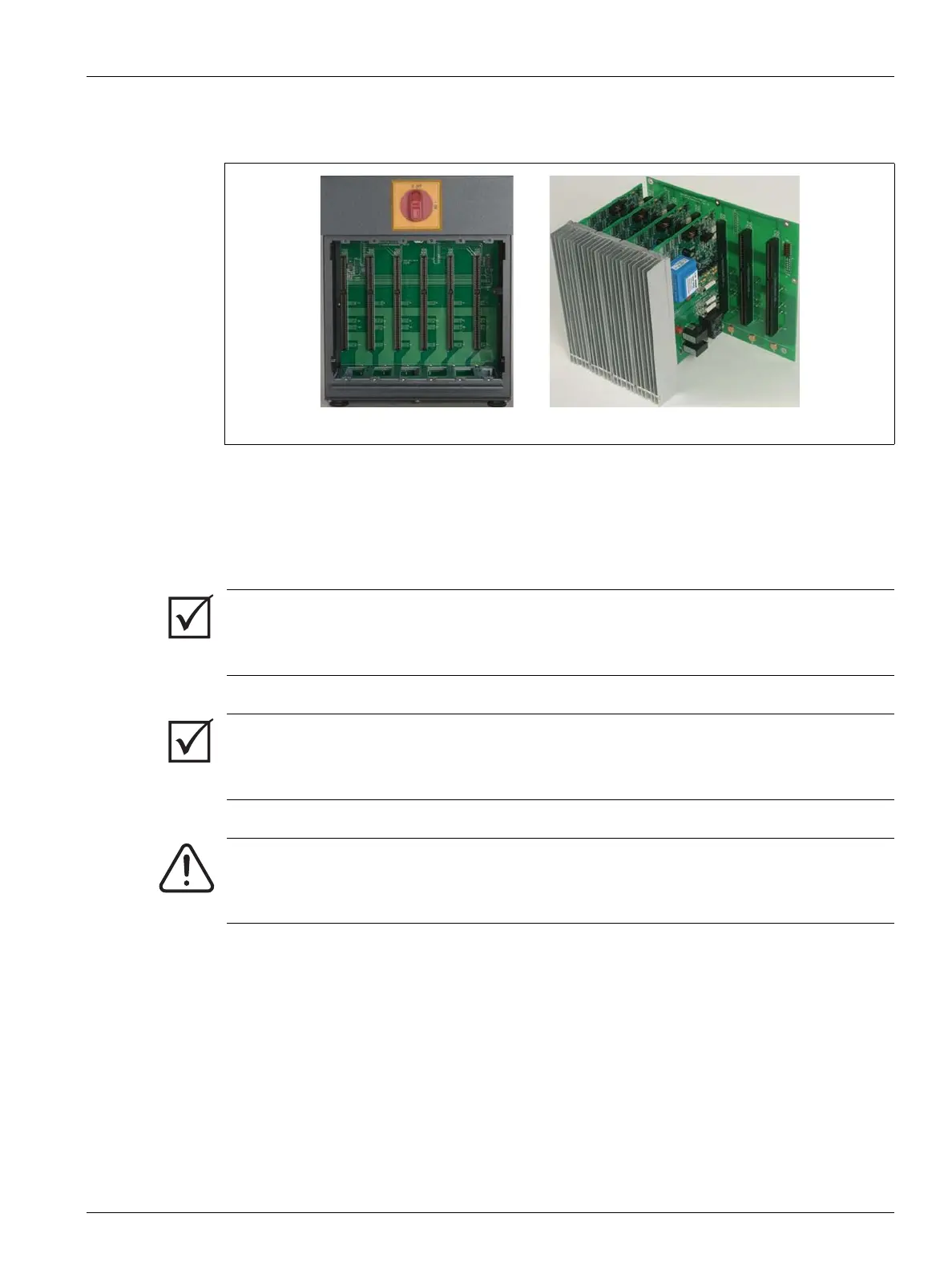
15.3.1 Altanium X/H-Series Card Cage
Access all user-serviceable parts, including fuses and circuit boards, by loosening the upper
and lower slotted screws on each heat sink assembly and then sliding a screwdriver between
the horizontal silver post and the ledge on the cabinet and prying the board out.
Located inside each card cage are one to six Intelligent Control Cards (ICC
2
or ICC
3
) and a
single Passive Backplane.
Figure 15-6 X/H-Series Card Cage
IMPORTANT!
Although they look similar, ICC
2
and ICC
3
cards use different backplanes and are not
compatible with each other.
IMPORTANT!
An Intelligent Control Card must be present in the position labeled 1 in all card cages for the
system to function properly.
WARNING!
Hazardous voltages– risk of death or serious injury. Before servicing the Altanium unit
lock out and tag the Altanium Main Power switch in accordance with local codes.



 To Next Page