v 2.3 — September 2015 Altanium Delta3
40 Configuring the Supply Voltage
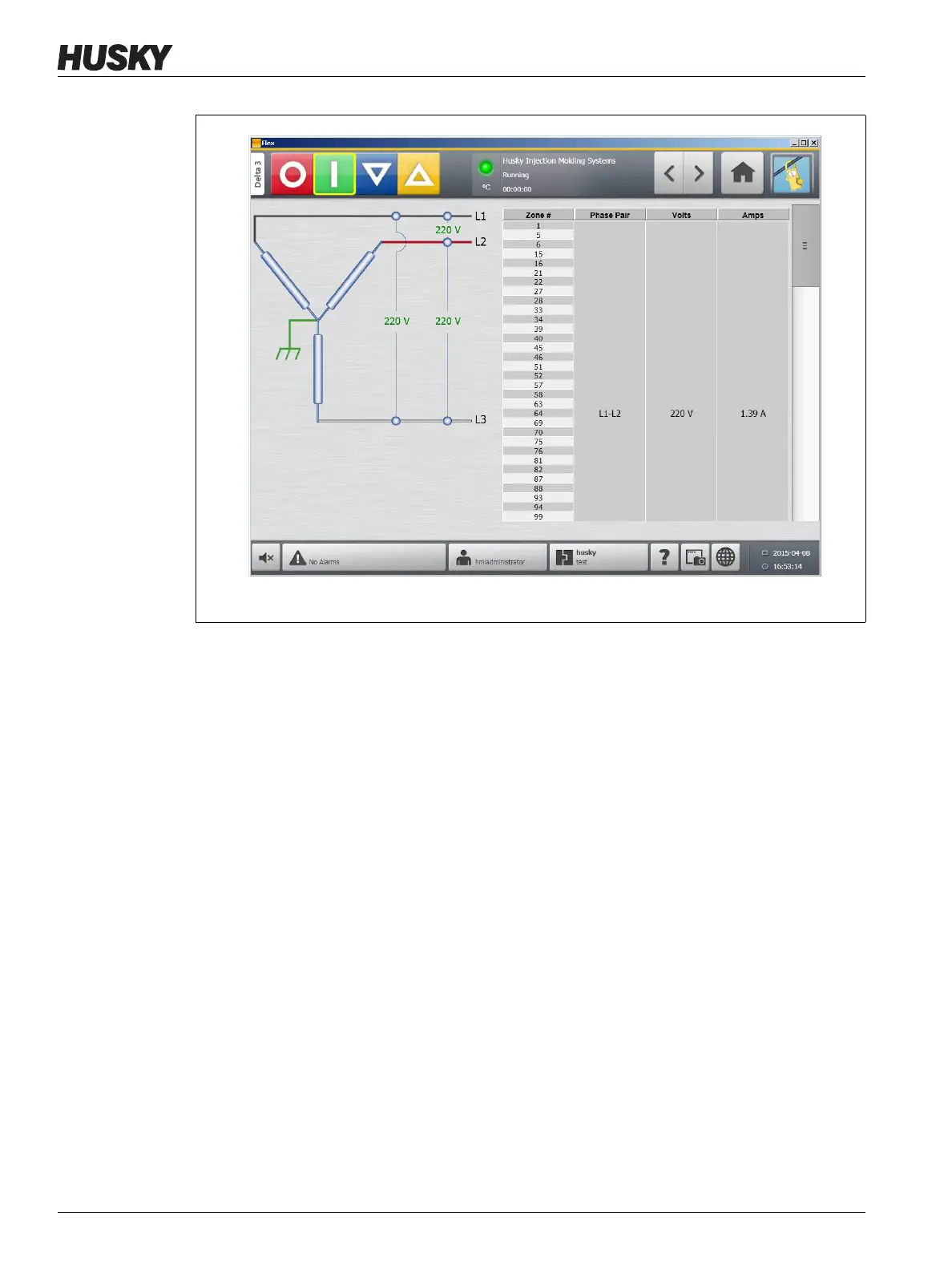
4.6.2 Configuring the Supply Voltage
The Altanium system is configured at the factory for the supply configuration. If the system
is shipped to another location where the power configuration is different (for example:
another country), the setting may need to be changed.
To configure the supply voltage, do the following:
1. On the Home screen, touch the System Setup button.
2. Under Voltage Settings, touch the Supply Configuration field.
Figure 4-12 Integrated TX Supply Voltage Screen



 To Next Page