v 2.3 — September 2015 Altanium Delta3
114 Changing the Units of Measure
10.1.3 Changing the Units of Measure
Users can configure Altanium to display the international system of units (SI) or the imperial
units of measure.
To change the units of measure, do the following:
1. On the System Setup screen, under User Settings, touch the Units button.
2. Change the desired units of measure.
3. Touch the Exit button.
NOTE:If Altanium is forced to a specified setting, only administrators can change the units
of measure.
10.1.4 Changing the Energy Usage and Units
Energy accumulation data is updated every three seconds and presented in real time to the
user on the Energy Display screen. Users can enter Energy Cost Rate (Kwh) and Currency
Type through the Energy Usage and Units section in the System Setup screen.
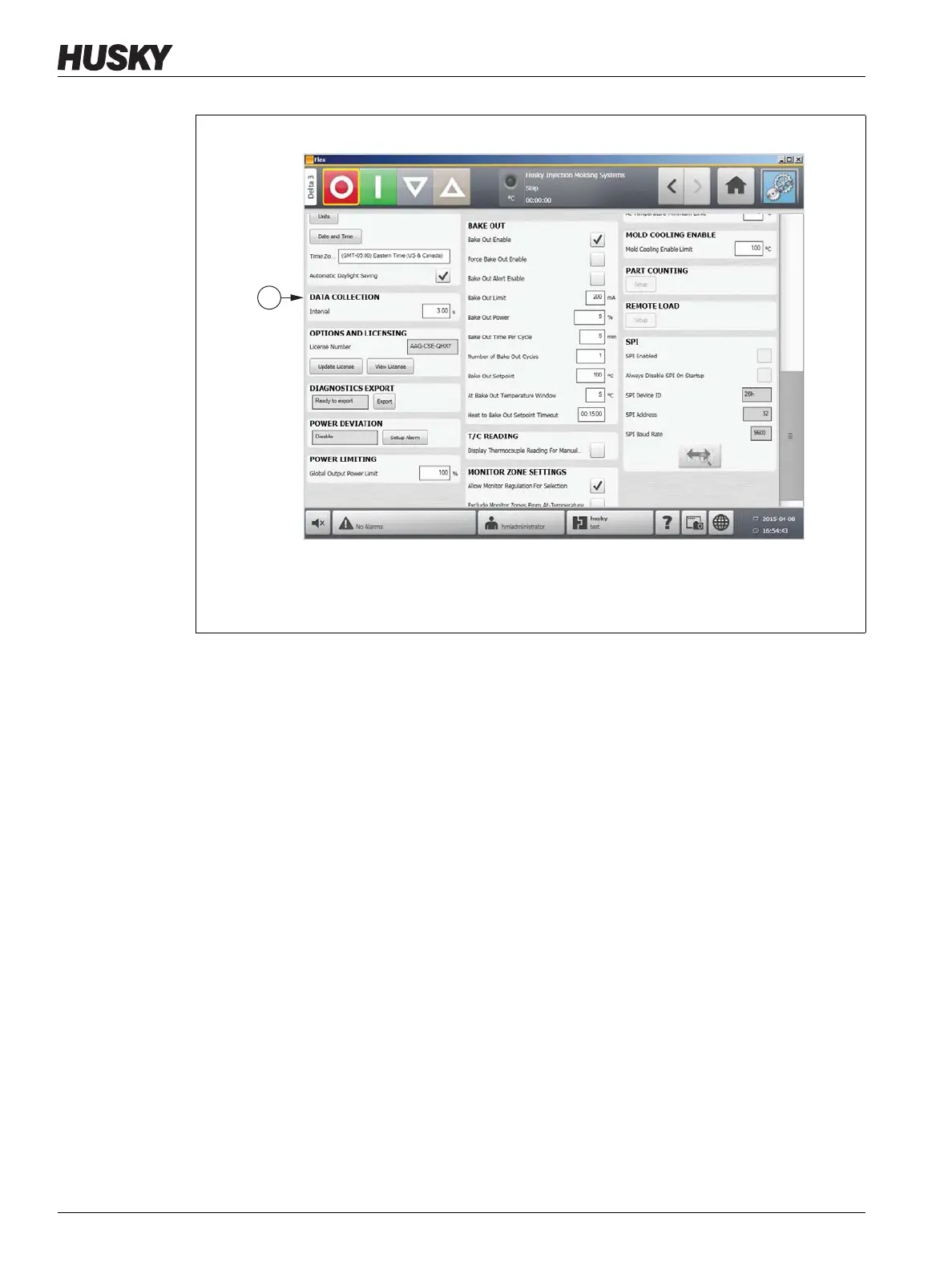
Figure 10-3 Data Collection
1. Data Collection Area



 To Next Page