Options and Licensing 125
User Guide v 2.3 — September 2015 System Setup Screen
Users can update license files from local, USB and network drives.
To update licensing information, do the following:
1. On the System Setup screen, under Options and Licensing, select Update License.
2. Upload the new license as applicable.
3. Once updated, a confirmation dialog box will appear on screen.
4. Touch the Accept button.
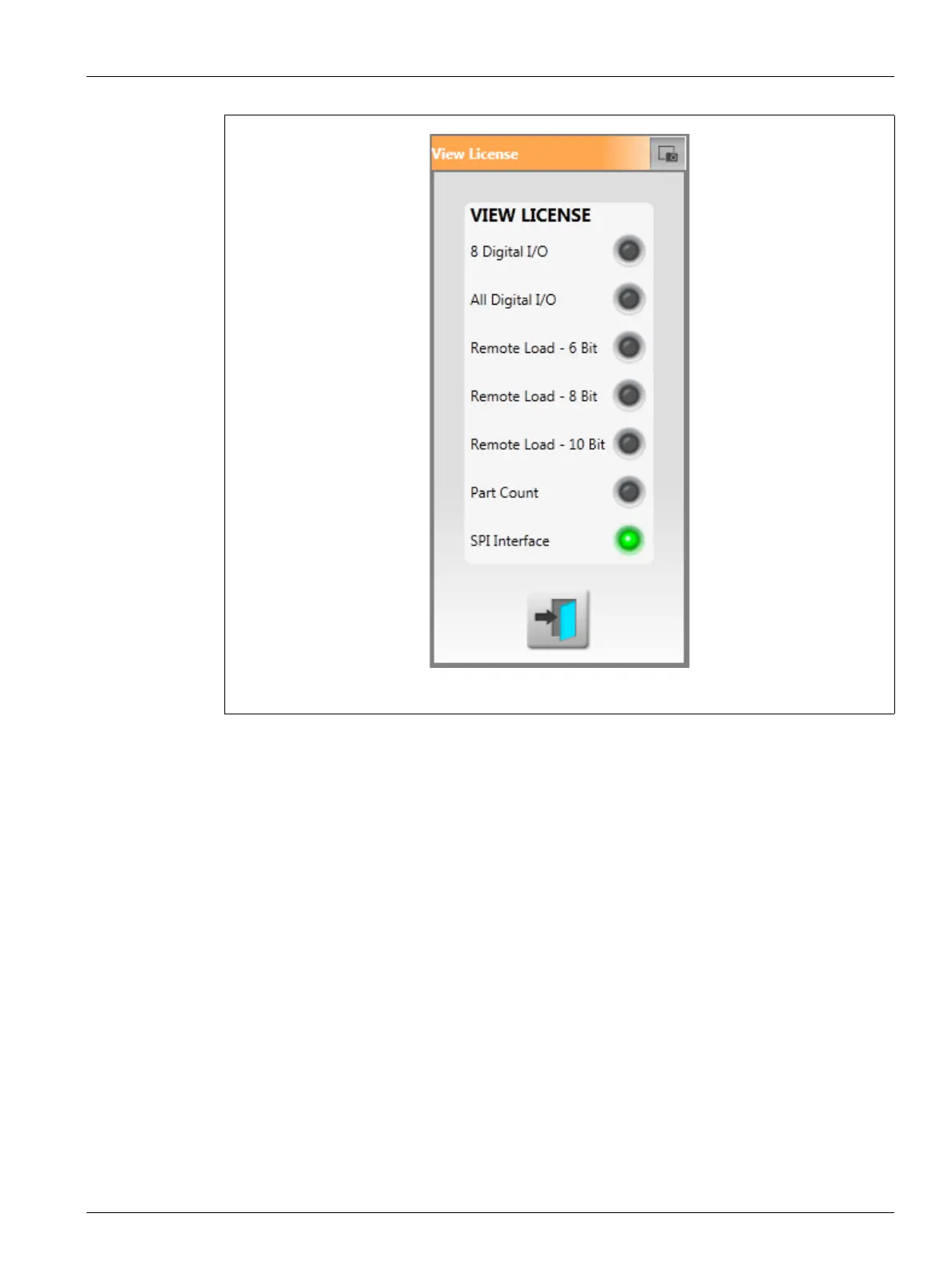
Figure 10-8 View License Popup



 To Next Page