v 2.3 — September 2015 Altanium Delta3
164 Configuring the Digital I/O
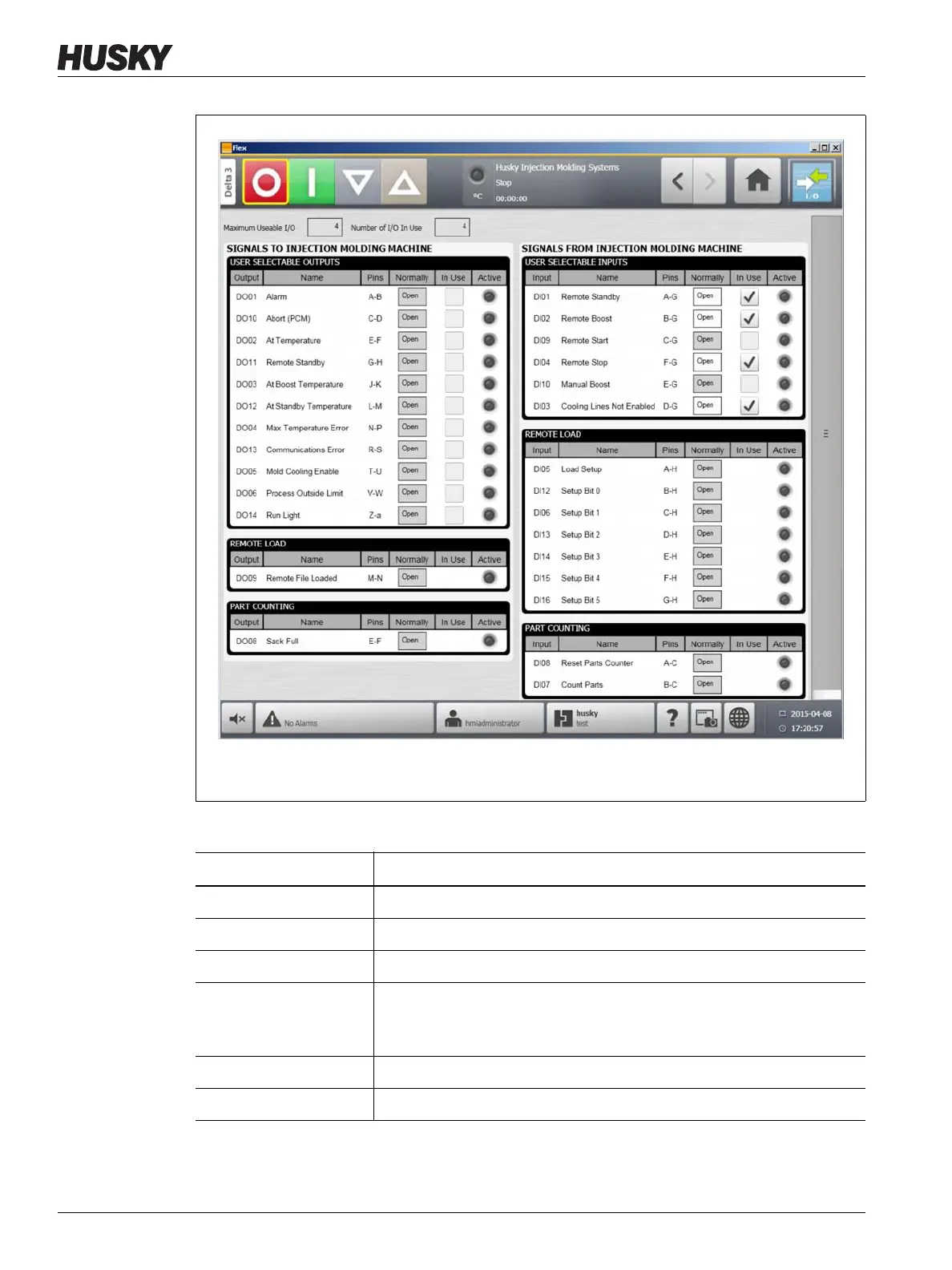
Figure 13-1 Digital I/O Screen
Table 13-1 Digital I/O Screen Item Descriptions
Item Description
Input/Output Corresponds to the input or output number assigned to the option.
Name The names of the input and output options.
Pins The connector pins associated with each input and output.
Normally Inputs normally refer to the state of the external dry contact. Outputs
normally refer to the state of the internal relay switch. The relay switch
may be closed or opened when the output is active.
In Use Used to turn the option on or off.
Active Indicates if the feature is active (green) or inactive (grey).



 To Next Page