Controller Lifting Instructions 7
User Guide v 2.3 — September 2015 Introduction
3. Use the lifting device to apply enough upward force on the straps to remove the slack,
but do not lift the controller at this time.
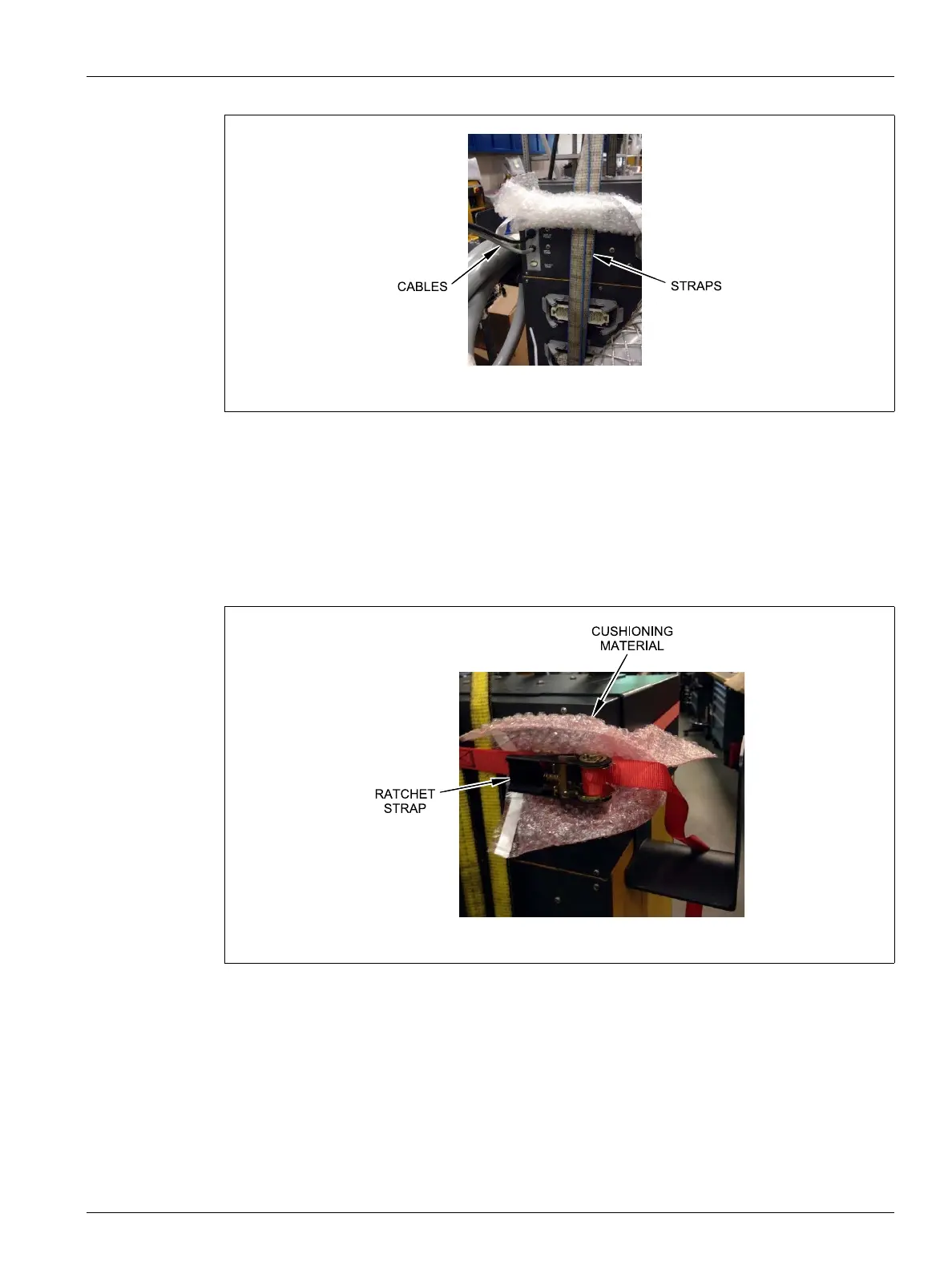
4. Place the ratchet strap around top of the controller, holding the four ends of the
webbed straps. Do not tighten the ratchet strap at this time.
NOTE:The ratchet strap keeps the controller from tipping when the controller is lifted.
5. Place cloth or other cushioning material between the ratchet strap and the controller to
keep the finish of the controller free from rubs and scratches.
6. Tighten the ratchet strap.
7. Use the lifting device to slowly lift the controller off the ground a few inches.
8. Check the webbed and ratchet straps to ensure the controller will not tip.
9. Move the controller to the new location.
10. At the new location, slowly lower the controller to the ground.
11. Remove the ratchet straps, cushioning material and webbed straps from the controller.
Figure 1-3 Checking Cables
Figure 1-4 Protecting the Controller Finish



 To Next Page