Connecting the Display Module 187
User Guide v 2.3 — September 2015 Maintenance
3. Position the display module with the attached interface plate on the mainframe.
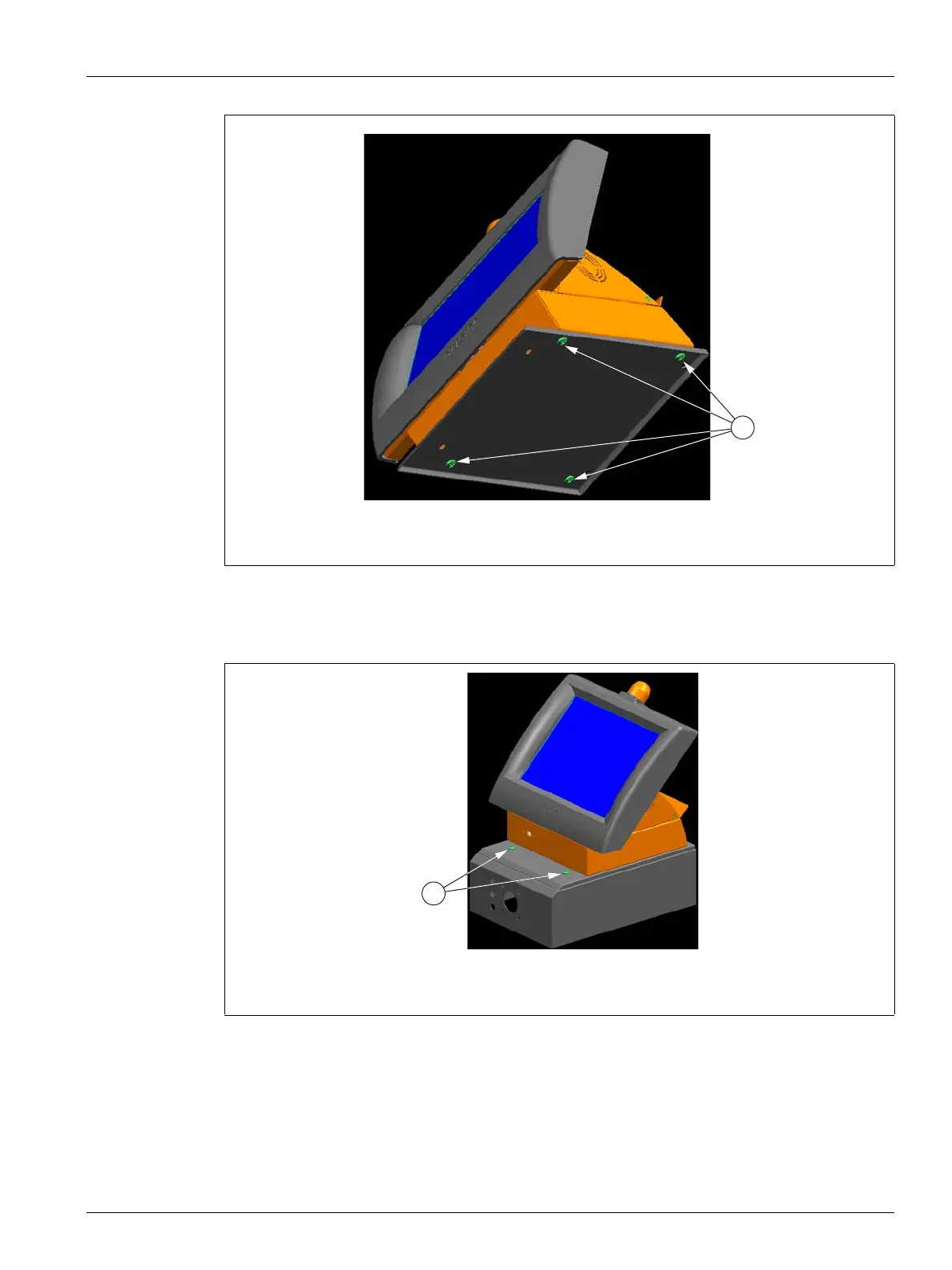
4. Facing the front of the controller, locate the four 1/4 inch-20 button head cap screws
that hold the Delta3 interface plate to the mainframe.
5. Install the four screws using the 5/32 inch hex wrench provided with the controller.
6. Facing the rear of the system, connect the Power and Input Comm cables to the
mainframe.
NOTE:The main power for the Altanium display module can only come from the
mainframe Display Power connection.
Figure 15-11 Attaching the Delta3 Interface Plate to the Display Module
1. Button Head Cap Screws, Bottom
Figure 15-12 Connecting the Delta3 Interface Plate to the Mainframe
1. Button Head Cap Screws



 To Next Page