v 2.3 — September 2015 Altanium Delta3
34 Printing to a File
6. Touch the Start button to initiate the continuous printing.
7. Copy the content saved to a USB drive or Network as desired.
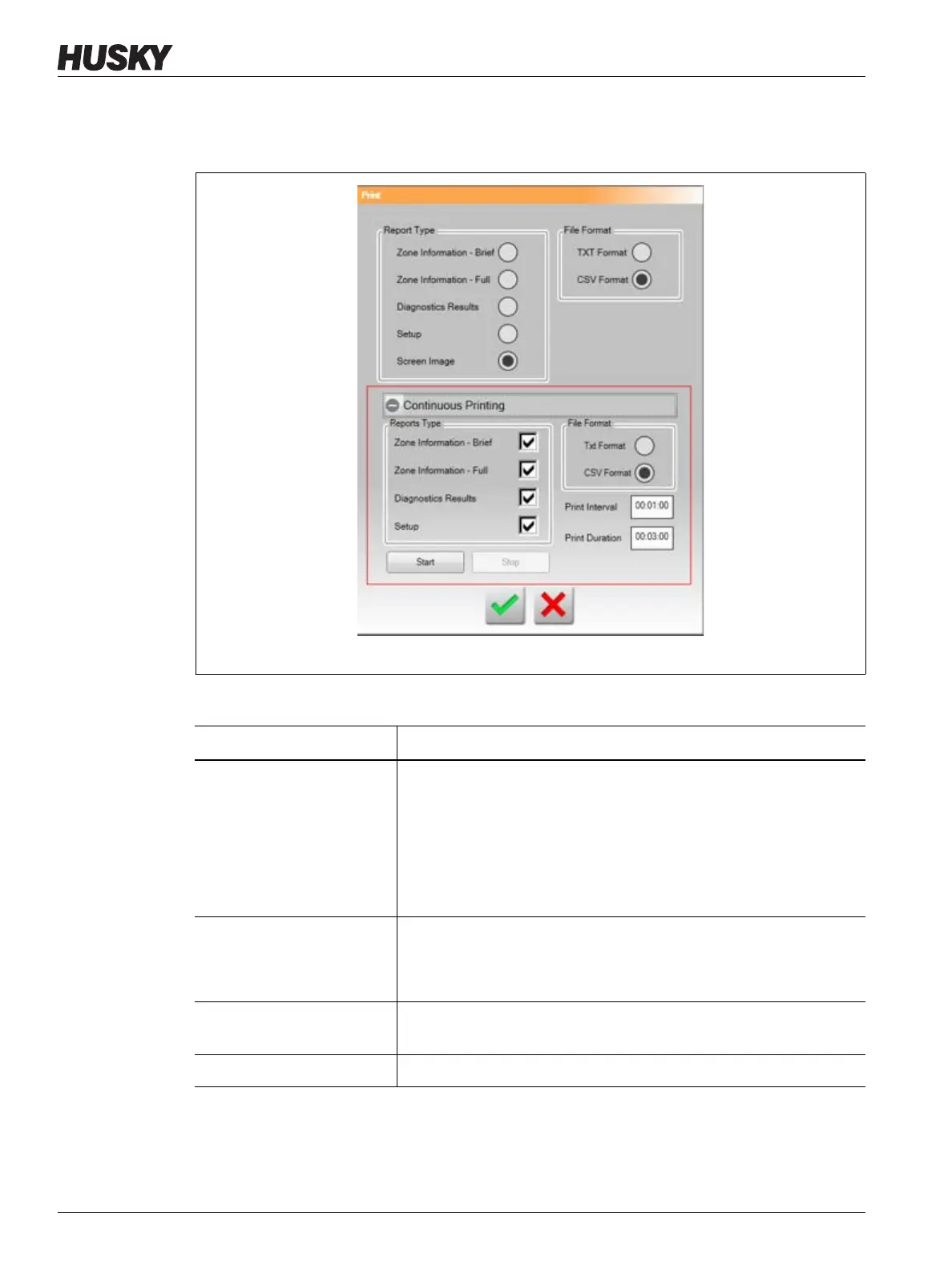
Figure 4-7 Print Dialog Box
Table 4-6 Print Dialog Box Item Descriptions
Item Description
Report Type Select the types of information to print:
• Zone Information - Brief
• Zone Information - Full
• Diagnostics Results
• Setup
• Screen Image
File Format Select the file format to print. Select one of the following:
• .TXT format
• .CSV format
Accept Button Saves changes made in the print dialog box and starts the printing
process.
Cancel Button Cancels the selected printing request.



 To Next Page